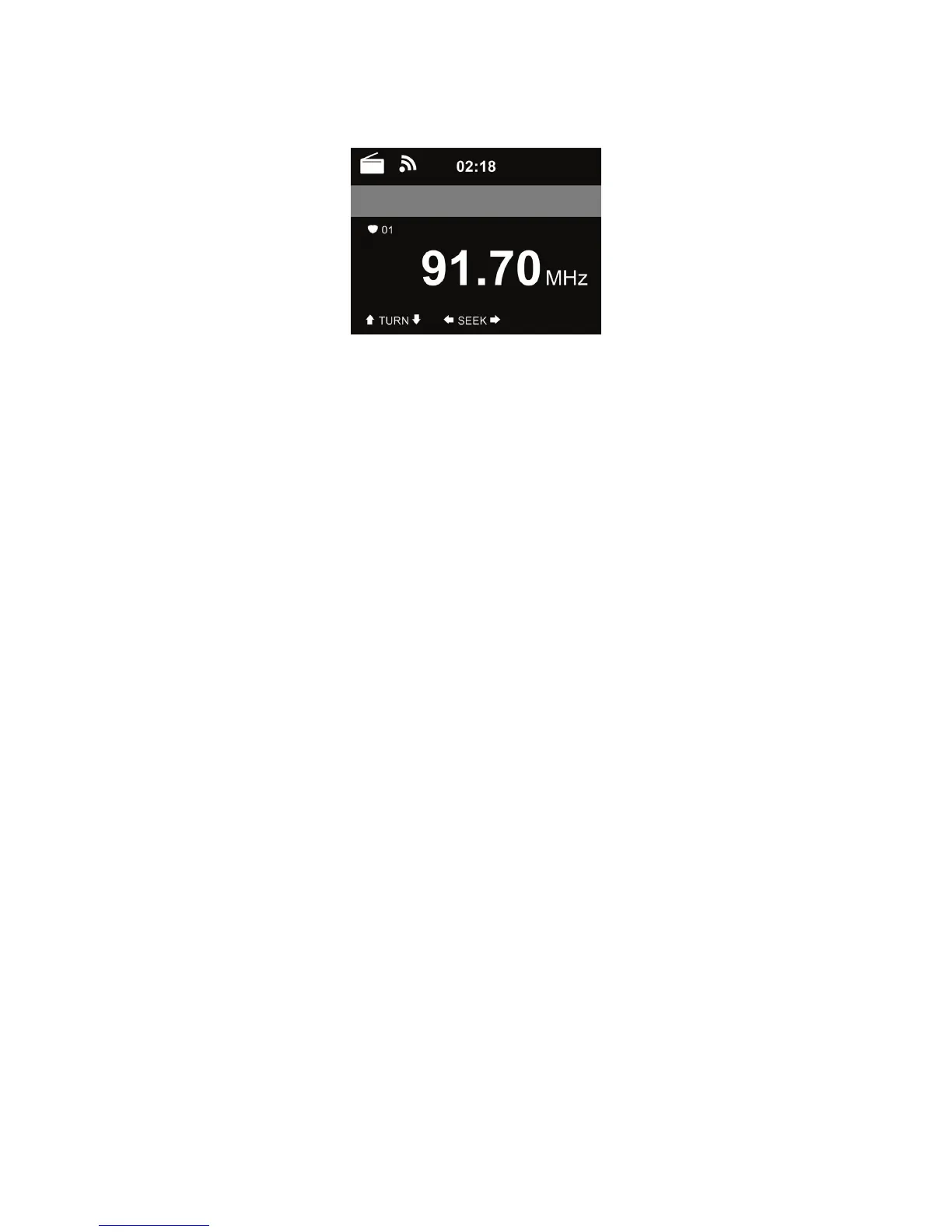
to search for FM stations. The frequency display starts to run up as DR 470 scans the
FM band. It stops when it has received a station.
You may press / on the remote control to tune station manually. Each step moves 0.05MHz.
Press and hold the FAVORITE on the remote control to save the station.
You can save up to 20 stations. Press FAVORITE, then press / on the remote control to choose
the saved station.
Alternatively, you can let the system scan ALL stations for you by pressing OK, the searched
stations will automatically be stored in preset station list.
5.4 AUX IN
Aux in mode plays audio from an external source such as an MP3 player.
To play audio with Aux in mode:
• Turn the volume low on both DR 470 and, if adjustable, the audio source device.
• Connect the external audio source to the Aux in 3.5mm stereo socket.
• Either press MODE until the display shows AUX IN or select AUX IN in the Main menu.
• Adjust the volume of DR 470 (and, if necessary, the audio source device) as required.



 To Next Page