EasyManua.ls Logo

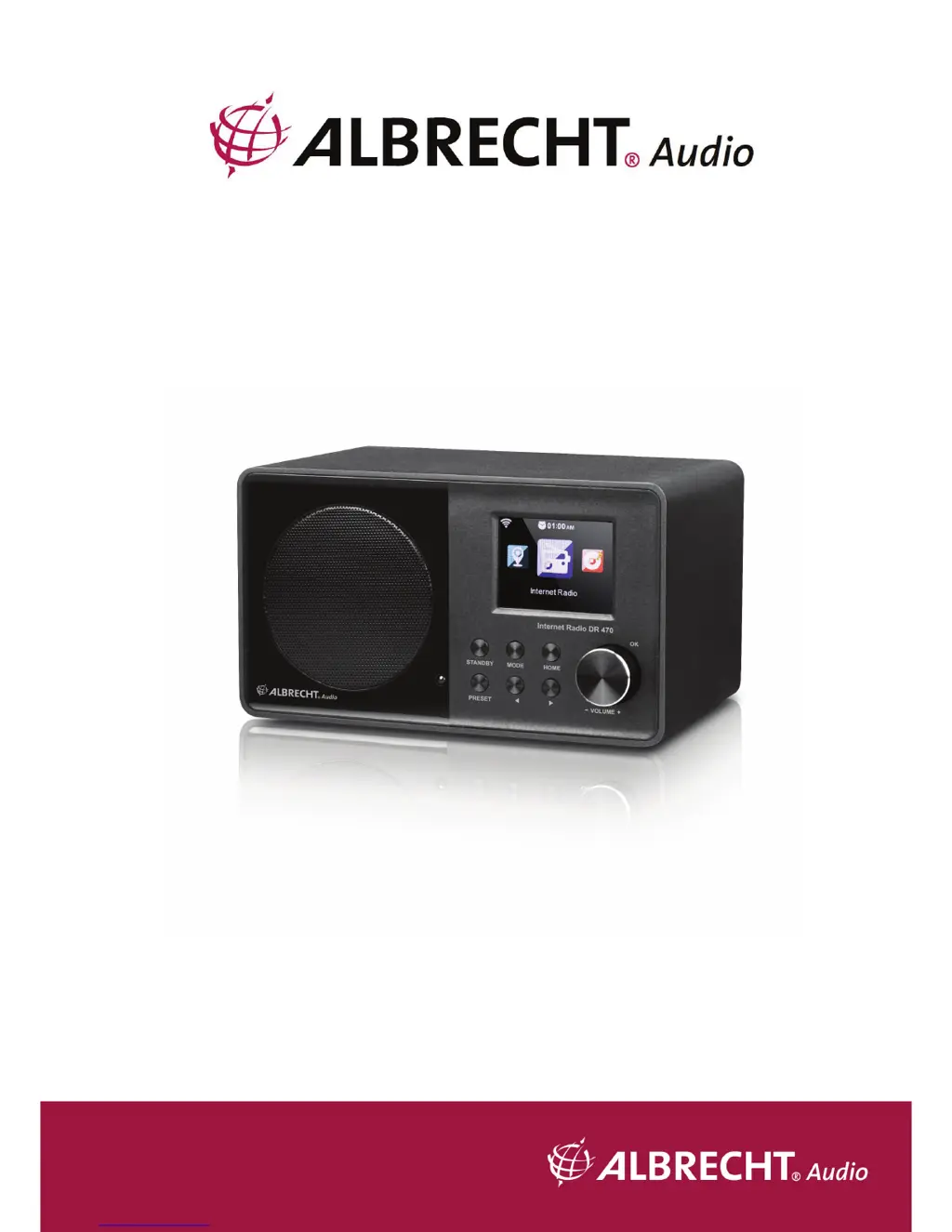
Albrecht DR 470 - User Manual

Albrecht DR 470
30 pages
Print Icon
To Next Page IconTo Next Page
Loading...
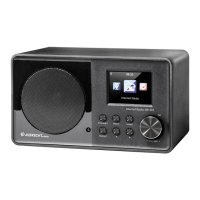
Internet Radio
DR 470
Manual
English

Questions and Answers

  • B
    Bryan AndersonSep 2, 2025
    What to do if DLNA streaming isn't working on Albrecht Radio?
    • D
      Destiny DavisSep 2, 2025
      If DLNA streaming isn't working on your Albrecht Radio, check the network connection. Ensure that the radio and your device are on the same network, and verify that the network connection is stable. Also, make sure the settings on your device are correct.
  • L
    Lisa SimmonsAug 31, 2025
    How to improve FM reception on Albrecht Radio and remove the hiss?
    • S
      stacyboydAug 31, 2025
      To improve FM reception on your Albrecht Radio and remove the hiss, check or move the FM antenna. You can also try moving the radio to a different location.
  • T
    tgarnerAug 29, 2025
    Why Albrecht DR 470 can't find any stations?
    • J
      Jennifer SingletonAug 29, 2025
      If your Albrecht Radio can't find any stations, check the network, access point, and firewall. The station may not be available currently, so try again later or select another station. If manually added, the link of manual added station is not correct, make sure it is correct and re-enter. If the link of the station is changed or the station no longer transmits, ask the provider for information.
  • D
    Dominique TerryAug 27, 2025
    What to do if my Albrecht DR 470 does not switch on?
    • Z
      zreedAug 28, 2025
      If your Albrecht Radio does not switch on, check if the power adapter is properly connected. Also, the device may malfunction when used in areas with strong radio interference; the device will work properly again once there is no more interference.
  • D
    dflynnAug 27, 2025
    How to fix WLAN connection issues on Albrecht DR 470 Radio?
    • G
      georgecampbellAug 27, 2025
      To fix WLAN connection issues on your Albrecht Radio, check the availability of the WLAN network on the access point. Try placing the device closer to the router. Also, ensure that the WEP/WPA password you entered is correct.
  • M
    Michael HuntAug 25, 2025
    What to do if my Albrecht Radio has no sound?
    • N
      Nicole BarberAug 25, 2025
      If your Albrecht Radio has no sound, first ensure that the sound is not muted by turning the sound on. If it is still silent, increase the volume.
  • J
    Julian DelgadoAug 22, 2025
    What to do if my Albrecht Radio system freezes suddenly?
    • A
      Alexander GriffinAug 22, 2025
      If your Albrecht Radio system freezes suddenly, it might be overloaded. Try rebooting the unit. Strong electromagnetic interference may also disturb the normal function of the product; if so, reset the product. If the function could not resume, please use the product in other location.

Summary

Before you start

Network Requirement

Requirements for network connection: broadband, WiFi support, and PC/smartphone.

Safety Precautions

Important safety instructions for handling, environment, power, and cleaning the device.

Getting Started

Get the network ready

Steps to prepare for a wireless LAN (WLAN) network connection.

Functions

Internet Radio

Information on connecting to and playing internet radio stations.

My Favorite

Creating and managing a list of favorite preset internet radio stations.

Media Center

Accessing and playing media from shared network sources.

About Music streaming

UPnP

Steps to set up music streaming from a PC using UPnP and Windows Media Player.

DLNA Function

Using DLNA for music streaming and control from PC or mobile devices.

Configuration

Settings for device configuration, including network, date, time, and alarms.

Network

Settings for wireless and wired network configurations.

Wireless Network Configuration

Enabling/disabling WiFi and automatic network connection.

Wireless Network (WPS PBC)

Setting up network connection easily using WPS/QSS button on router.

Alarm

Configuring independent alarms, including time, sound, and snooze function.

Reset

Restoring the device to its original default settings.

AirMusic Control App

Troubleshooting

Albrecht DR 470 Specifications

General IconGeneral
Radio typeInternet
Tuner typeDigital
PLL synthesizer-
Supported radio bandsFM
Preset stations quantity250
EqualizerYes
RMS rated power- W
Wi-Fi standards802.11b, 802.11g, Wi-Fi 4 (802.11n)
Product colorBlack
Input voltage230 V
Apple docking compatibilityNot supported
Cables includedAudio (3.5mm)
Weight and Dimensions IconWeight and Dimensions
Depth110 mm
Width195 mm
Height118 mm
Weight800 g

Related product manuals