39English
18.3.1. Wireless Network Confi guration
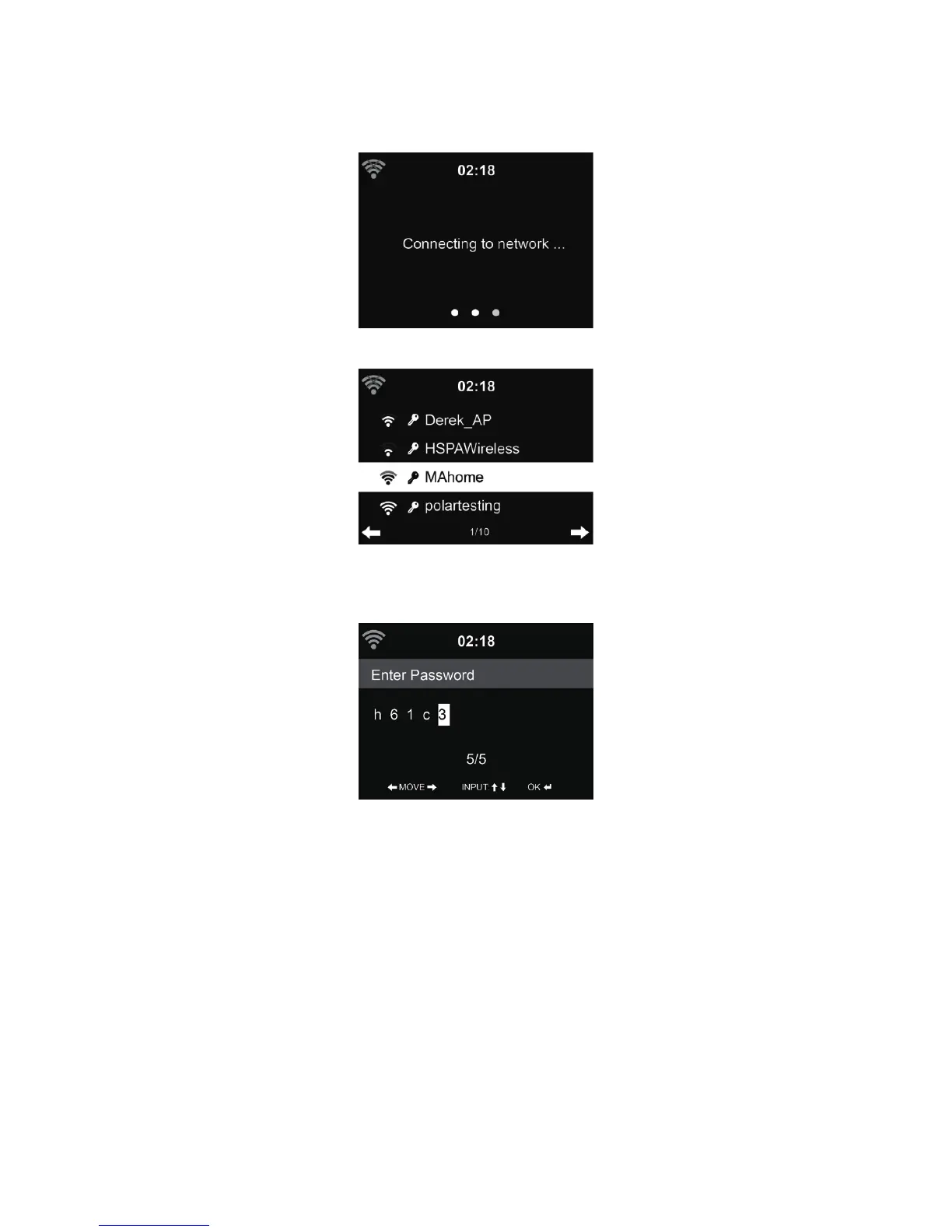
Enable / disable WiFi network. When you enable the WiFi network, the system will automatically
connect to the network.
Select your required AP.
Enter WEP or WPA code to connect the WiFi.
If it is accidentally pressed ► to move a redundant entry, press ◄ to correct.
18.3.2. Wireless Network (WPS)
If you are using a router with WPS/QSS button, you may set up the network connection simple via
WPS function. Enter it and go to press the WPS/QSS button on your router within 120 seconds. The
connection between the router and the DR 883 will then be con gured automatically.



 To Next Page