39English
English
11. Bluetooth
To switch to Bluetooth mode, press and select Bluetooth.
Then enable Bluetooth on your mobile device (e.g. smartphone, tablet, etc.), search for active
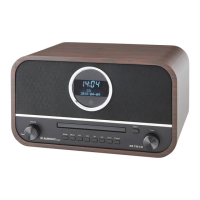
devices and connect the DR 884.
If the radio is successfully connected, music can now be streamed to the DR 884.
12. AUX-IN
The auxiliary input mode plays audio from an external source such as an MP3 player.
Proceed as follows to play audio via Aux-In:
• Turn down the volume on both the DR 884 and the external audio device.
• Connect the external audio device to the 3.5 mm line-in input (stereo).
• Select the AUX mode in the main menu
• Set the desired volume on the DR 884 (and, if necessary and possible, the
external audio device).
13. USB music playback
Connect a USB mass storage device (e.g. an MP3 player, USB memory stick, etc.) to the radio to
play the music stored on the USB device via the radio.
• Insert the USB device into the USB port on the back of the radio.
• Press the MODE button until the USB mode is displayed.
• The music stored on the USB device will now be played.
• You can control the music playback with
(Play/Pause) and / (last/next track) buttons.
You can also use the USB socket to charge an external device such as a smartphone.
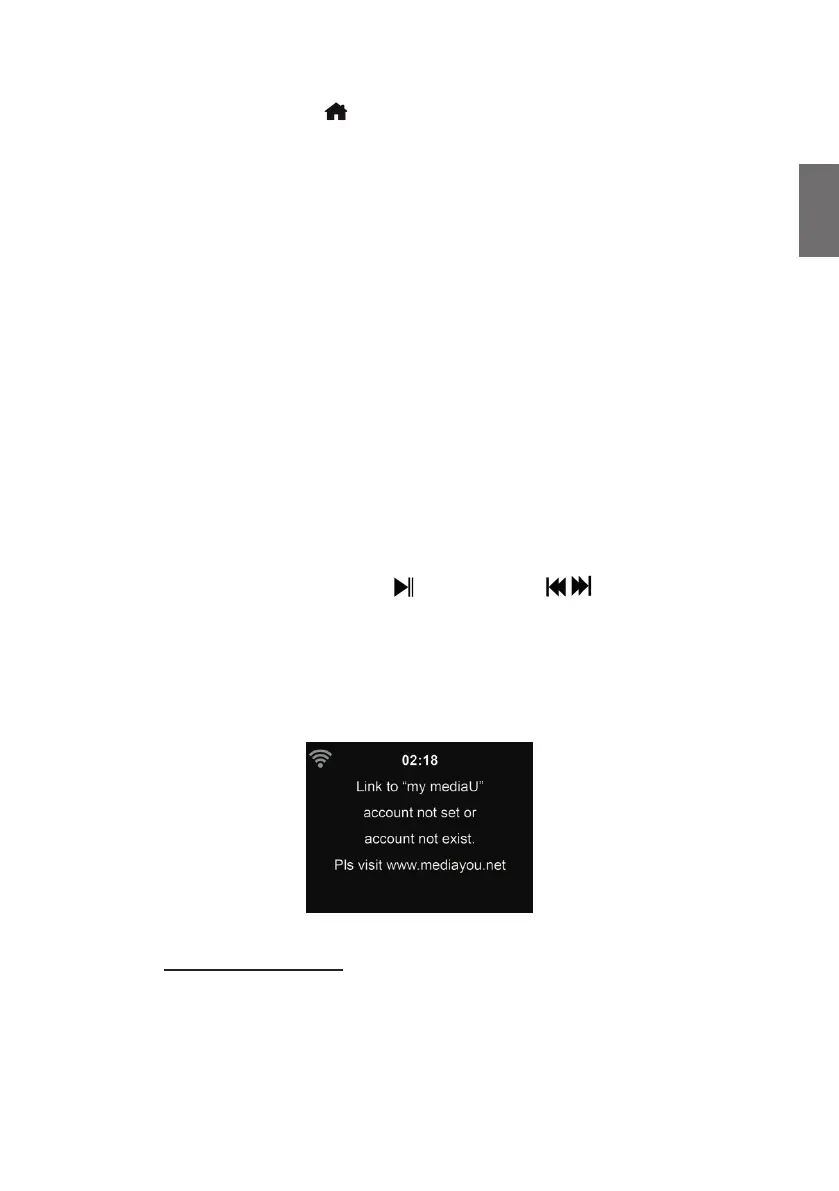
14. My mediaU
Display and playback your own mediaU station list on the mediaU server. Set your account rst.
To activate your own station list, follow the steps below:
1. Access http://www.mediayou.net/
2. Join my mediaU membership
3. Login to the website
4. Enter the wireless MAC addresses of DR 884 to the mediaU website. This information can be
obtained in Information Center > System Information > Wireless Info
5. After successfully con guring, you are able to save and view your own mediaU station


 To Next Page