EasyManua.ls Logo

Alcatel-Lucent 8088 - User Manual

Alcatel-Lucent 8088
55 pages
Print Icon
To Next Page IconTo Next Page
Loading...
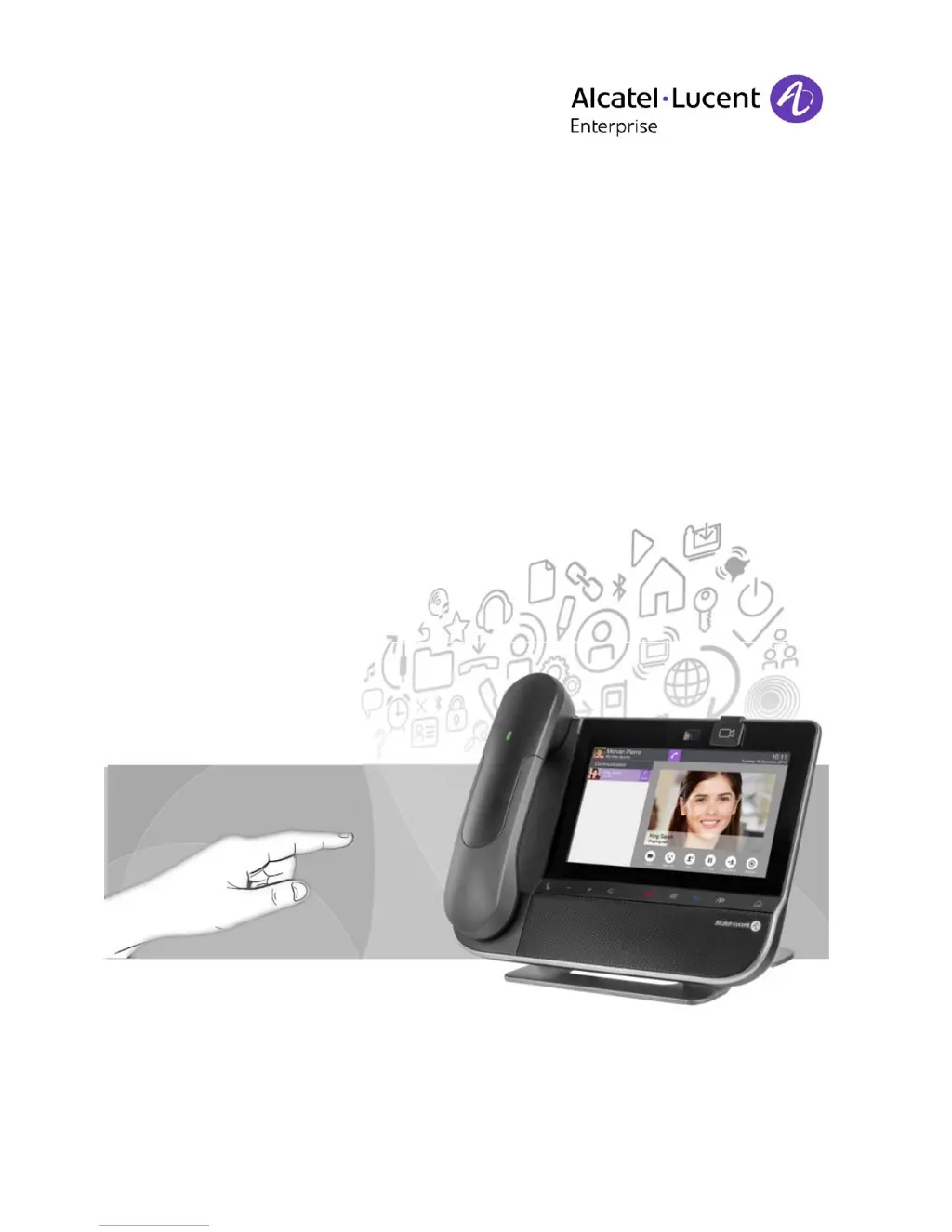
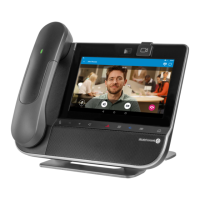
8088 Smart DeskPhone
OmniPCX Enterprise
Business
User Manual
8AL90333ENAA ed01-1620
R200

Table of Contents

Questions and Answers

  • A
    Amber AndersonAug 10, 2025
    What to do if PC Sync displays 'Unable to listen to the port' on Alcatel-Lucent 8088 Telephone?
    • R
      Richard MorrisAug 10, 2025
      If PC Sync displays 'Unable to listen to the port', ensure that no other applications are using this port. Also, verify that the firewall allows listening to this port. You might also try changing the port.
  • R
    Ronald WagnerAug 17, 2025
    Why does PC Sync display 'Outlook is not installed' on Alcatel-Lucent 8088 Telephone?
    • C
      Christopher TaylorAug 17, 2025
      If PC Sync displays 'Outlook is not installed', you should install Outlook.
  • C
    cgonzalezAug 26, 2025
    How to fix 'Installation says you do not have write permissions in this folder' for Alcatel-Lucent 8088 Telephone?
    • K
      Kristin AcostaAug 26, 2025
      If the installation says you do not have write permissions in this folder, try installing it in another location.
  • A
    Amy ThompsonNov 2, 2025
    What to do if nothing happens when pressing the Synchronization button on Alcatel-Lucent 8088 Telephone?
    • B
      bondjayNov 2, 2025
      If nothing happens when you press the Synchronization button on the phone and an error message appears stating 'Synchronization has failed', ensure PC Sync is started on your PC. Also, verify that the same port is set on both the phone and the PC, and that you've correctly entered the PC address. Check your firewall settings as the port may be closed; try changing the port. If the profile or folder that Contact-Sync is configured to synchronize with has been deleted, select another profile or folder in settings. If Contact-Sync could not find a supported version of Outlook or communicate with Outlook, install Outlook or start Outlook itself to get more information. Restart Contact-Sync and ensure it runs when Windows starts by enabling the startup option in the application. There may be a ...

Summary

Getting to Know Your Telephone

Permanent Features Keys

Describes the function of each permanent key located below the touch screen for quick access to phone features.

Using Your Telephone

Making a Call

Provides multiple methods for initiating a phone call, including direct dialing and using contacts.

Answer the Call

Details the procedures for answering an incoming call using the handset, hands-free, or Bluetooth handset.

During a Conversation

Calling a Second Person During a Conversation

Explains how to initiate a new call while already engaged in a conversation.

Transferring a Call

Guides on how to transfer an active call to another contact or extension.

Video Call

Start a Video Call

Step-by-step instructions on how to initiate a video call from an audio conversation.

Contacts Management

Define a Contact

Instructions on how to add new contacts to the phone's directory, including associating pictures.

Make a Call Using the Personal Phone Book (Contacts)

Details on how to find and call contacts stored in the personal directory.

Advanced Settings

Install a Bluetooth Device (Pairing)

Instructions for pairing Bluetooth devices such as handsets or headsets with the phone.

Reset User Data

Procedure for resetting the phone to its factory default settings, erasing user data.

ContactSync

Synchronize Your Phone and Your PC

Instructions on performing the synchronization process between the phone and PC Outlook.

Troubleshooting

Guide to resolving common issues encountered during ContactSync installation or operation.

Alcatel-Lucent 8088 Specifications

General IconGeneral
Product TypeIP Phone
TypeDesk phone
Audio QualityHD Voice
Power SupplyPoE or AC adapter
Weight1.2 kg
Display TypeColor Touch Screen
Model8088 Smart DeskPhone

Related product manuals