25 26
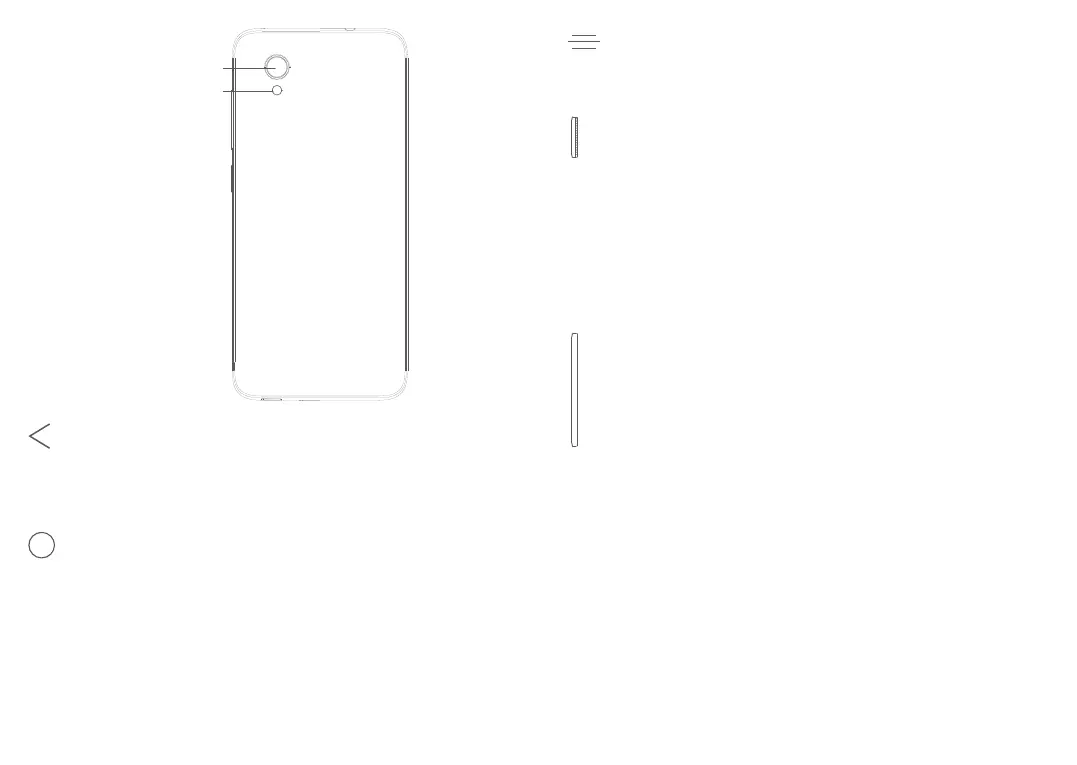
Back camera
Flash
Back button
• Touch to go back to the previous screen,
or close a dialog box, options menu, the
Notification panel, etc.
Home button
• From any application or screen, touch to
return to the Home screen.
• Long press to turn on Google Now. You
can get help such as getting directions and
restaurant information based on the content
detected on the screen.
Recent Apps button
• Touch to open a card view of applications
you've worked with recently.
Power key
• Press: Lock the screen/Light up the screen.
• Press and hold: Show the popup menu to
select from Restart/Power off/Airplane mode.
• Press and hold the Power key and Volume
down key to take a screenshot.
• Press and hold the Power key for at least 10
seconds to force reboot.
Volume keys
• In call mode, adjusts the call volume.
• In Music/Video/Streaming mode, adjusts the
media volume.
• In general mode, adjusts the ringtone volume.
• Mutes the ringtone of an incoming call.
• In camera preview mode, press Volume up or
down key to take a photo or press and hold to
take a burst shot.



 To Next Page