79 80
• Grid
Turn on to enable grid view. It divides the screen
into equal parts and helps you take better photos
by making it simple to align elements, such as the
horizon or buildings, to the lines in the grid.
• Save location information
Turn on to tag photos and videos with your
location. This option is available when the GPS
location service is enabled.
7.2 Gallery ...............................................
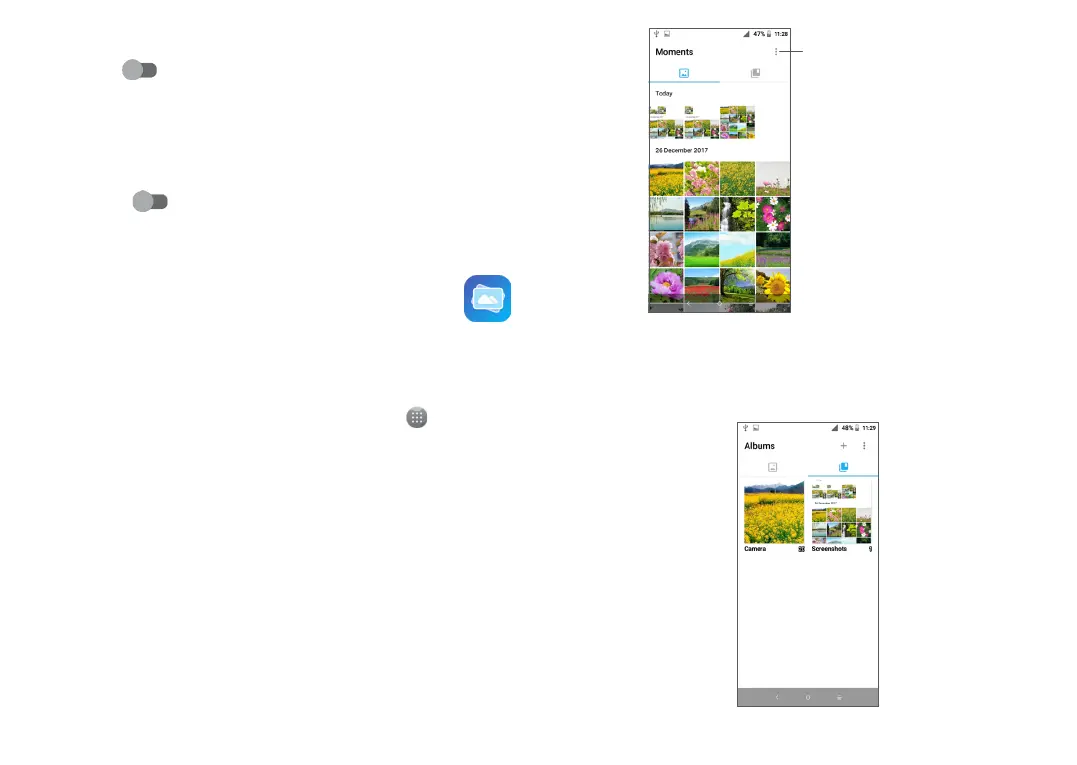
Gallery acts as a media player for you to view photos
and play videos. In addition, a set of further operations
to pictures and videos are available for your choice.
To view the photos you have taken, touch from the
Home screen, then touch Gallery.
Select photos for
further operation.
To view a picture/play a video
Pictures and videos are displayed by albums in the
Gallery.



 To Next Page