63 64
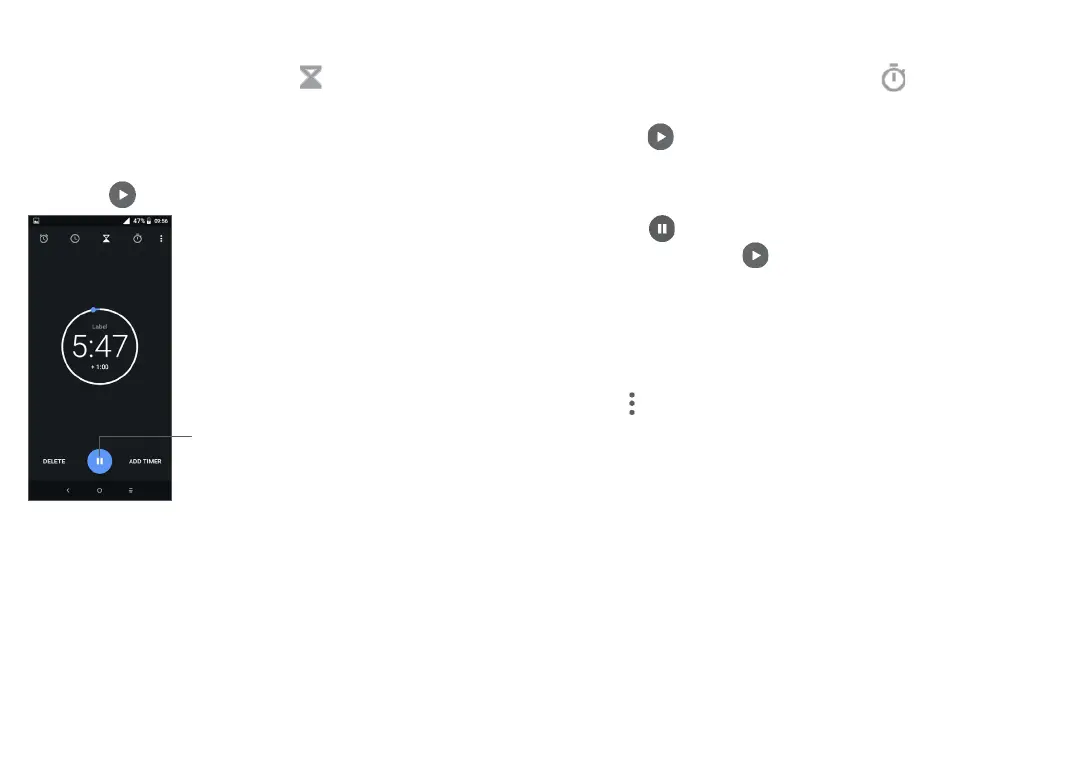
5.2.3 Countdown
From the Time screen, touch to enter the TIMER
screen.
• Enter the time. The time should be typed in second,
minute and hour number sequence.
• Touch to start the countdown.
Pause/play
5.2.4 STOPWATCH
From the Time screen, touch to enter the
STOPWATCH screen.
• Touch to start the Stopwatch.
• Touch LAP to show a list of records according to the
updated time.
• Touch to halt the total and lap times. These will
only restart after is touched.
• Touch RESET to delete the record.
• Touch SHARE to share.
5.2.5 Adjust Clock settings
Touch and then Settings to access Clock and Alarms
settings.



 To Next Page