L1 Service Manual TCL Communication Ltd.
2002D
Level 1 Service Manual
All rights reserved. Transfer, copy, use or communication of this file is prohibited without authorization.
3.11. Visual Mechanical inspection
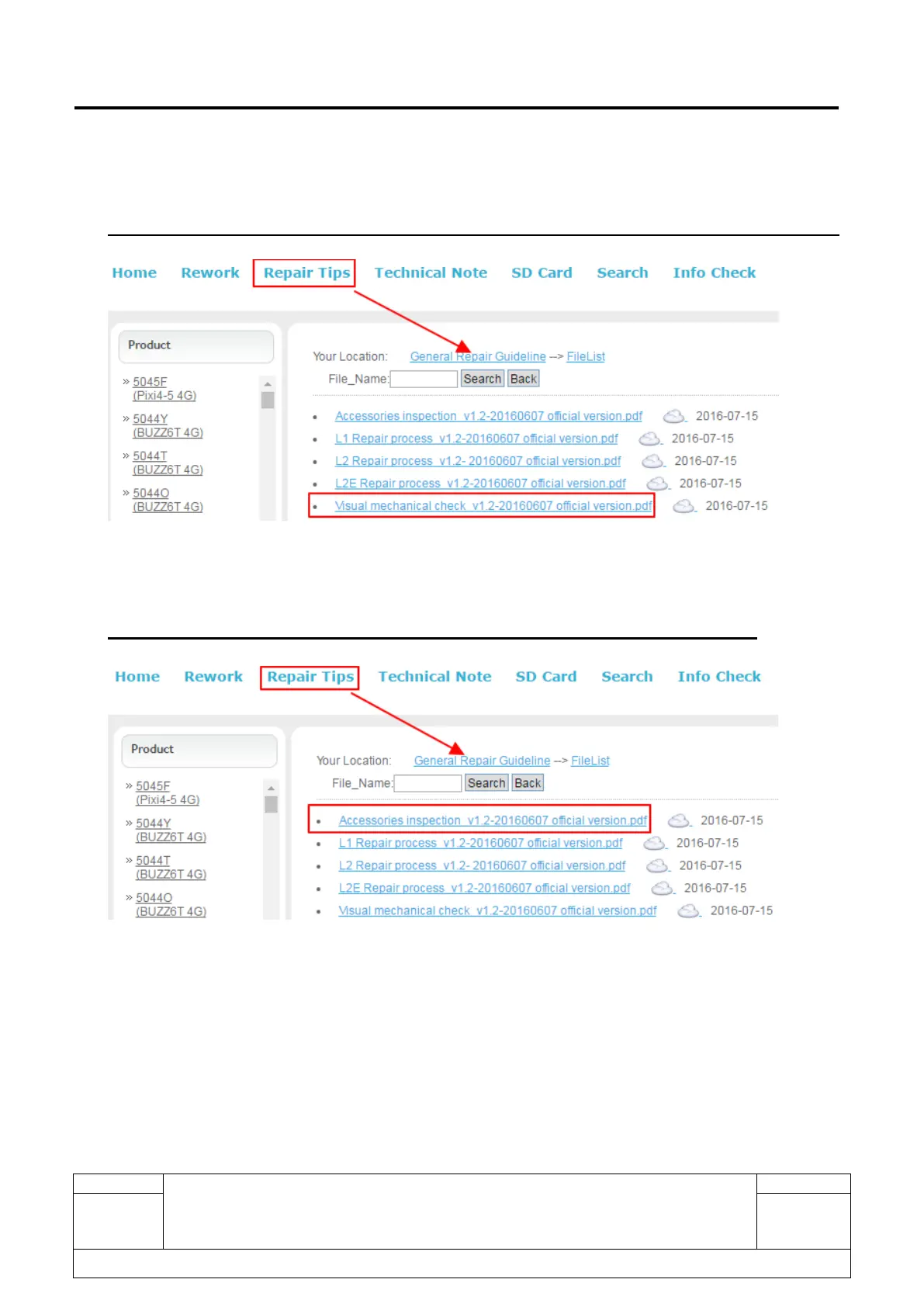
Please refer to <Visual mechanical check flow chart> in support website (CSS/RSH) for details.
3.12. Accessories inspection
Please refer to < Accessories inspection > in support website (CSS/RSH) for details.
3.13. Product maintenance steps
1) Check that the SIM card and SD card are inserted correctly.
2) Power on the Product.
3) If the product displays “input NCK code”, this means the software is Network locked or SIM locked,



 To Next Page