L1 Service Manual TCL Communication Ltd.
2002D
Level 1 Service Manual
All rights reserved. Transfer, copy, use or communication of this file is prohibited without authorization.
4.3 Change CU
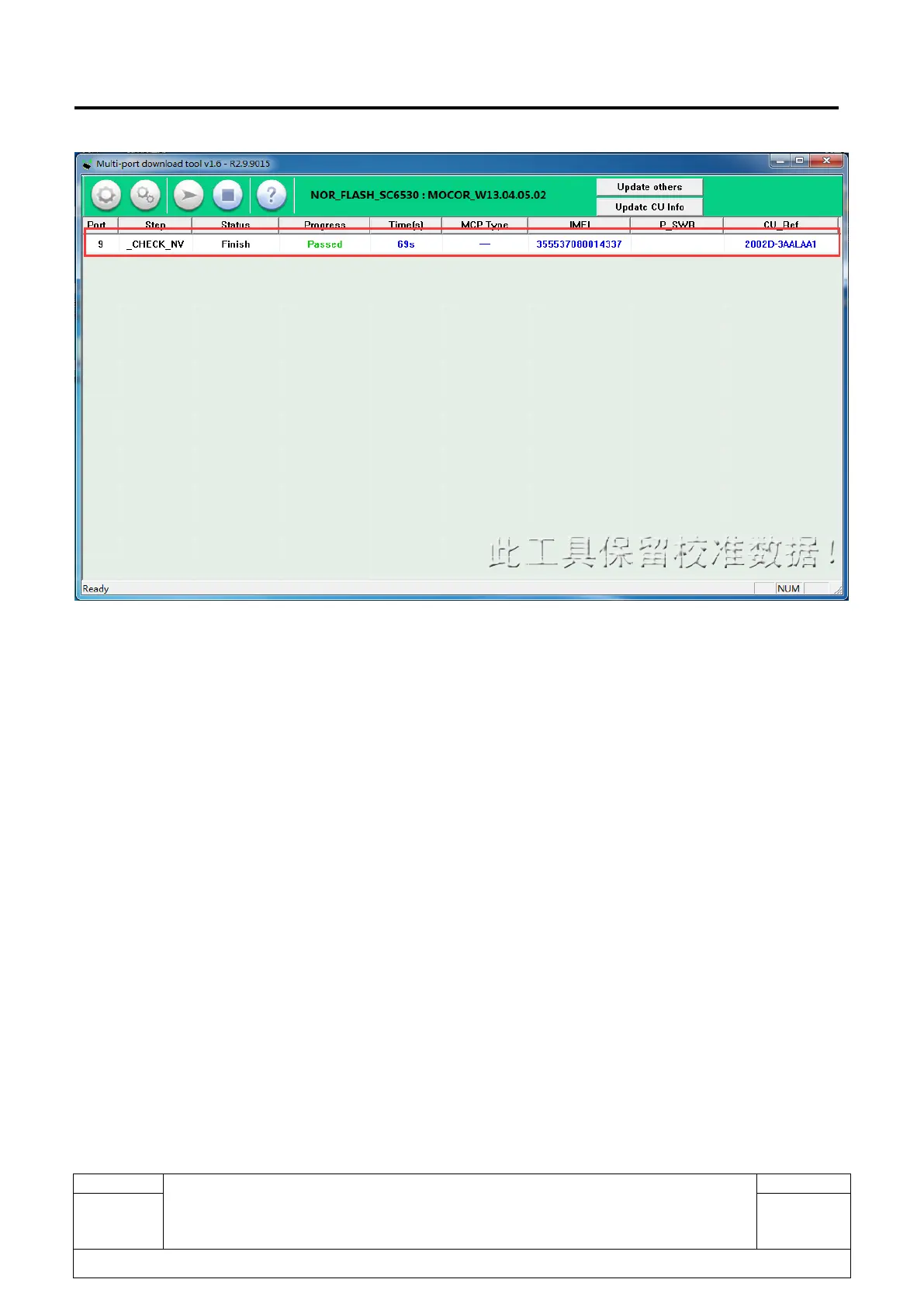
You can change the handset’s CU by using the Multi-port download tool.
(1) Make sure the drive is installed;
(2) Power on the handset and input *#1923# on the idle -> Para set -> USB Log -> Open -> OK;
(3) Connect the handset and PC with USB cable;
(4) Open the Multi-port download tool, click “Update CU Info”



 To Next Page