18
• Fixed dial number: Allows the phone to be
locked so that it can only dial certain numbers,
or numbers with certain prefixes. To activate
this function, PIN2 code is mandatory.
• Memory status: Displays the space used and
allocated for the Contacts in the phone or SIM.
• Emergency call: Allows you to add or call
emergency number.
• Copy several: Allows you to copy all contacts
from the SIM to the phone or vice versa.
• Move several: Allows you to move all contacts
from the SIM to the phone or vice versa.
• Delete several: Allows you to delete all
contacts from the phone and SIM.
• Display format: Allows you to choose the way
in which contact names are displayed.
When Fixed dial number is activated,
your Web or MMS will be barred. Gener-
ally, you need to add "*99#" into your
FDN list to enable data service. If "*99#"
doesn't help, please contact your service
provider.
5 Entering Text
This section describes how to choose your pre-
ferred text input mode when entering characters.
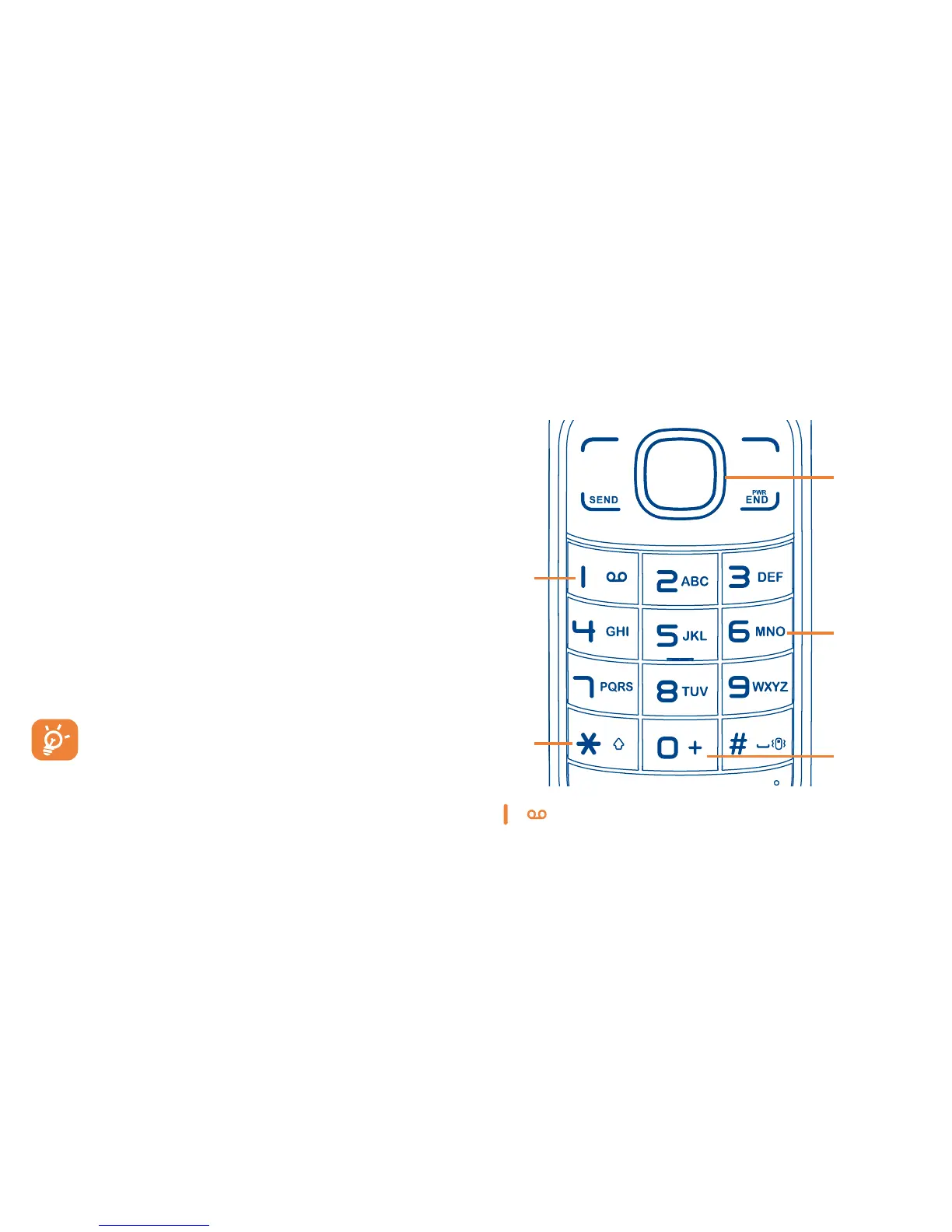
5.1 Keypad Input
key:
Press: Insert smart punctuation.
Press and hold: Insert 1.



 To Next Page