5
• Make sure the battery is correctly inserted
before connecting the charger.
• Use a wall socket that is easily accessible and
in close proximity to the phone (avoid electric
extension cables).
• When using your phone for the first time,
charge the battery fully (approximately 3
hours). When the battery is fully charged the
will display on the screen.
To reduce power consumption, when
the battery is fully charged, disconnect
your phone from the AC Charger and
the charger from the wall outlet. Switch
off some applications when not in use;
reduce the backlight time, etc.
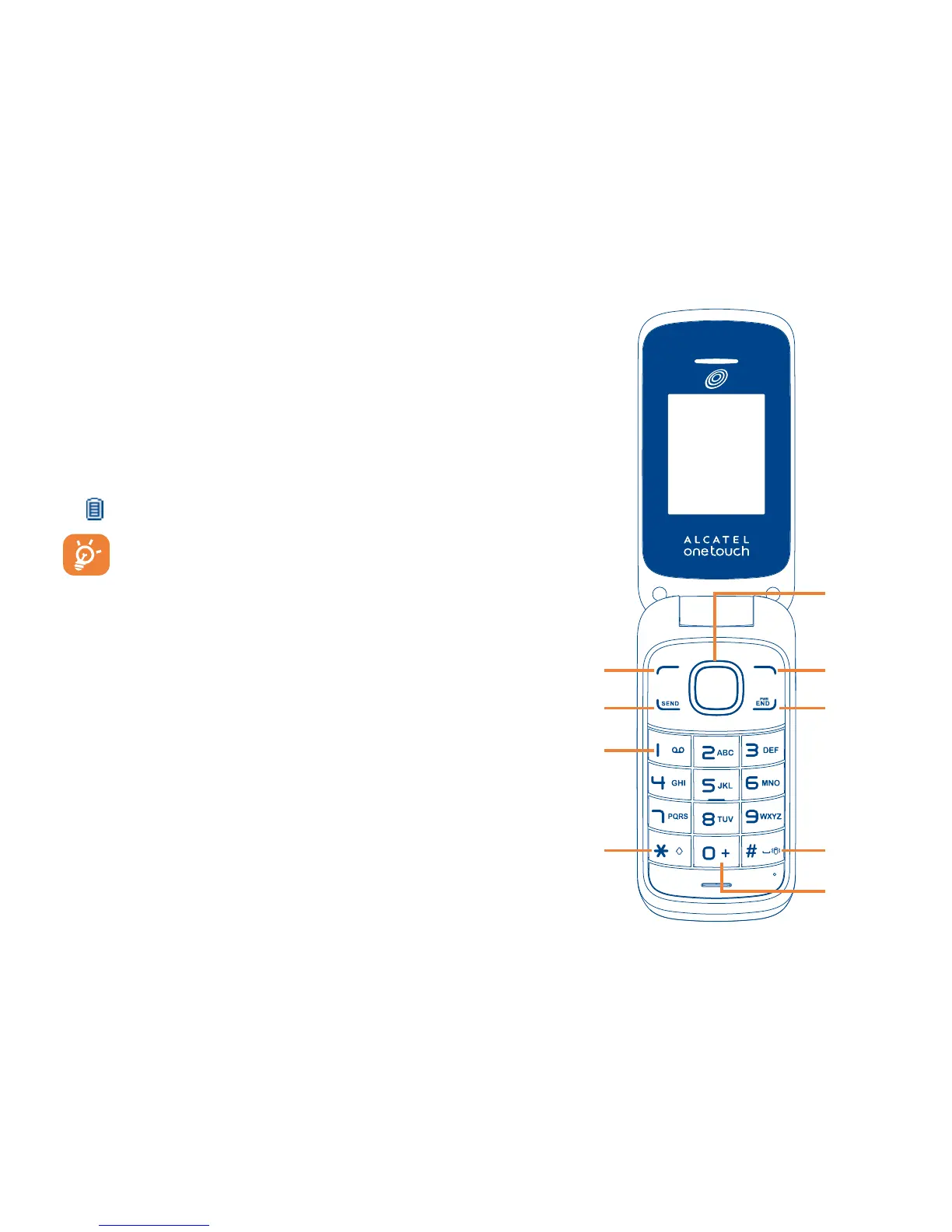
1.4 Phone Overview
Right
soft key
Left soft
key



 To Next Page