29
8.2 Music Player
You will have full flexibility of managing music on
your mobile.
8.2.1 Music Player List
a From the main menu, select Applications >
Music player.
b Select All songs to view all songs on phone.
c Select Favorites to add your favorite songs
to Favorites by holding down during playing
music (max 100).
d Select Folders to view category of songs in
folder.
e Select Album/Artist/Genre to view the music
files are categorized by Album, Artist or Genre
based on information stored in the tags.
8.2.2 Music Playing Mode
a From the main menu, select Applications >
Music player.
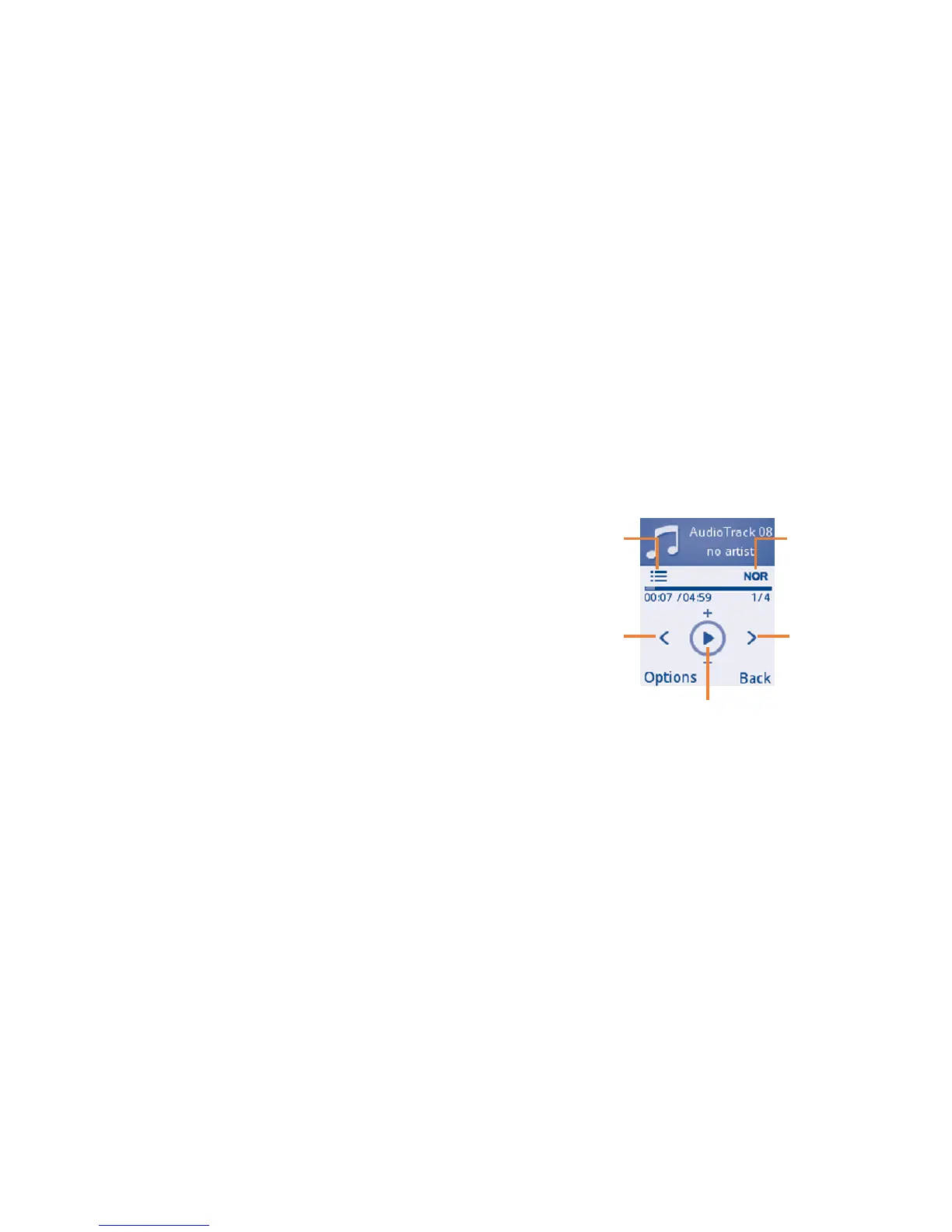
b Press Options > Settings and select Play
mode Enable to switch among Normal, Re-
peat, Repeat all, Shuffle and Repeat shuffle;
select Equalizer to Show different music
styles preset in the phone.
Play/pause
- Previous song
(press the
Navigation
key (LEFT)
key)
- Backward
(press and
hold the
Navigation
key (LEFT)
key)
Play mode Equalizer
- Next song
(press the
Navigation key
(RIGHT) key)
- Forward
(press and hold
the Navigation
key (RIGHT)
key)



 To Next Page