3
1 Basics
1.1 Activating Your Phone
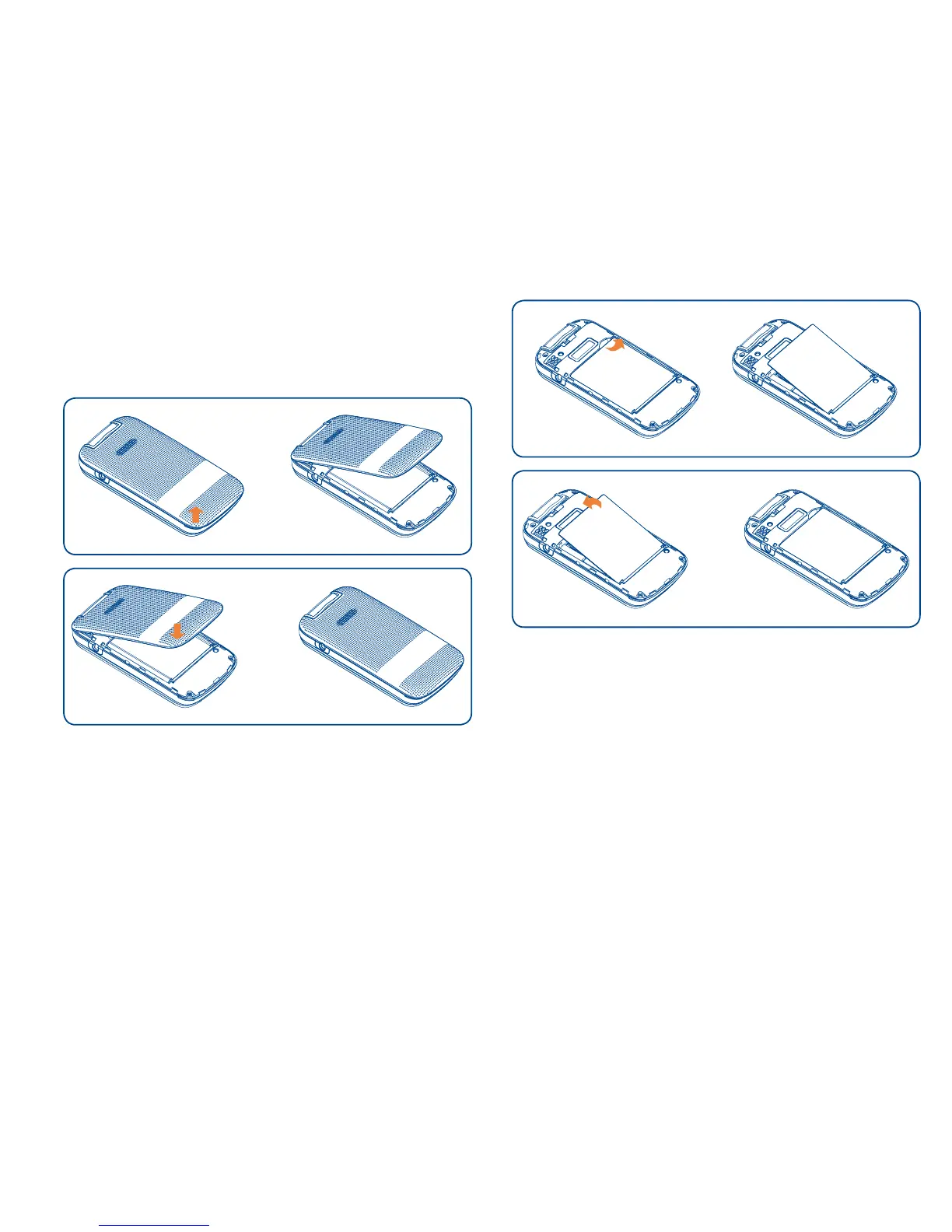
1.1.1 Removing or Installing the Back Cover
1.1.2 Removing or Installing the Battery
a Place the battery on the back of the phone so
the metal contacts match up on the battery
and in the battery cavity.
b Slide the battery down into the battery cavity
until it locks into place.
c To remove, lift the battery out of the cavity
from the lower left corner.



 To Next Page