6
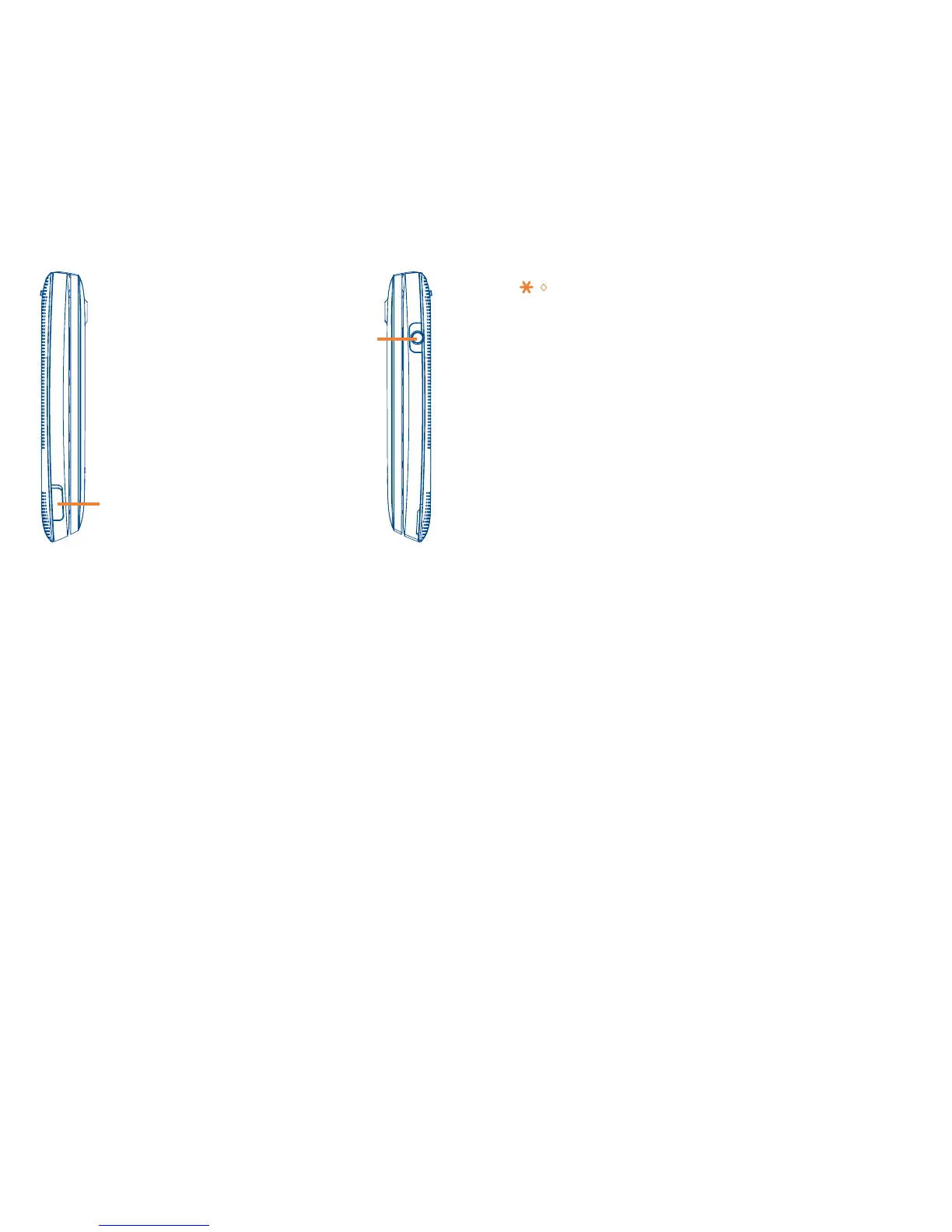
micro-USB connector
Headset connector
Send key: Answer/Send a call
Enter Recent calls
1 key:
Press: Dial "1"
Press and hold: Access your voicemail
In Edit mode
Press: Input frequently-used symbols
Press and hold: Input "1"
key: Press: Dial "
*
"
In Edit mode
Press: Switch between lower/upper
case input methods
Press and hold: Access the
Symbols table
0 key: Press: Dial "0"
Press and hold: Switch between
"+/P/W"
In Edit mode
Press and hold: Input "0"
# key: Press: Dial "#"
Press and hold: Vibrate alert



 To Next Page