EasyManua.ls Logo

Alcatel IDOL 5S - User Manual

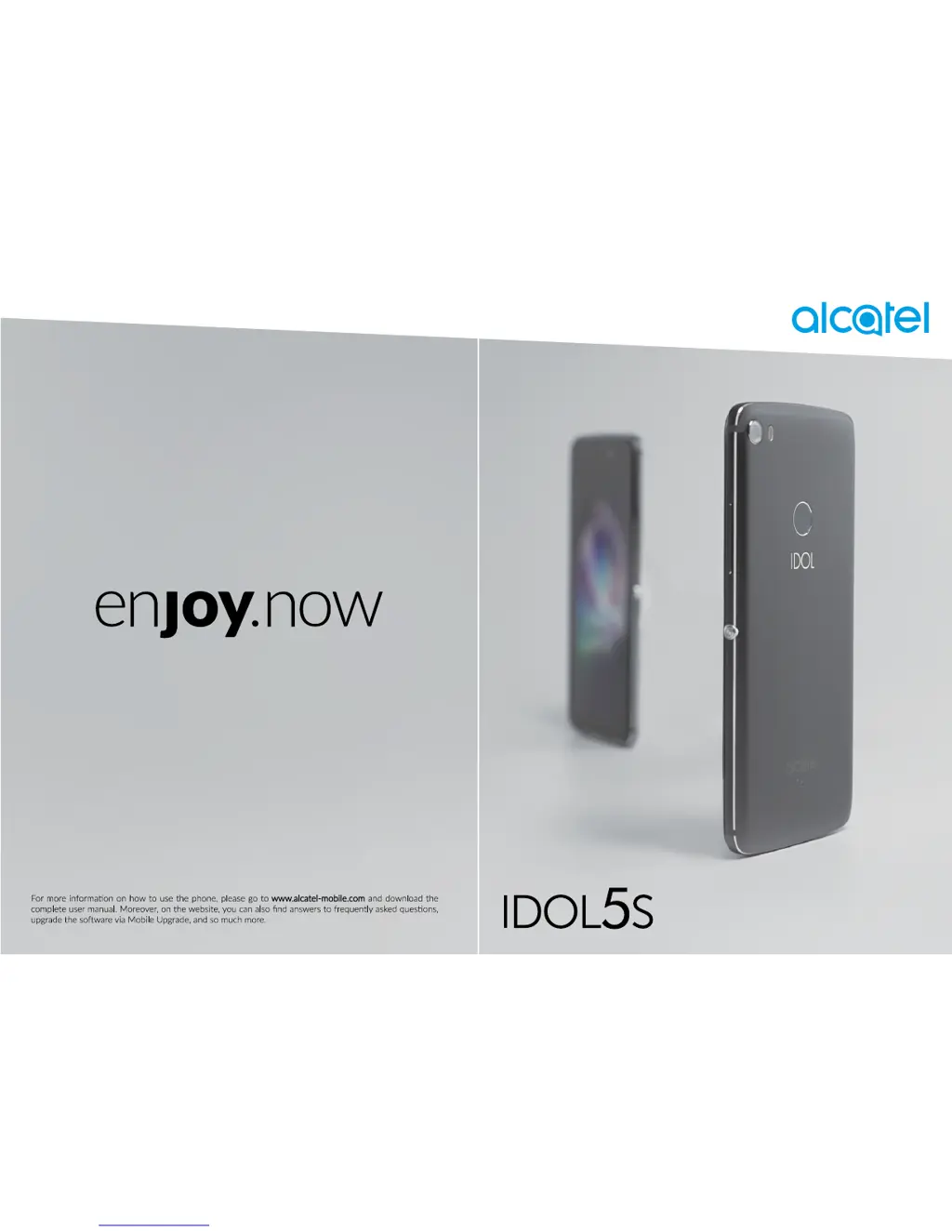
Alcatel IDOL 5S
62 pages
Print Icon
To Next Page IconTo Next Page
Loading...

Questions and Answers

  • C
    Christopher RodriguezSep 23, 2025
    Why does my Alcatel Cell Phone become warm during prolonged use?
    • R
      Robert JonesSep 23, 2025
      This heating is normal when the CPU handles excessive data during prolonged calls, game playing, internet surfing, or running complex apps. Ending these activities will allow your phone to return to its normal temperature.
  • B
    brandy45Aug 23, 2025
    What to do if my Alcatel IDOL 5S has not responded for several minutes?
    • C
      Christina CooperAug 23, 2025
      If your Alcatel Cell Phone hasn't responded for several minutes, here's what you can do: * Turn off your phone by pressing and holding the Power key until it turns off, then restart it. * Remove and reinsert the battery, then restart the phone. * Reset the phone.
  • K
    Kathryn MayAug 25, 2025
    What to do if my Alcatel Cell Phone can't charge properly?
    • C
      Claudia BartonAug 25, 2025
      If your Alcatel Cell Phone isn't charging properly, check these: * Use the Alcatel charger that came with the phone. * Ensure the battery is correctly inserted, and clean the battery contacts if dirty. Insert the battery before plugging in the charger. * If the battery has been empty for a long time, it may take about 20 minutes for the charging indicator to appear. * Charge under normal conditions (0°C (32°F) to 55°C (131°F)). * When abroad, verify voltage input compatibility.
  • L
    Lisa BakerAug 27, 2025
    What to do if my Alcatel Cell Phone SIM card is PIN locked?
    • T
      taylor27Aug 27, 2025
      If your Alcatel Cell Phone SIM card is PIN locked, contact your network operator to obtain the PUK (Personal Unblocking Key) code.
  • M
    michelleburnsAug 27, 2025
    Why is my Alcatel IDOL 5S Cell Phone asking for Google account credentials after a factory reset?
    • A
      Alex StephensonAug 27, 2025
      After a reset, you must enter the original Google account credentials used on the Alcatel Cell Phone. If you don’t remember them, complete Google account recovery procedures. If you still cannot access your phone, apply to the authorised repair centre, but remember that it will not be regarded as warranty case.
  • T
    Thomas HuangSep 17, 2025
    Why doesn't the caller's name/number appear on my Alcatel IDOL 5S Cell Phone when I receive a call?
    • C
      Carolyn HolmesSep 17, 2025
      If the caller’s name/number doesn't appear when you receive a call on your Alcatel Cell Phone: * Check that you have subscribed to this service with your operator. * The caller may have concealed their name or number.
  • R
    Ryan WeaverSep 14, 2025
    Why can't I use certain features described in the manual for my Alcatel IDOL 5S Cell Phone?
    • T
      Timothy CohenSep 14, 2025
      If you can't use features described in the manual for your Alcatel Cell Phone: * Check with your operator to ensure your subscription includes the service. * Make sure the feature doesn't require an Alcatel accessory.
  • D
    David CastanedaSep 15, 2025
    Why can't I dial a number from my contacts on my Alcatel IDOL 5S Cell Phone?
    • A
      Alyssa MooreSep 15, 2025
      If you can't dial a number from your contacts on your Alcatel Cell Phone: * Ensure you've correctly recorded the number in your file. * Make sure you've selected the country code when calling an international number.
  • M
    masonweaverSep 6, 2025
    How to improve poor sound quality during calls on my Alcatel Cell Phone?
    • A
      andreamartinezSep 6, 2025
      If the sound quality during calls on your Alcatel Cell Phone is poor: * Adjust the volume during a call using the Volume key. * Check the network strength and move to a location with a stronger signal. * Make sure the receiver, connector, and speaker on your phone are clean.
  • D
    David WatersSep 3, 2025
    Why can't I send and receive MMS messages on my Alcatel Cell Phone?
    • C
      christopherpearsonSep 3, 2025
      If you're having trouble sending and receiving MMS messages on your Alcatel Cell Phone: * Check your phone storage; it might be full. * Contact your network operator to check service availability and MMS parameters. * Verify the server centre number or your MMS profile with your operator. * The server centre may be overloaded; try again later.

Summary

Safety and Use Guidelines

Traffic Safety Precautions

Safety precautions when using the phone while driving.

Conditions of Use Recommendations

Recommendations for optimal phone performance and safety.

Battery Safety and Disposal

Information on battery care, disposal, and safety precautions.

Your Mobile Device

Keys and Connectors Overview

Identification and function of physical buttons and ports.

Getting Started Guide

Initial setup steps including SIM card insertion and charging.

Home Screen Navigation

Overview of the main screen, icons, and navigation.

Text Input Methods

Onscreen Keyboard Usage

How to use and adjust the virtual keyboard.

Call, Call Log, and Contacts Management

Making and Managing Calls

Making, answering, and managing phone calls.

Answering or Rejecting Calls

Steps to answer or reject incoming calls.

Messaging and Email

SMS and MMS Messaging

Creating, sending, and managing SMS and MMS.

Sending Text and Multimedia Messages

Steps to compose and send SMS and MMS messages.

Email Account Setup and Management

Setting up and managing email accounts.

Getting Connected

Internet Connectivity

Using mobile data and Wi-Fi to access the internet.

Wi-Fi Network Configuration

Enabling and configuring Wi-Fi connections.

Bluetooth Device Pairing

Pairing and connecting with Bluetooth devices.

Multimedia Applications

Camera Operation

Taking photos and shooting videos with the phone's camera.

Settings Configuration

Network and Connectivity Settings

Manage Wi-Fi, Bluetooth, mobile networks, data usage, tethering, and VPNs.

Making the Most of Your Phone

FOTA Software Upgrade

Updating phone software using the FOTA feature.

Warranty Information

Troubleshooting Common Issues

Phone Not Switching On or Frozen

Steps to resolve issues with a frozen or unresponsive phone.

Network Connectivity Issues

Troubleshooting network connectivity problems.

Internet Connection Problems

Steps to resolve issues with internet connectivity.

Alcatel IDOL 5S Specifications

General IconGeneral
BrandAlcatel
ModelIDOL 5S
CategoryCell Phone
LanguageEnglish

Related product manuals