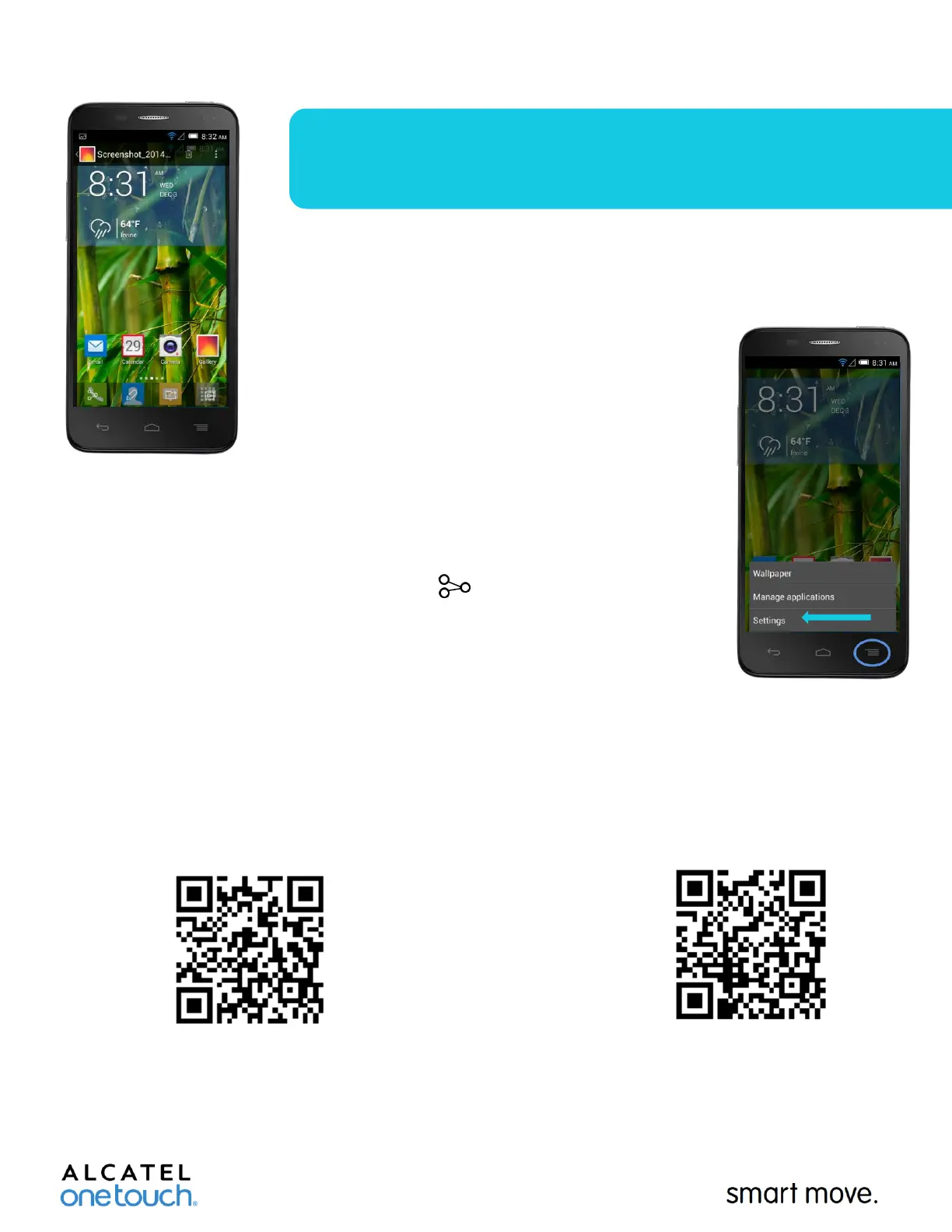
Q: How do I take a screenshot?
A: Simultaneously push and hold both the “Power”
and “Volume Down” keys for 2-3 seconds. The
screenshot will then be available in the Gallery app.
Q: How do I get to device settings?
A: Short press the “Menu/Multi-Tasking” key from
your home screen and then select “Settings” from the
pop up menu.
Q: How do I upload a picture to Facebook?
A: Inside the Gallery app select the photo you wish to
upload. Click “Share” on the bottom-left corner of
your screen. You will then be given a series of options.
Select the “Facebook” icon and the image will be taken
to the Facebook app. You can then comment or tag
your location/or friend(s) before clicking “Post.” Note:
You must login to your Facebook app prior to this step
otherwise the icon will not appear.
Q: Where do I go if I have additional questions about my device?
A: Contact us on Facebook or Twitter by scanning the QR codes below:
www.facebook.com/alcatelonetouchUSA
www.twitter.com/alcatel1touch











 To Previous Page