19
Phone Book
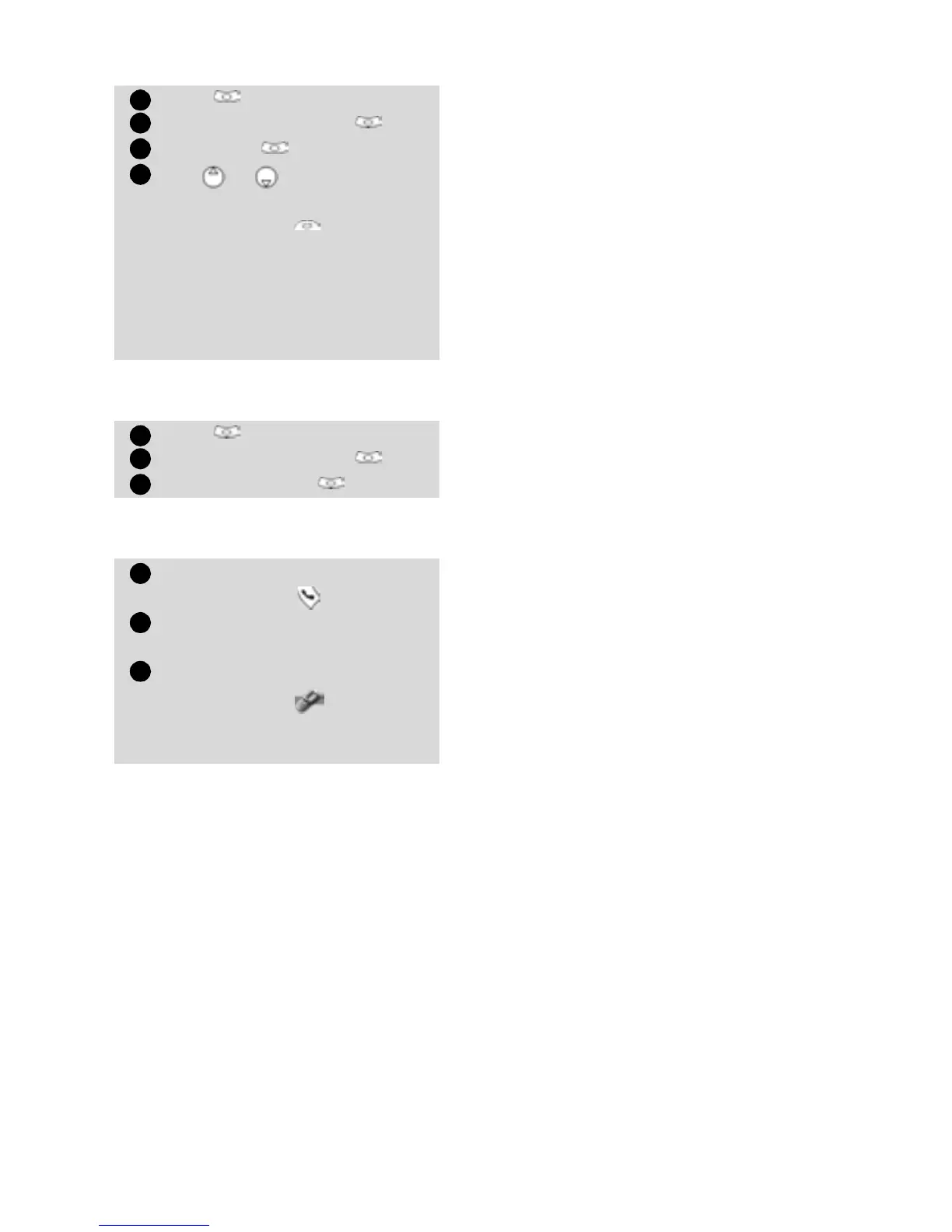
To view the voice dialling num-
bers list:
To remove all phone numbers
from the voice dialling list:
To call a phone number using a
voice pattern:
Press
.
Select Phone Book
.
Select Voice dialling .
Select List .
Use or to view the
requested entry.
Press Options to listen to
the voice pattern (Play
back), to remove voice tag
from the voice dialling list
(Erase) or to create a new
voice pattern (Record).
Press
.
Select Phone Book.
Select Voice dialling .
Select Delete all .
From the stand by display
press and hold .
Pronounce the name as clearly
as possible.
The dialled number and an
animated icon are then
displayed and the call is sent
as any call.
1
2
3
4
1
2
3
1
2
3





 To Next Page