43 44
Image
12
.............................
A library links to the images in "My images" in phone to be shown in list,
slide, set as Wallpaper, Power on/off display, and contact image or sent
by MMS, Bluetooth.
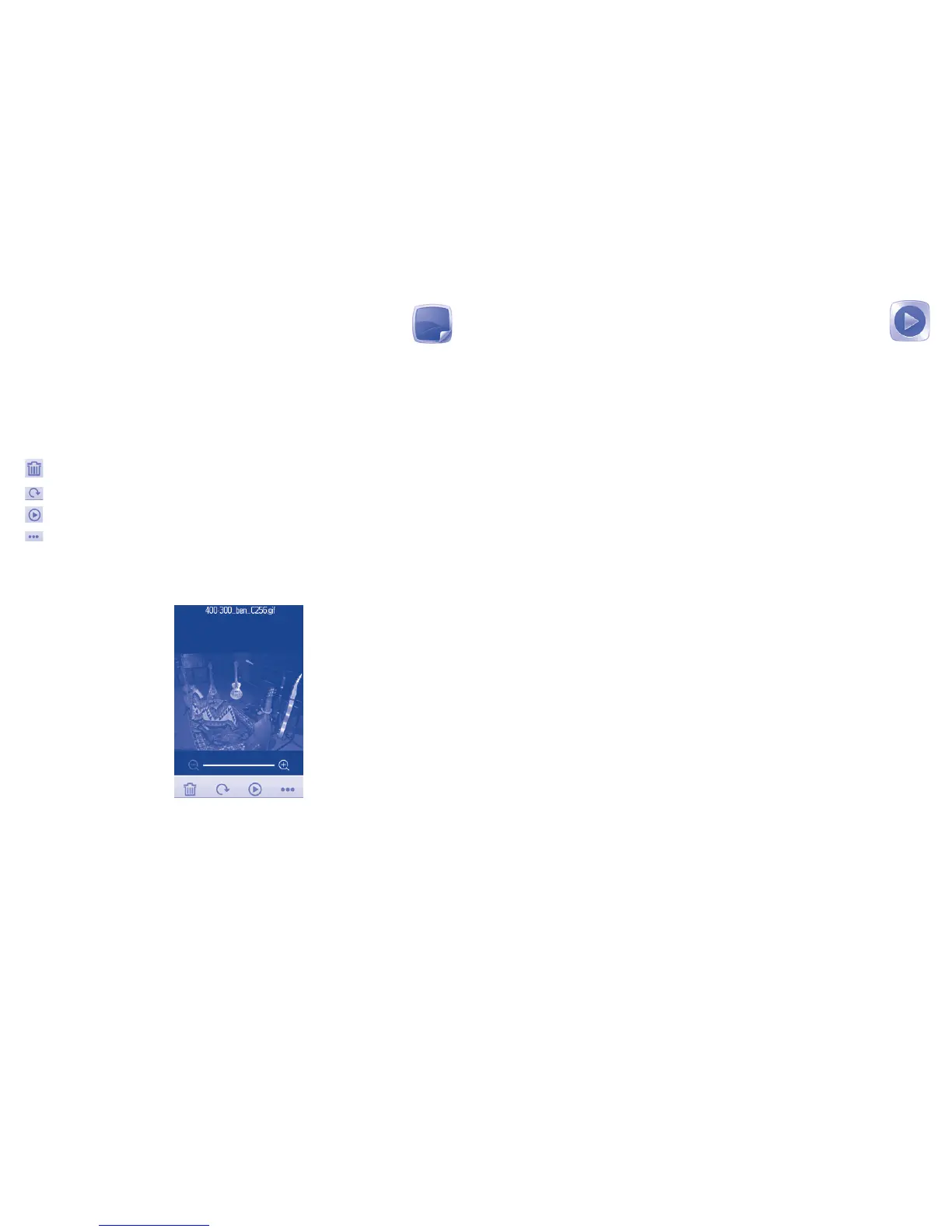
Useful icons:
Delete
Turn the picture to right/left
Play pictures in full mode
Set as Wallpaper, Power on/off image and Contact image or
send by MMS,Bluetooth.
Touch a image once to view it in full screen:
Music
13
..............................
Access this feature from the main menu by selecting "Music".
You will have full flexibility of managing music both on your mobile and
SD card.
You can have access to your music files through one of the following:
Play Play the song
Details Display details of the song
Update songs Update the information of songs saved in phone
or SD Card.
Delete Delete the song
Delete all Delete all songs
Settings You can set Player settings when playing music.










 To Next Page