EasyManua.ls Logo

Alcatel XPS3010 Plus - User Manual

Alcatel XPS3010 Plus
43 pages
Print Icon
To Next Page IconTo Next Page
Loading...
Alcatel XPS3010
+
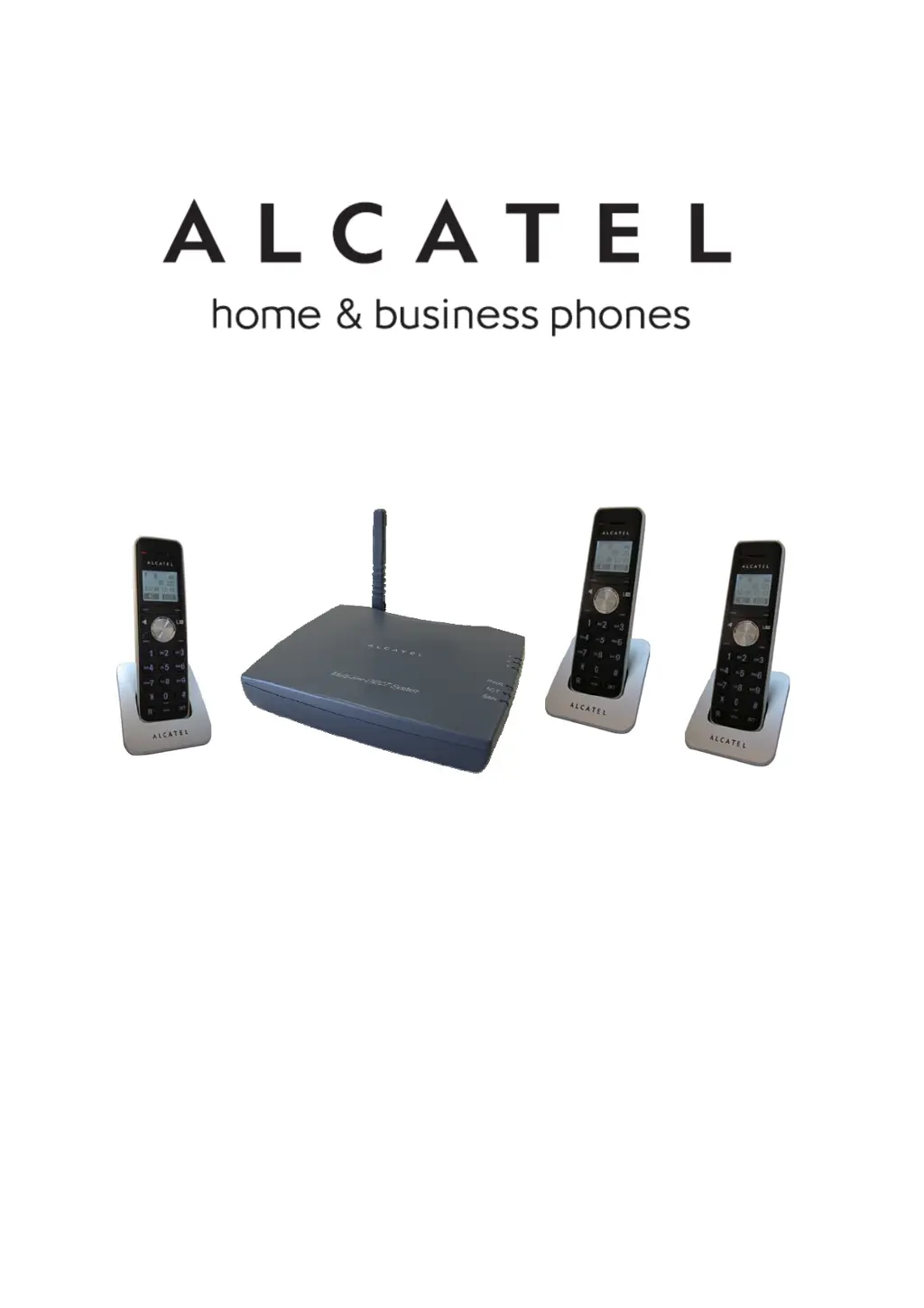
USER’S GUIDE
使用說明書
1

Table of Contents

Questions and Answers

  • W
    welchrandyAug 9, 2025
    How to fix Alcatel XPS3010 Plus handset when it cannot be used?
    • G
      Greg ChavezAug 9, 2025
      If your Alcatel Cordless Telephone handset cannot be used, ensure the base station's power cord is connected to a power source. Check that the batteries are charged and correctly inserted. Verify the phone cables are properly connected to the RJ-11 phone jacks, and ensure the handset is connected to the base station.
  • E
    edayAug 15, 2025
    What to do if Alcatel Cordless Telephone battery depletes soon after recharging?
    • D
      Dr. Kelli HopkinsAug 15, 2025
      If the Alcatel Cordless Telephone battery drains quickly after recharging, you should replace the batteries.
  • R
    rwilliamsAug 19, 2025
    Why is there no dial tone on my Alcatel XPS3010 Plus Cordless Telephone?
    • A
      Amy OrtizAug 19, 2025
      To resolve a missing dial tone on your Alcatel Cordless Telephone, verify that the base station's power cord is connected to a power source and that the phone cables are properly connected.
  • W
    williamhuntAug 25, 2025
    Why is Caller ID not working on my Alcatel XPS3010 Plus Cordless Telephone?
    • T
      tsandersAug 25, 2025
      If Caller ID is not working on your Alcatel Cordless Telephone: * Contact your local phone service provider. * Wait for the handset to ring at least once before picking up. * Note that if the caller has disabled Caller ID, the phone number will not be displayed.
  • J
    Jamie GreeneAug 29, 2025
    How to fix Alcatel Cordless Telephone when I cannot transfer a call?
    • B
      Benjamin RobertsAug 29, 2025
      If you cannot transfer a call on your Alcatel Cordless Telephone, make sure the handset number you have entered is correct and that the target handset has been registered to the same base station.
  • M
    Mark MercadoSep 3, 2025
    What does it mean if Line 1-3 LED sparked on Alcatel XPS3010 Plus Cordless Telephone?
    • C
      Christina CooperSep 3, 2025
      If the base Line 1~3 LED sparked in standby mode on your Alcatel Cordless Telephone, it means the base did not detect the phone line. Please plug the PSTN phone line once again, then power on the base.

Alcatel XPS3010 Plus Specifications

General IconGeneral
TypeCordless Telephone
Answering MachineYes
Maximum Indoor Range50 meters
Maximum Outdoor Range300 meters
Phonebook Capacity50 names and numbers

Related product manuals