EasyManua.ls Logo

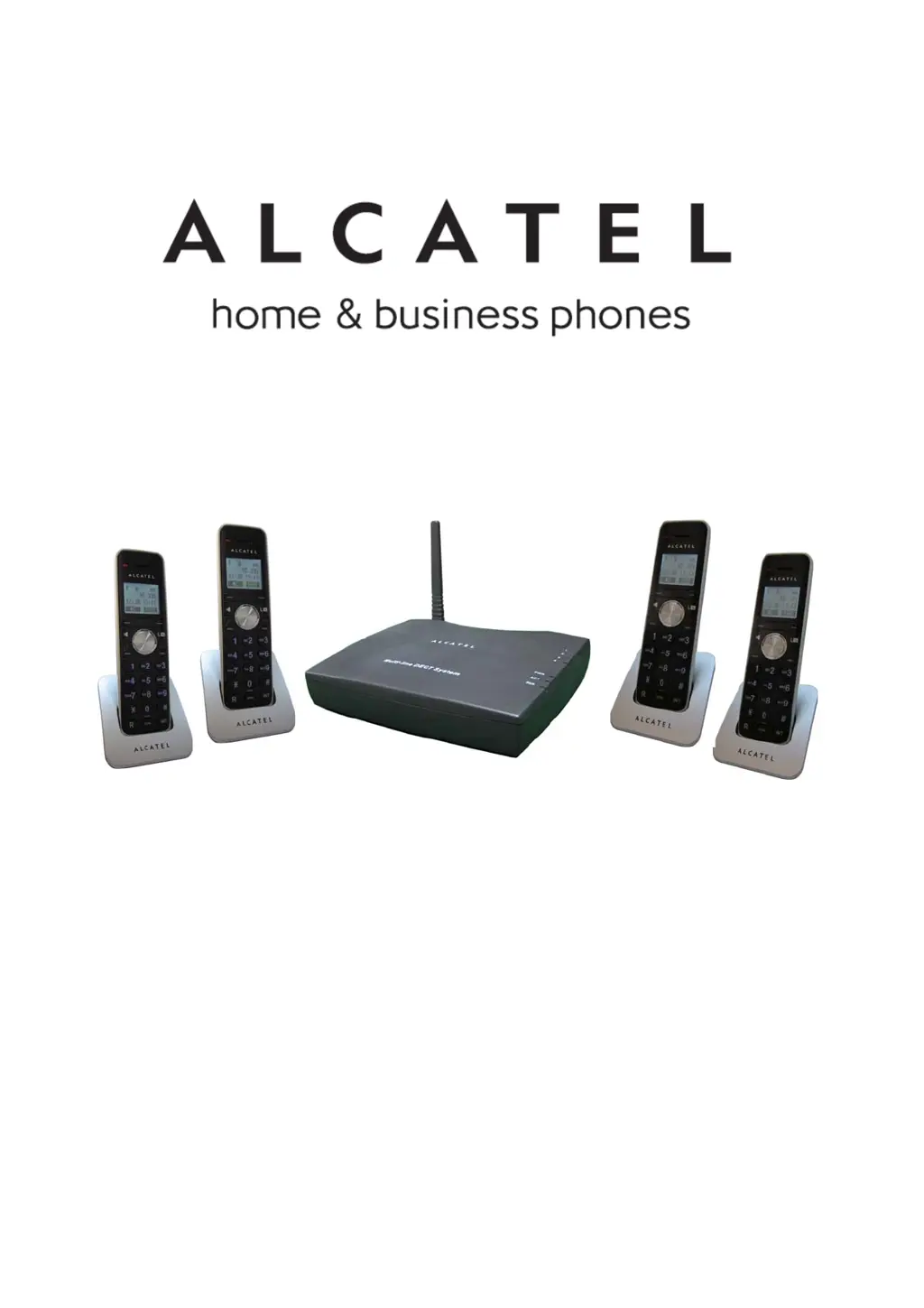
Alcatel XPS4010+ - User Manual

Alcatel XPS4010+
40 pages
Print Icon
To Next Page IconTo Next Page
Loading...
Alcatel XPS4010
+
USER’S GUIDE
使用說明書
1

Table of Contents

Questions and Answers

  • T
    tara09Aug 3, 2025
    What to do if the battery depletes soon after recharging on my Alcatel XPS4010+?
    • K
      Kristin LopezAug 3, 2025
      If your Alcatel Cordless Telephone battery depletes quickly after recharging, the suggested solution is to replace the batteries.
  • D
    Devin DiazAug 8, 2025
    How to fix Alcatel XPS4010+ Cordless Telephone handset when it cannot be used?
    • C
      Christopher GreeneAug 8, 2025
      If your Alcatel Cordless Telephone handset isn't working, first ensure the base station's power cord is properly connected to a power source. Next, verify that the batteries are correctly inserted and fully charged. Also, check that the phone cables are securely connected to the RJ-11 phone jacks and that the handset is properly connected to the base station.
  • O
    ojohnsonAug 13, 2025
    Why is there no dial tone on my Alcatel XPS4010+ Cordless Telephone?
    • C
      Charles FloresAug 13, 2025
      If you have no dial tone on your Alcatel Cordless Telephone, ensure that the base station's power cord is connected to a power source. Also, verify that the phone cables are properly connected.
  • Y
    youngjamesAug 18, 2025
    What to do if I cannot transfer a call on my Alcatel XPS4010+ Cordless Telephone?
    • D
      djordanAug 18, 2025
      To address the issue of not being able to transfer a call on your Alcatel Cordless Telephone, first, double-check that the handset number you've entered is correct. Second, ensure that the target handset has been registered to the same base station.
  • M
    michele67Aug 23, 2025
    Why is caller ID not working on my Alcatel XPS4010+ Cordless Telephone?
    • M
      Mr. Wyatt BrownAug 23, 2025
      If the Caller ID feature isn't working on your Alcatel Cordless Telephone, note that if the caller has disabled caller ID on their phone, the phone number will not be displayed. Also, wait for the handset to ring at least once before picking up.
  • L
    leahpattersonAug 27, 2025
    Why does the base Line 1~4 LED spark in standby mode on my Alcatel Cordless Telephone?
    • E
      Eric MarshallAug 28, 2025
      When the base Line 1~4 LED sparked in standby mode on your Alcatel Cordless Telephone XPS-4010+, plug the PSTN phone line once again, then power on the base. This model has a phone line detection function that activates when the base powers on.

Alcatel XPS4010+ Specifications

General IconGeneral
BrandAlcatel
ModelXPS4010+
CategoryCordless Telephone
LanguageEnglish

Related product manuals