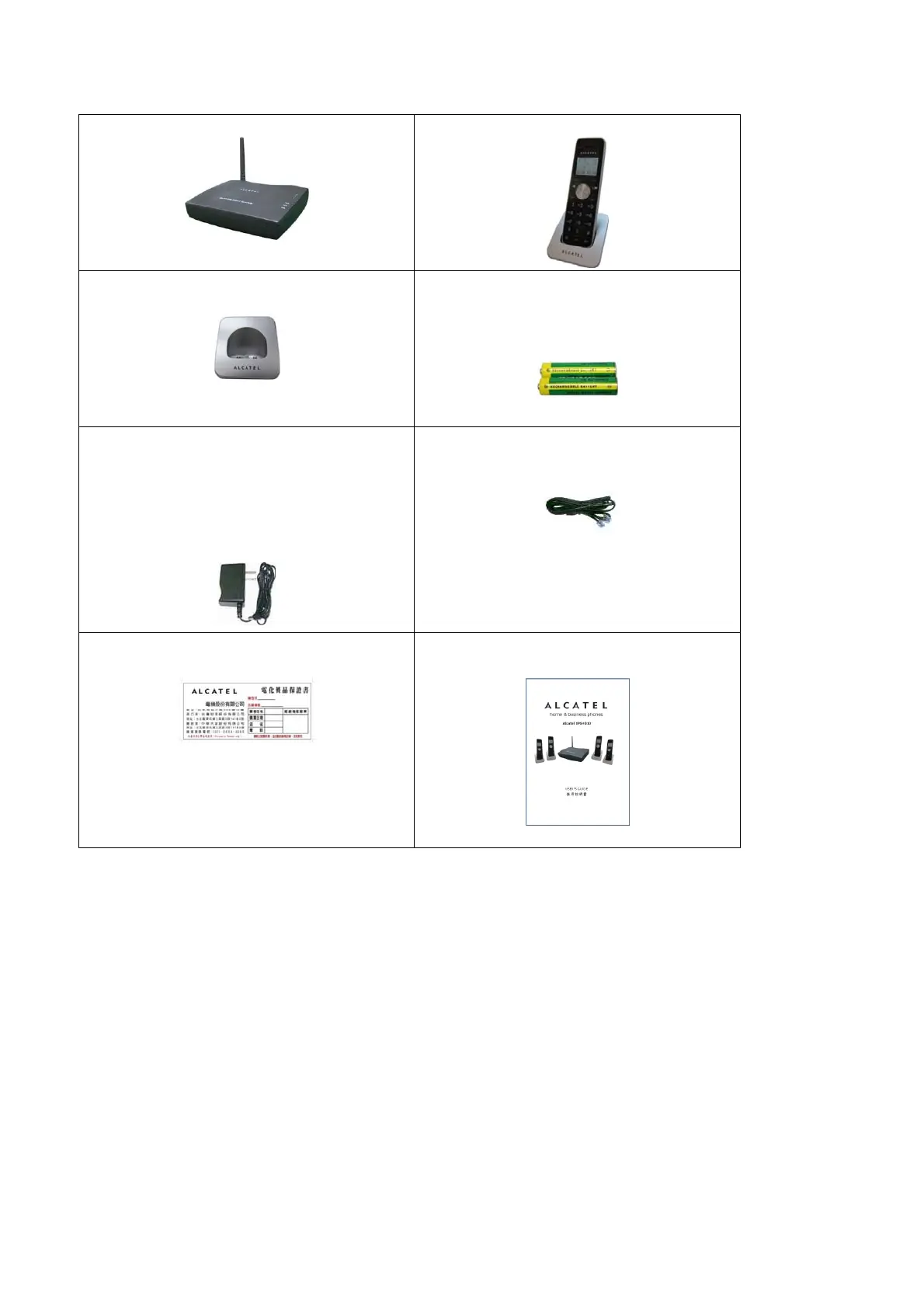
PACKAGE CONTENTS
1 Base
4 Handsets
4 Chargers
4 Handset Rechargeable Battery
Packs.
(2 Ni-MH batteries per pack)
5 Adapters
(1 for base, 4 for handsets)
Specifications:
Base – DC9V, 0.5A
Handset – DC7V, 0.42A
4 Telephone Cables
1 Certificate of Guarantee
1 User's Guide
GETTING STARTED
1. Carefully unpack your wireless handset. If the product is damaged, do not
operate it. Return the product to the seller.
2. Make sure you have all the package contents, including handsets, chargers,
adapters, batteries, phone cables, belt clip, and the user's guide.
3. Plug one end of the adapter into the power slot on the back of the charger.
4. Plug the other end of the adapter into an AC outlet.
Use a 9V DC, 500mA power supply for the base and handsets adapter.
5. To prevent possible interference, it is recommended that you do not place this
product next to other digital devices.
22



 To Next Page