15
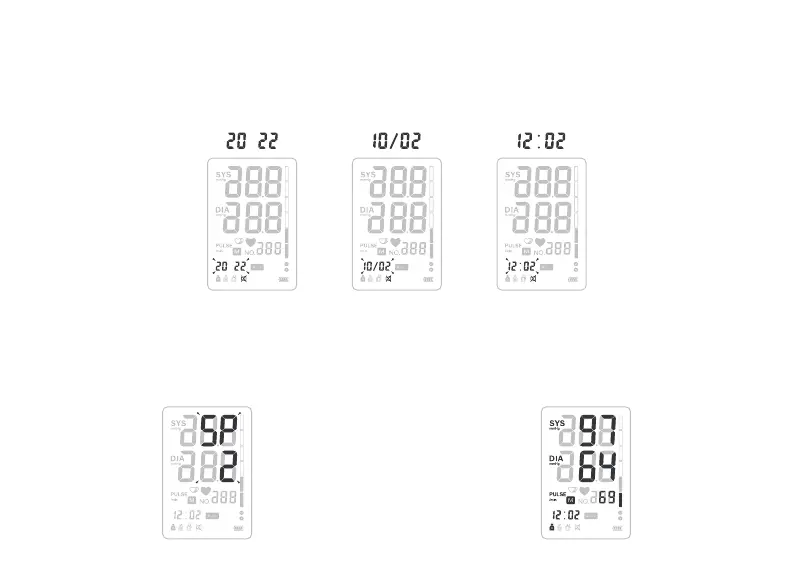
Setting Time:
When the hour display is flashing, press the MEM button, the hour will increase by 1, press SET button
to confirm, and follow the same way to set the minute. Press SET button to confirm.
Setting Volume:
When display with SP is flashing, press MEM but-
ton to switch volume 1, volume 2, volume 3 or OFF.
Press SET button to confirm.
Delete All Saved Results:
Select a user. Press MEM button to display results.
Press and hold again until all measurements turn
0.
Month TimeYear


 To Next Page