14
No battery power is consumed while the mi-
If electrical power is interrupted (such as by
power socket), the monitor must be reset by
removing the power cable from the power
socket on the monitor and reinserting it.
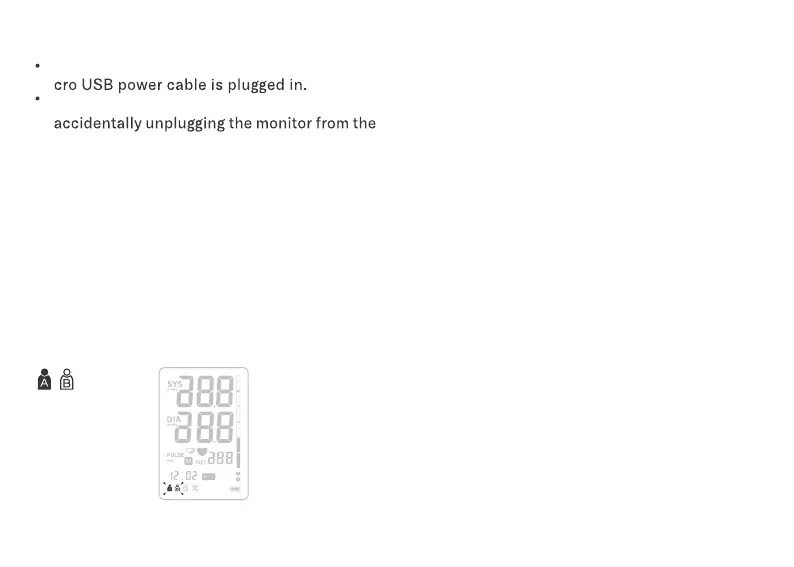
Press the SET button and hold it for more than
3 SECONDS. The User symbol will then flash.
Set User, Date and Time, and Talking Volume
follow the steps below.
Note:
Press the MEM button to select User A or
User B.
Then press SET button to confirm.
1.
2.
System Settings
Setting the User:
Setting the Year:
When the year display is flashing, press the MEM
button, the year will increase by 1 year each, hold
the MEM button and it will increase continuously
1 by 1, and then rollover to initial year, once the
year set is OK, press SET button to confirm.
Setting Month/Date:
Initial Month/Date is 1/01, when the Month display
is flashing, press the MEM button, the month will
increase by 1, press SET button to confirm, and
follow the same way to set the date. Press SET
button to confirm.


 To Next Page