INSTRUCTION MANUAL 8
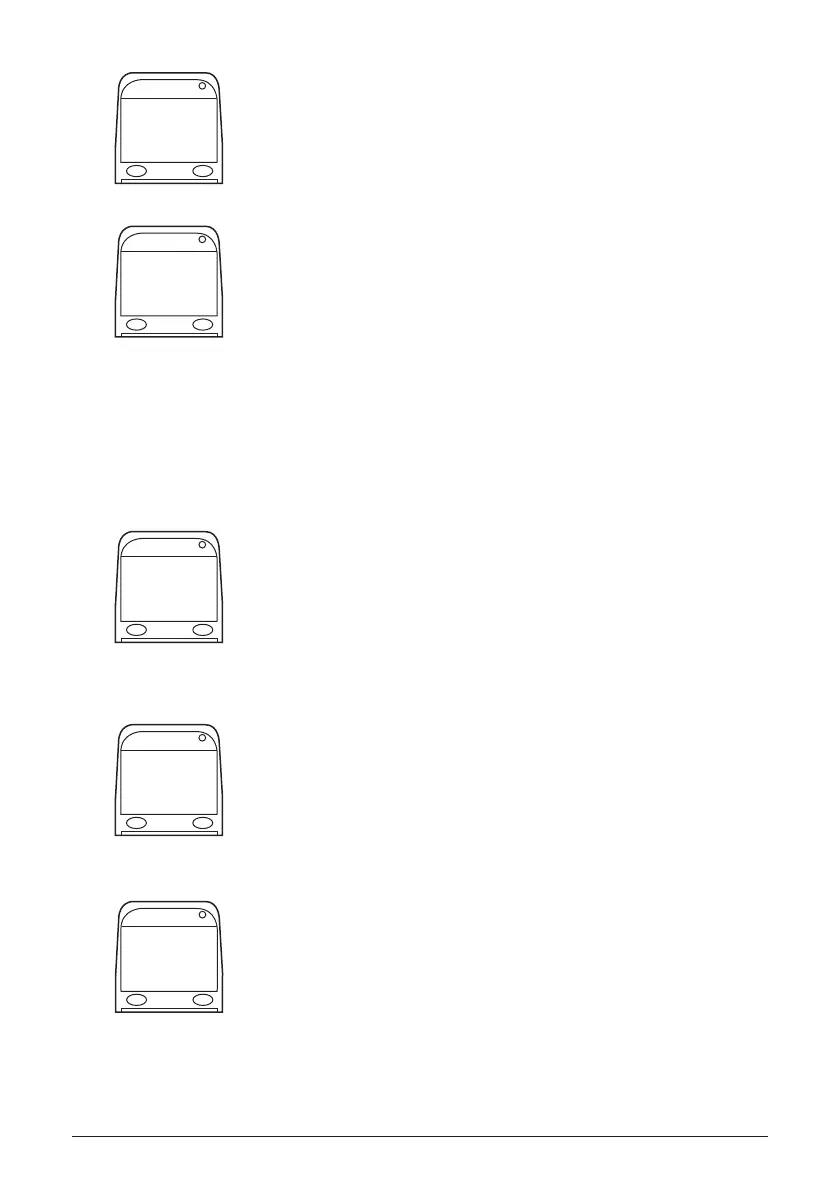
2. Use the buttons to adjust the volume of the Handset.
NOTE: Left button decreases the volume. Right button increases
the volume.
3. Press and hold the right button to exit the Volume submenu.
Select Exit to return to exit the user menu.
LANGUAGE SELECTION
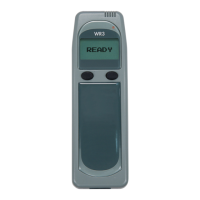
The IGNITION INTERLOCK WR3 can display messages in French or English. Access
the user menu to change the display language.
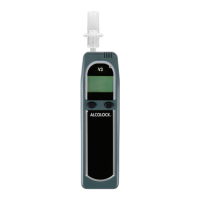
1. Press and hold the left button to access the user menu.
Use the left button to scroll to Language.
Press the right button to select this option.
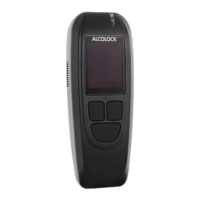
2. Use the right button to select or change desired language.
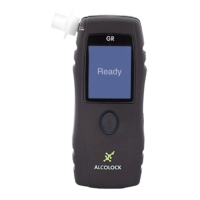
3. Press and hold the right button to exit the Language submenu.
Select Exit to exit user menu.
15
Volume
➙
Exit
Language
➙
English
➙
Exit


 To Next Page