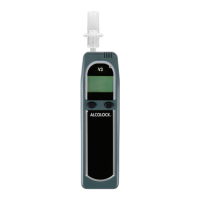
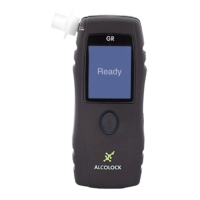
ALCOLOCK WR35
ADVANCED OPERATIONS
SLEEP
The IGNITION INTERLOCK WR3 can be placed into sleep mode after the motor has
been turned OFF. In sleep mode, the WR3 will operate at minimum power to conserve
energy in your vehicle battery.
The WR3 will automatically go into sleep mode when the sleep timer expires. You can
chose from 4 sleep times as described below.
The WR3 can also be put into sleep mode manually by pressing and holding the left
and right buttons at the same time.
1. Press and hold the left button to access the user menu.
Use the left button to scroll to Sleep.
Press the right button to select this option.
2. The Sleep submenu contains 4 pre-programmed sleep times:
30, 60, 90 and 120 minutes.
Use the right button to browse through them.
3. Press and hold the right button to exit the Sleep submenu.
Select Exit to exit the user menu.
Sleep
➙
Sleep
30 min
➙
Exit



 To Next Page