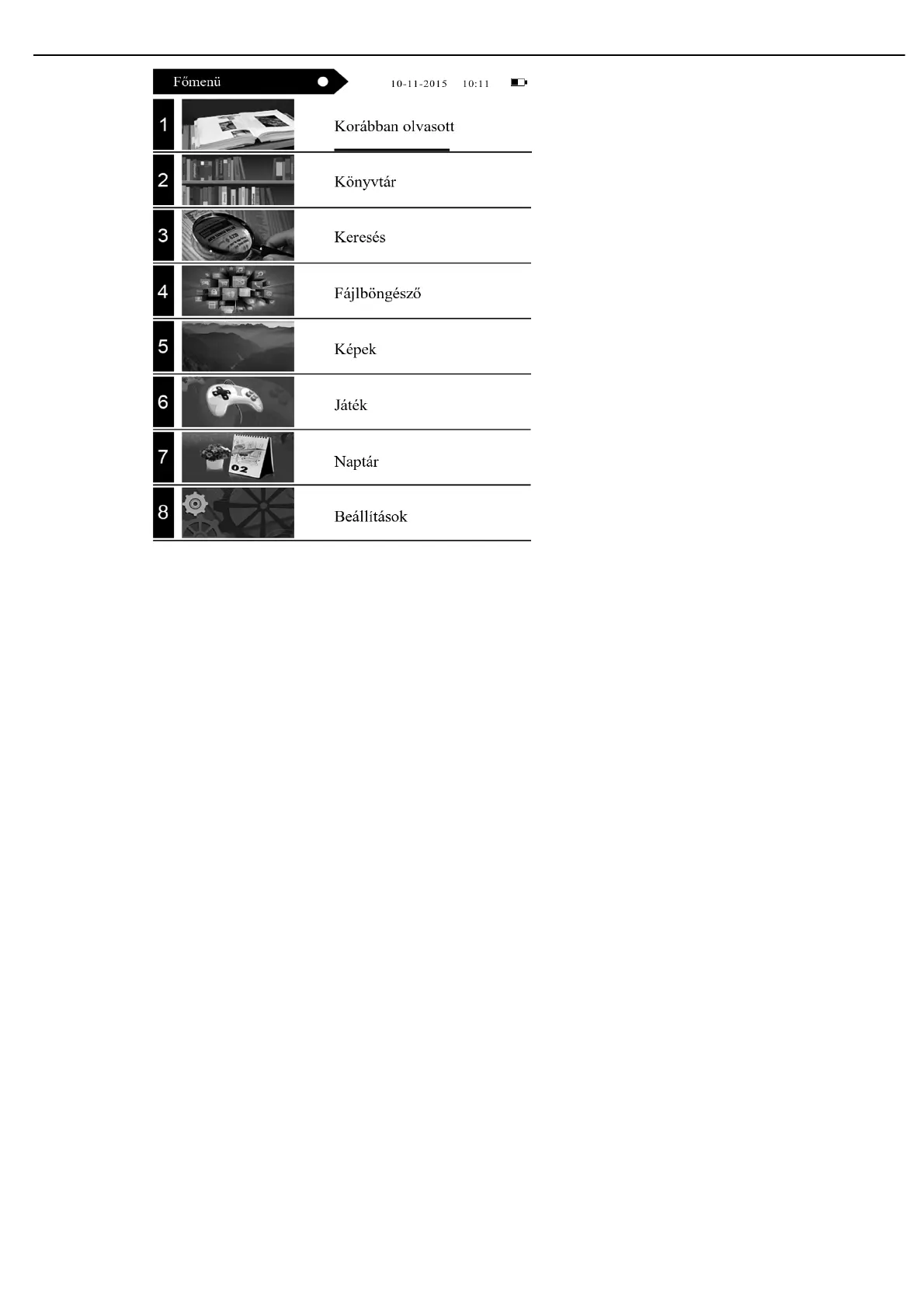
Through the direction key, in the main menu interface, you can choose cycle in four function "are reading", "recently reading", "scan
file ", "added test" and so on.
2. In the main menu interface, shortly press menu!"button". you can choose cycle in eight function "scan picture", "setting system",
and so on.
Reading
Select “Reading” mode in the main interface showing four books. Press “OK” key to access to the recently read list. Shortly
press return key to exit recently read interface.
Recently read
Select “Recently Read” mode in the main interface showing four books. Press “OK” key to access to the recently read list.
Shortly press return key to exit recently read interface.
Note: Only 10 recently read books can be choose.
Library
1) Access to the e-book case mode
Select the “E-book Case” mode in the main interface. Press “ok” key to access to the e-book case list
2) Select files and read
Press up and down key to select files, select one and press “ok” to access to e-book reading; short press return key to exit
reading mode and return to e-book case list.
7.4. File reading
While reading you can make the following operations:


 To Next Page