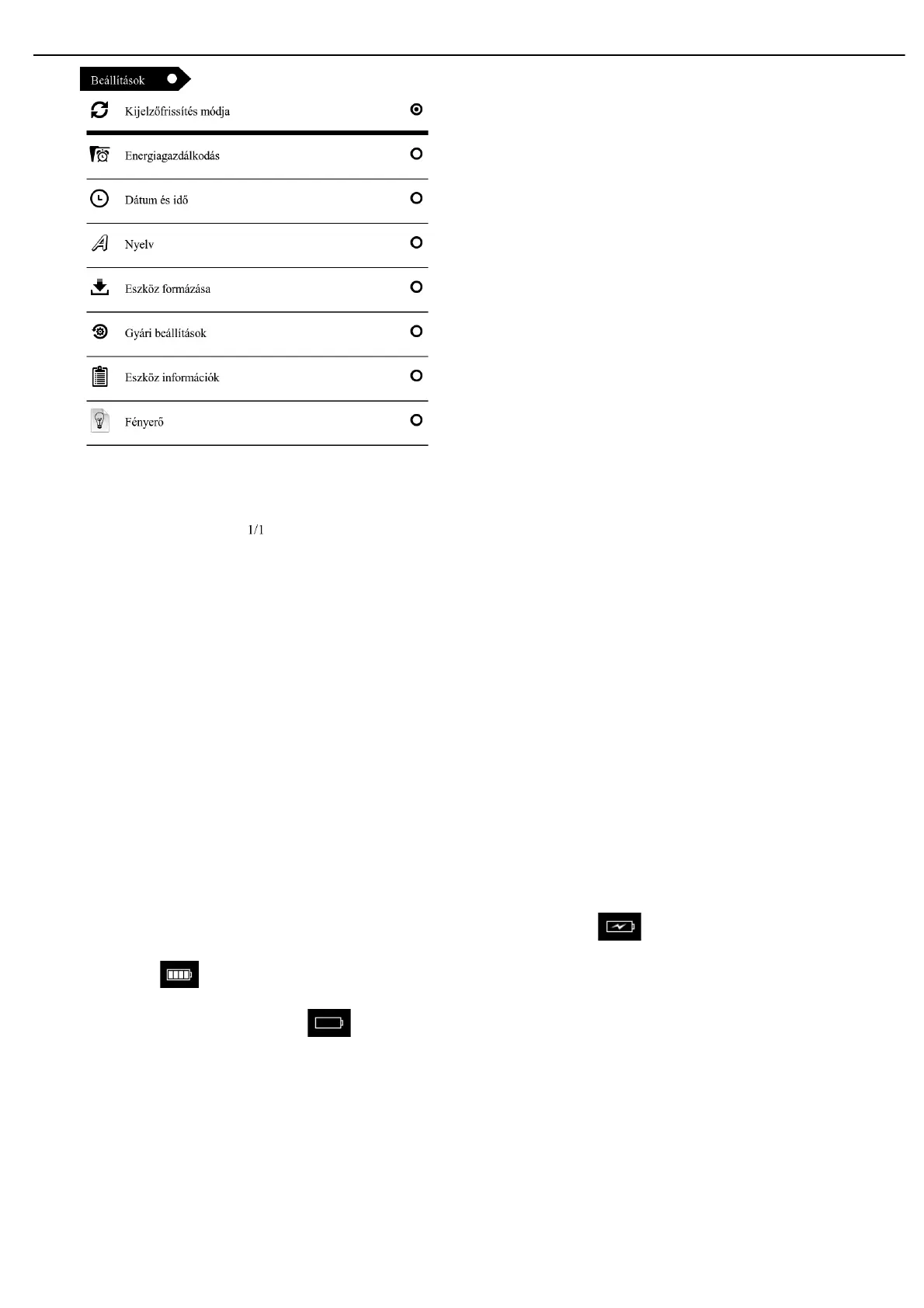
10.1.refresh model: this supports setting the refresh, and there are options including refresh each page, 3page,5page,
10.2.power setting:including power off setting and auto sleep setting.you can set time of setting auto turn off and auto
sleep according your habit.
10.3. Date/time setting: Yo u ca n set t he Year, M onth, Day and H ou r, Mi nu te , Second by left an d right key.
10.4. language setting function, there are language options of Simplified Chinese, English and Russia etc.
10.5. formatting local disk
10.6. Restore factory settings: use this option to restore factory setting state
10.7.Product information: display the software versioning, check the used and unused capacity of the flash, If there is a
Micro SD, you can check the capacity of the TF card.
Explanation of the battery and power supply
11.1 When the machine is in charging state, the top right will show the charging icon , after fool charged, the icon will switch
to full power icon automatically.
11..2When the battery is run out, it shows , the system will prompt low voltage. Please charge in time then.
11..3 When you charge for the product for the first time, in order to maximize the state of the battery, it is recommended to charge
with power off and keep for more than 8 hours.
11.4 The new product should be full charged and full released for the first three times to activate; after that, it takes about 3-3.5 hours
to fully charge the battery; it requires a longer charging time in running state.
11.5 It is recommended to fully charge and fully release the battery once every 3 months, to maintain the lithium battery.
11.6 After charging, please disconnect the USB cable, and remove the charger from the electric outlet. Please do not insert the
charger into the electric outlet when the product is not connected.
11.7 If the machine is not in use for a long time, please fully charge the battery first, charge and release once every 3 months.


 To Next Page