12
Switching the display on/off manually:
Briey press the LCD ON/OFF button to turn off the
display. Press the LCD ON/OFF button again to turn the
display back on.
When the baby starts crying, the display is switched on
automatically.
Sound indicators:
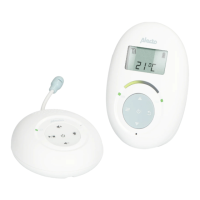
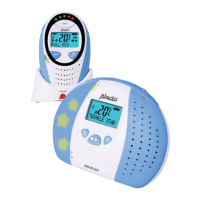
To the left of the screen 4 sound indicators indicate
whether the baby is crying by starting to ash. In this way
you can monitor your baby also when the volume is set to
a low level or even turned off or when the baby monitor is
somewhat further removed in the room.
4.3 MENU OPERATED FUNCTIONS:
You can open the menu by pressing the MENU button.
Use the or button to select the desired menu and use
the and buttons to adjust settings.
When nished, press the MENU button to save your set-
tings and to leave the menu.
Brightness:
1. Press the MENU button and use the or button to
select the option.
2. Press the and buttons to decrease or increase
the display brightness.
3. Press the MENU button to save your settings and
leave the menu.
Feeding timer:
As a reminder that it’s feeding time, you may have the baby
monitor sound an alert after 2, 3, 4, 5 or 6 hours.
1. Press the MENU button and use the or button to
scroll to the option.
2. Use the and buttons to make the option
illuminate in red and then press MENU
3. Now use the and buttons to set the amount of
hours until the next feeding time and press MENU
You may disable this function again by repeating these
instructions, but for step 2 you make the option illumi-
nate in red.



 To Next Page