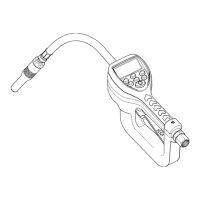
SER 3640 Electronic Preset Metered Control Valve
Revision (10-04) 6 Alemite Corporation
Control Valve and Meter Operation
Modes of Operation
These valve assemblies are designed for
automatic and manual modes of operation.
In automatic mode the display shows AUTO in
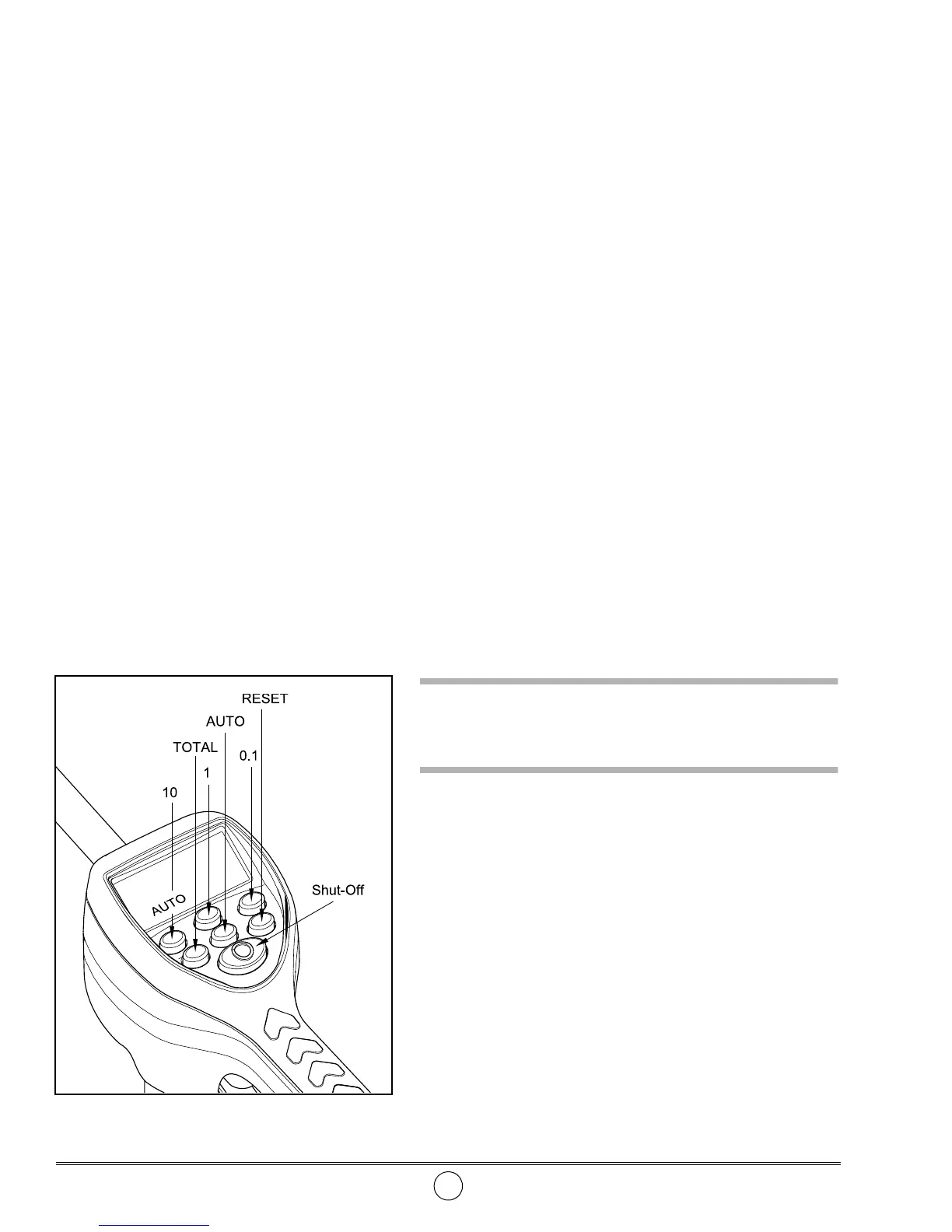
the lower left-hand corner. See
Figure 3
. With the
meter set to manual, AUTO does not appear (area is
blank).
To change mode:
1. Press the
RESET
button.
• This resets the counter to zero.
2. Press the
AUTO
button.
• The meter toggles between modes.
Control Valve Operation
Manual Mode
With the meter set to manual:
1. Press the
RESET
button.
• This resets the counter to zero.
2. Pull and hold the lever until the required amount
of fluid is dispensed.
Automatic Mode
1. Press the
RESET
button.
• This resets the counter to zero.
2. Repeatedly press the
10
,
1
, and/or
0.1
buttons until the
required automatic dispense quantity
(up to 99.9 units) displays.
EXAMPLE
: To set a quantity of 4.5 units,
• repeatedly press the
10
button until the screen is blank
• repeatedly press the
1
button until 4 displays
• repeatedly press the
0.1
button until 5 displays
Once the quantity is set:
3. Momentarily pull the lever to start the dispense cycle.
• The valve latches in the open position.
• The valve automatically closes once the meter registers the
preset quantity.
Stopping Flow
The user can stop the flow during the dispense cycle by
pressing the red button*. Momentarily pull the lever to resume
the dispense cycle.
* Requires considerable force to depress.
Topping Off
The user can add fluid after the preset amount has been
dispensed by pulling the lever.
CAUTION
Do not press the RESET button before topping off. The
meter resets to zero to begin a new quantity.
Accumulated and Resettable Totals
The meter stores both accumulated and resettable totals.
Accumulated Total
Press and hold the
TOTAL
button to display the accumulated
total.
Resettable Total
Press and hold the
TOTAL
button for 3 seconds to display
the resettable total.
Press the
RESET
button while viewing the resettable total to
reset the counter to zero.
Figure 3
Meter Buttons (w/Auto Display)


 To Next Page
 Loading...