Operating Instructions
4
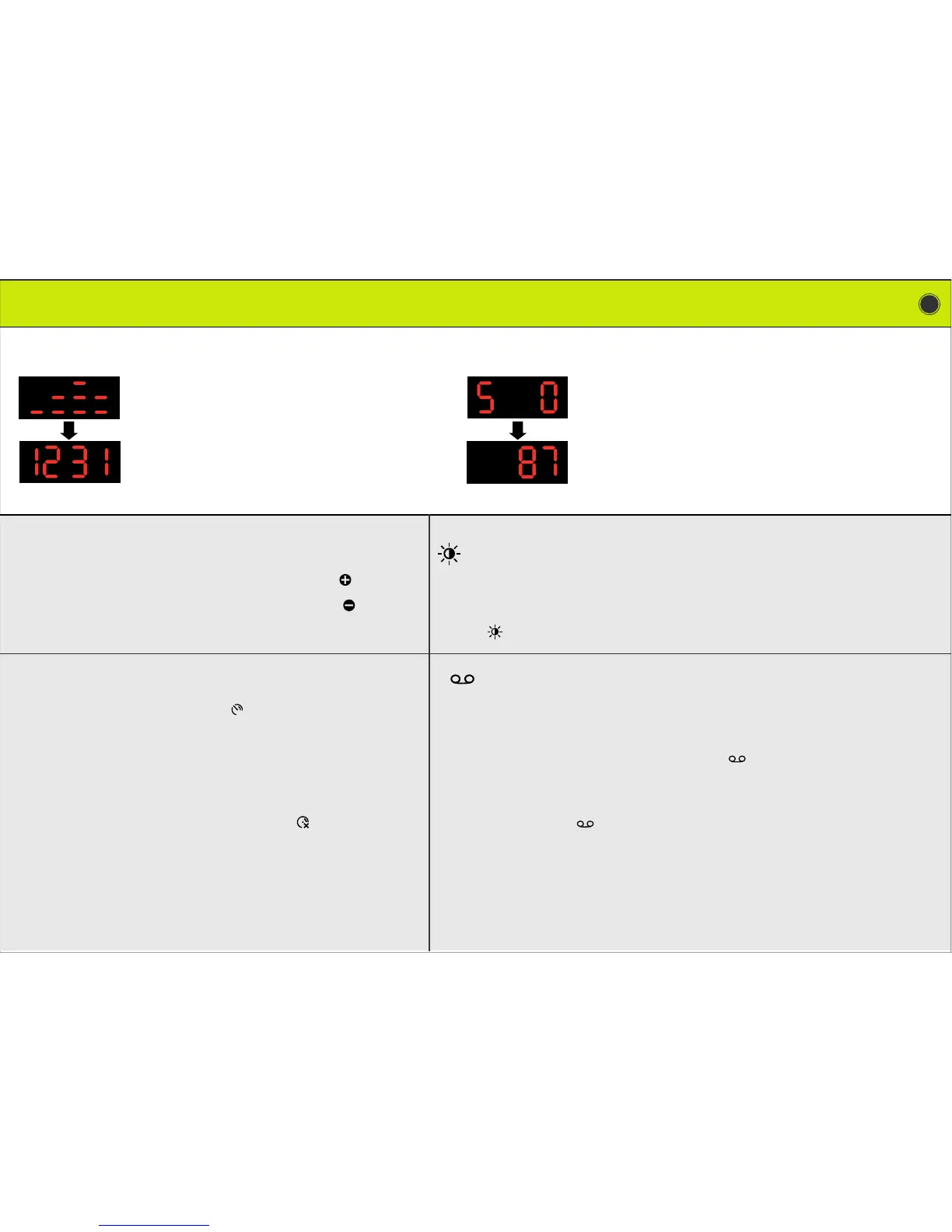
The G200 will start automatically after you have con-
nected it to the cigar lighter, and a short animation will
be displayed.
The display will then show the update number in that
format : month/day (4 numbers)
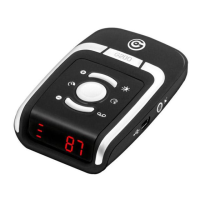
The display of the G200 features three modes:
To switch from one mode to the other, press app. two seconds on the brightness
button . Default setting is day mode.
The button in the centre of the unit is made to switch on or
off the speed limiter function.
- If you drive 50 Mph on a highway, press that button shortly, and a
beep will warn you every time you exceed 50 Mph.
- If you drive then 30 Mph on a minor road, press that button again –
shortly – and a beep will warn you every time you exceed that speed.
- To turn the speed limiter off, press the button app. 2 seconds.
Important : The speed is rounded up or down by the speed limier. So, if you drive
55 Mph, the speed will be rounded up to 60Mph
If you drive 54 Mph, the speed will be rounded down to 50 Mph.
The G200 includes a user memory to save your own points of interests: a
danger zone for example.
To save a point of interest, press the save button app. two seconds as you pass
the point of interest. The location of your vehicle is saved.
To cancel a POI: as you pass the point, and after the alert has started to sound,
press the save button app. two seconds.
This can be done during 15 seconds after the beginning of the vocal alert.
To increase the volume, press shortly and repeatedly the button.
To decrease the volume, press shortly and repeatedly the button.
STARTING THE G200
ADJUSTING THE VOLUME
ADJUSTING
THE
BRIGHTNESS
SPEED LIMITER POINTS OF INTEREST
- high brightness
- medium brightness
- low brightness
Satellite connection:
The G200 will then start to acquire satellite connection.
You can follow the satellite connection on the display.
A vocal alert will warn you when the connection is done.
Then, the default information displayed is the speed of your
vehicle (over 10 Mph). Important: please note that the G200
will perform a quicker satellite connection if the vehicle is
stopped.


 To Next Page
 Loading...