10
Changing the Metronome Interval
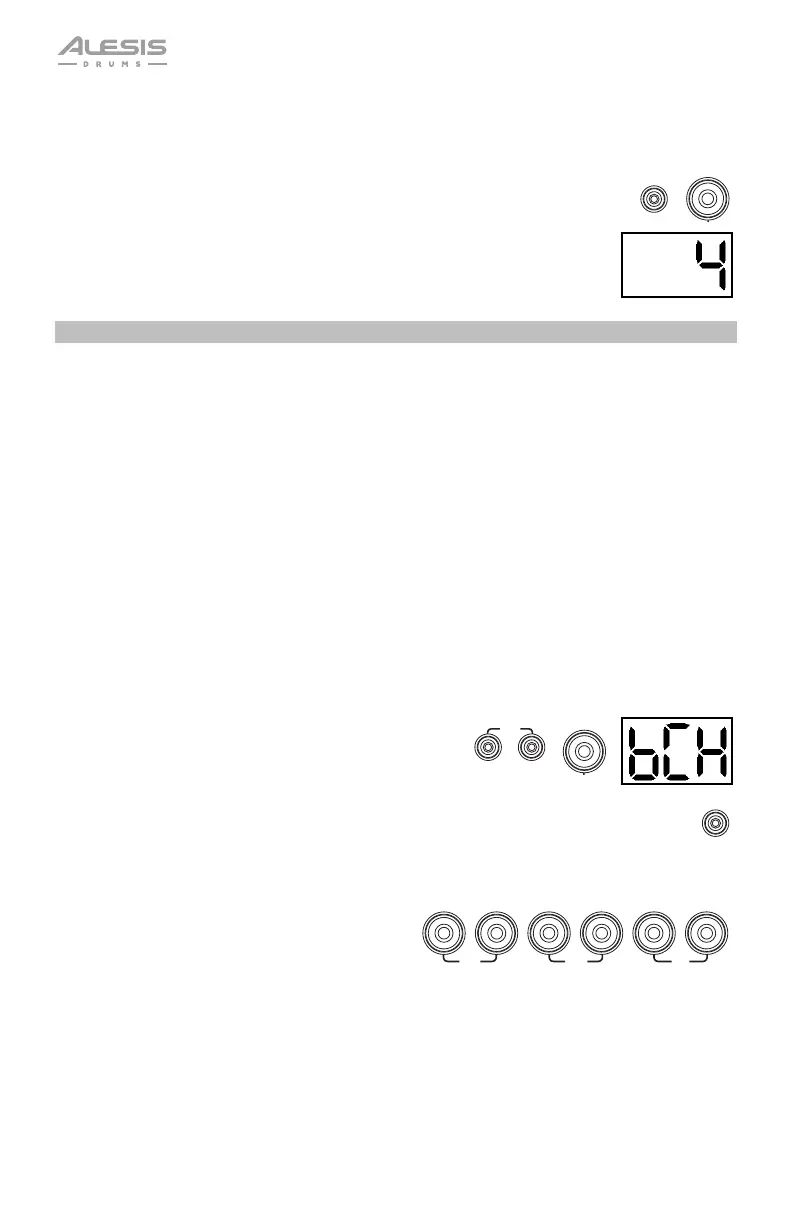
To change the metronome's note division (the note value it measures with each click):
1. Press the Click button and 3 button simultaneously.
2. The Display will show the current interval. Use the – / + buttons to select a
new interval: 2 (half note), 3 (triplet), 4 (quarter note), 6 (sextuplet), 8 (eighth
note), or 16 (sixteenth note). The default is 4.
3. Wait 4 seconds. The drum module will automatically save the new setting.
Using the Built-In Drum Coach
The Built-In Drum Coach contains five different exercises to help you develop and improve your
accuracy, stamina, and sense of tempo: Beat Check, Gradual Up/Down, Rhythm Change Up,
Follow Me, and Drum Mute.
To use the Built-In Drum Coach, press the Pattern button and Tempo button at the same time.
Then, press the 1, 2, 3, 4, or 5 button that corresponds to the exercise you want to do. The Display
will show which exercise you have selected:
1. Beat Check (bCH)
2. Gradual Up/Down (GUd)
3. Rhythm Change Up (C-U)
4. Follow Me (FLo)
5. Drum Mute (d-U)
Beat Check
This exercise evaluates your sense of timing and how accurately you play along with the metronome.
To use Beat Check:
1. Press the Pattern button and Tempo button at the
same time. Then press the 1 button.
2. Set the metronome's time signature and interval (as
described in Using the Metronome (Click)).
3. Press the Start/Stop button to begin.
4. Hit the pads in time with the metronome. The six
LEDs of the 1-5/Variation buttons indicate how
accurate or "in time" you are.
• When you are right on the beat, the 3
and 4 buttons light up.
• When you are slightly off the beat, the 2
or 5 button will light up.
• When you are off the beat, the 1 or
Variation button will light up.
• When you are completely off the beat, no
buttons will light up.
5. Press the Start/Stop button to stop.
CLICK
3
START
/STOP
SLOW
GOOD
FAST
12345VARIATION
1












 To Next Page