3
User Guide (English)
Introduction
Box Contents
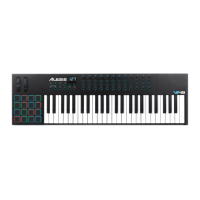
Harmony 61
Music Rest
Power Adapter
User Guide
Safety & Warranty Manual
Support
For the latest information about this product (system requirements, compatibility information,
etc.) and product registration, visit alesis.com.
For additional product support, visit alesis.com/support.
Features
Important: See the Operation chapter for more information about using the features
described in this chapter.
Top Panel
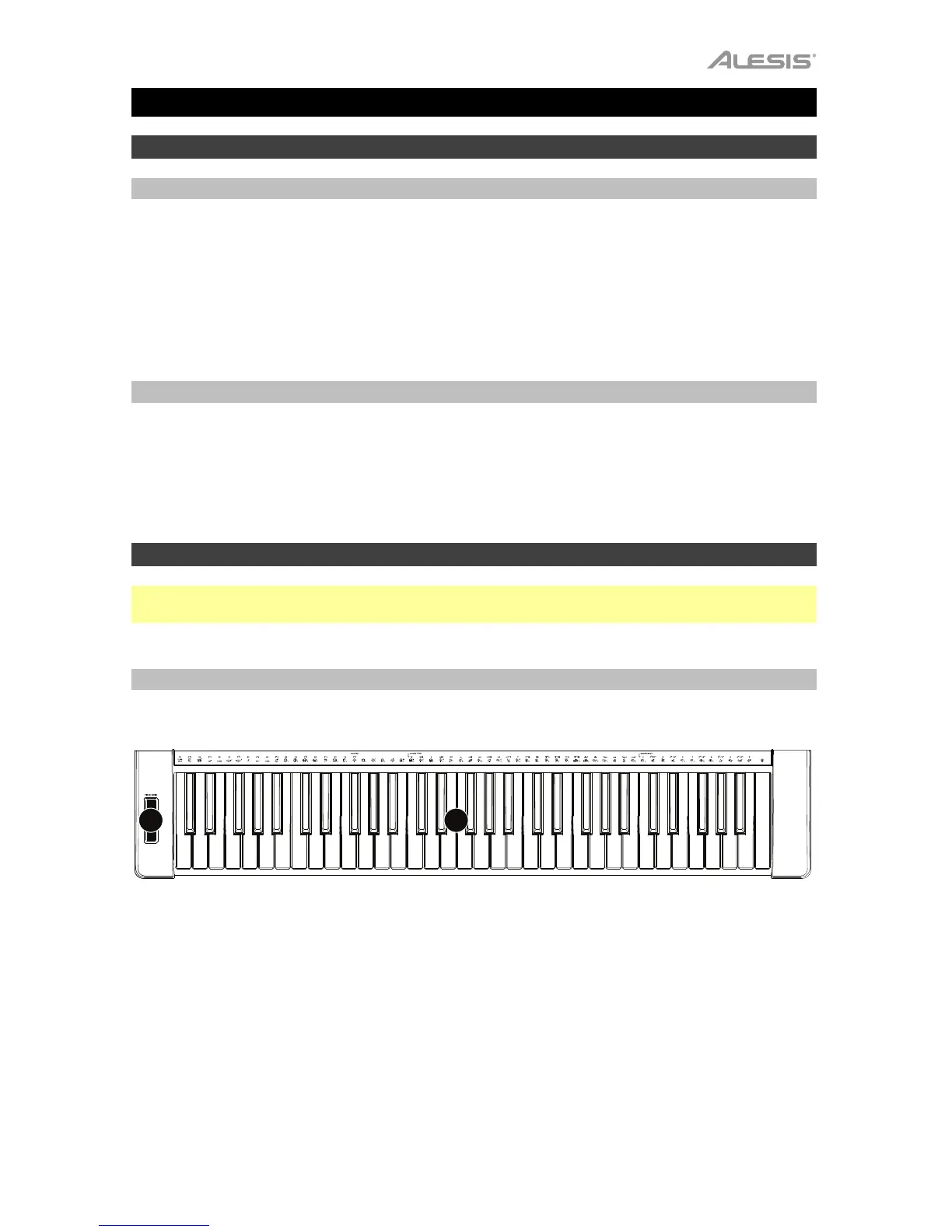
Keyboard
2
1
1. Keyboard: Press a key to play a note. These keys are velocity-sensitive—the more force
you use when pressing a key, the louder the note that plays.
2. Pitch-Bend Wheel: Move this wheel to send MIDI pitch bend information.



 To Next Page