8
PLAYING PATTERNS
STEP 1
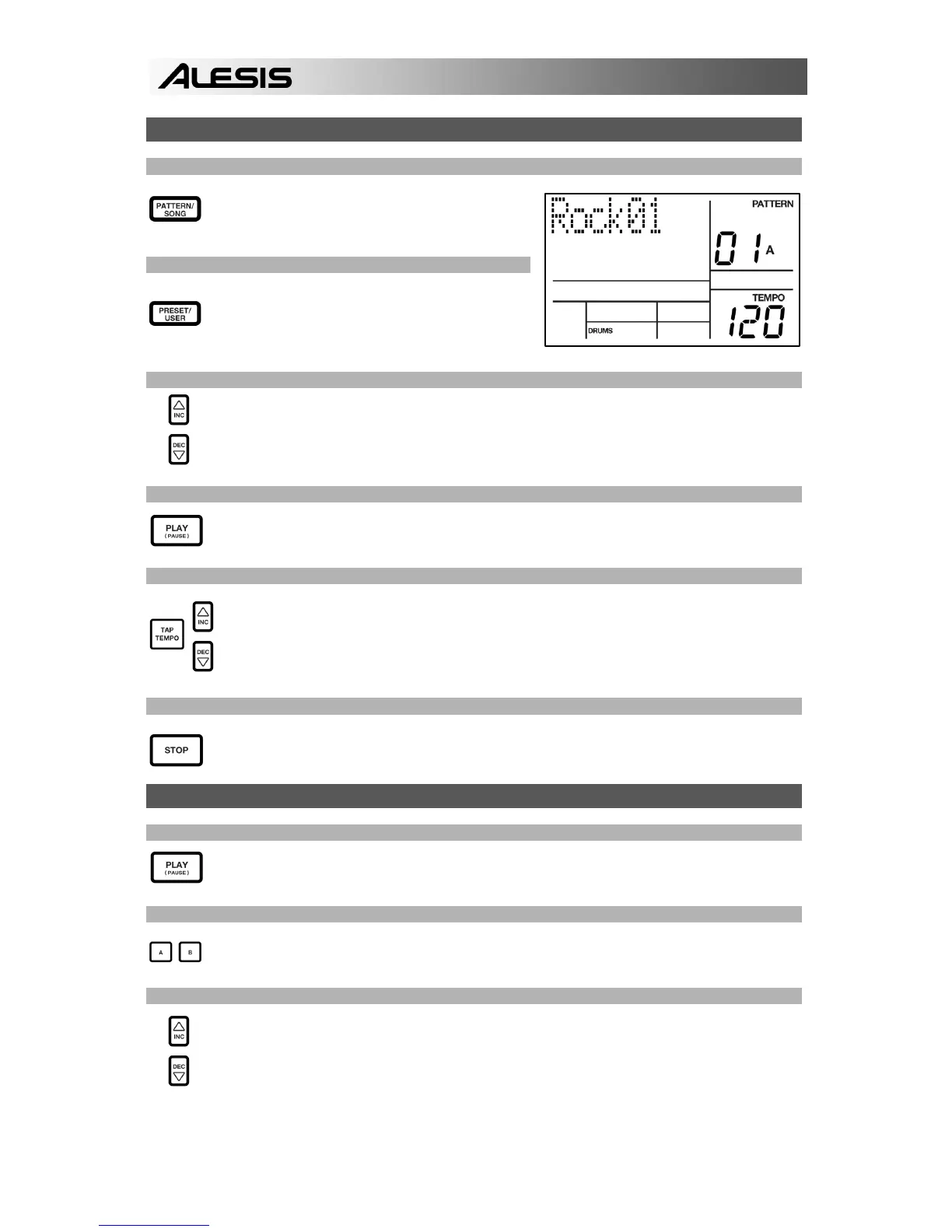
If the display’s upper right window shows SONG,
press the PATTERN / SONG button once to
select Pattern Mode.
STEP 2
If the display’s upper right window shows USER,
press the PRESET / USER button once until
USER disappears; this selects the Preset
patterns.
STEP 3
Press the INC / DEC buttons or use the VALUE dial to select a Pattern. You can also enter
a Pattern number (00-99) with the number buttons. Use a “leading zero” (i.e. 01, 02, 03) for
the first nine Patterns.
STEP 4
Press PLAY to start the Pattern.
STEP 5
Adjust the tempo by holding the TAP TEMPO button and pressing the INC / DEC buttons or
turning the VALUE dial. You may also tap in a new tempo with the TAP TEMPO button. The
PerformancePad Pro will average the time between taps and derive the tempo accordingly.
STEP 6
Press STOP to stop the Pattern.
PLAYING SEQUENCES OF PATTERNS
STEP 1
Begin by selecting a Pattern and pressing PLAY.
STEP 2
If an A Pattern is playing, press the B button (or press A if a B pattern is playing). The
alternate Pattern will begin playing as soon as the currently-selected Pattern reaches its end.
STEP 3
You can call up a different Pattern number while the PerformancePad Pro is playing. Press
the INC / DEC buttons or use the VALUE dial to select a Pattern. You may also enter a
Pattern number with the number buttons.


 To Next Page