18
This page allows the selection of the direct signal going either Pre-EQ,
Post-EQ (both with no panning or tremolo), or Post-EQ with Panning or
Post-EQ with Tremolo.
3) Pressing the "Up"
PAGE button repeatedly will select the Panning Depth or
Tremolo Depth page which will read:
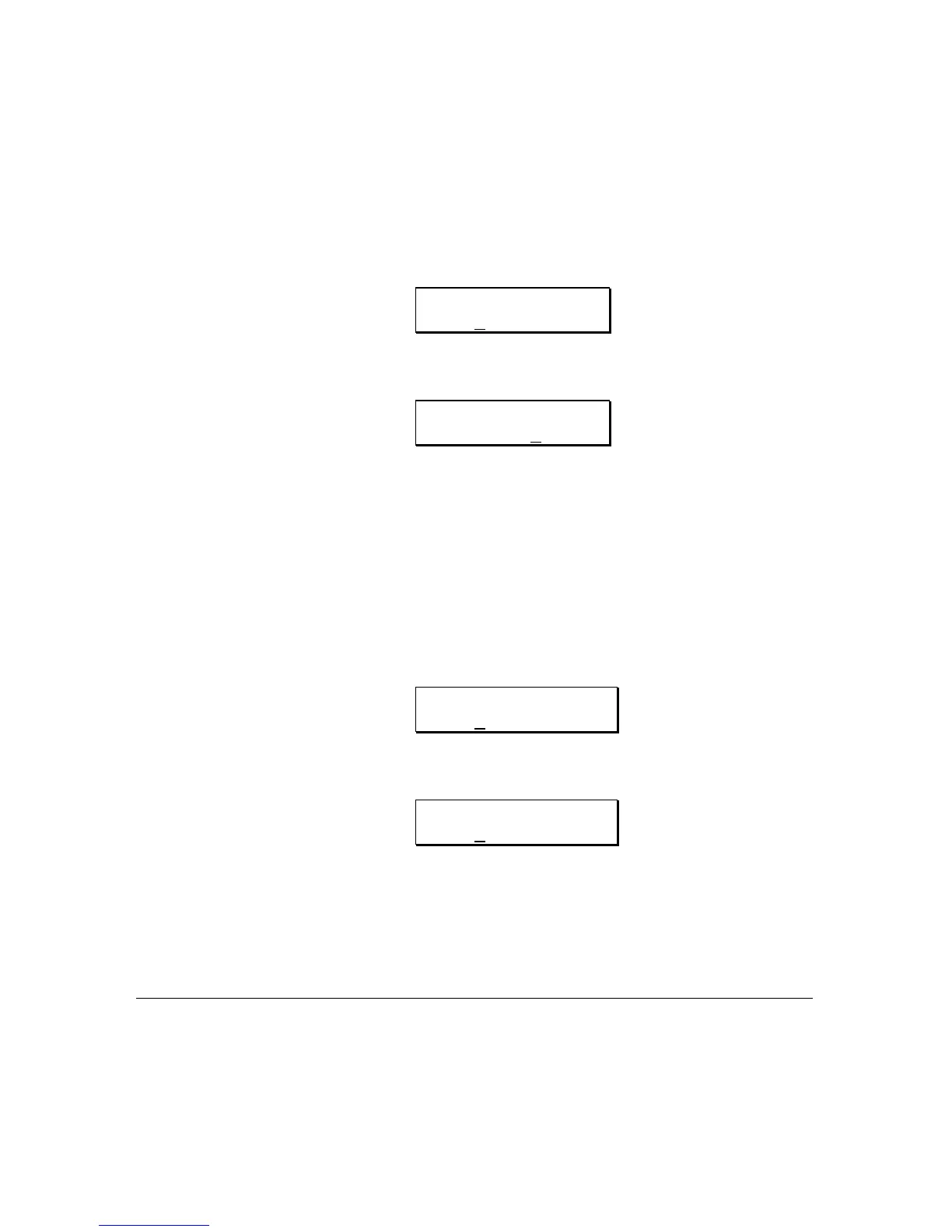
EQ PANNING DEPTH
99
or
EQ TREMOLO
DEPTH 99
.........depending on if Panning or Tremolo was selected above.
Pressing the
VALUE buttons will select the desired amount of Panning or
Tremolo Depth. The range is 0 to 99.
4) Pressing the "Up"
PAGE button again will select the Panning Speed or
Tremolo Speed page which will read:
EQ PANNING SPEED
30
or
EQ TREMOLO SPEED
30
.........depending on if Panning or Tremolo was selected above.
Pressing the
VALUE buttons will select the desired amount of Panning or
Tremolo Speed. The range is 0 to 99.
MODULATING THE PANNING OR TREMOLO
PARAMETERS
The Auto Panning Speed and Depth and the Tremolo Modulation Speed and
Depth can also be modulated by any MIDI modulation source. This can be



 To Next Page