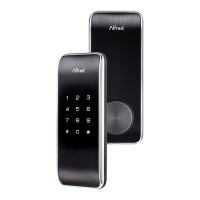
Open the door and keep the lock in "unlock" status
Open battery box and find the reset button.
Use a sharp thing to press and hold the reset button.
Keep holding the reset button and remove a battery from battery
box then replace it.
Keep holding the reset button until hearing voice guide.
※Please use this procedure only when the network primary controller is
missing.
Z-Wave+ Info
Manufacturer ID: Kaadas (0x021D)
Z-Wave Device Type: Door Lock keypad
Z-Wave Role Type: Listening Sleeping Slave (LSS)
Product ID: 0x0001
Product Type ID:0x0003
Supported Command Classes
Association Command Class*
Association Group Information (AGI) Command Class*
Device Reset Locally Command Class*
Firmware Update Meta Data Command Class*



 To Next Page