P.18
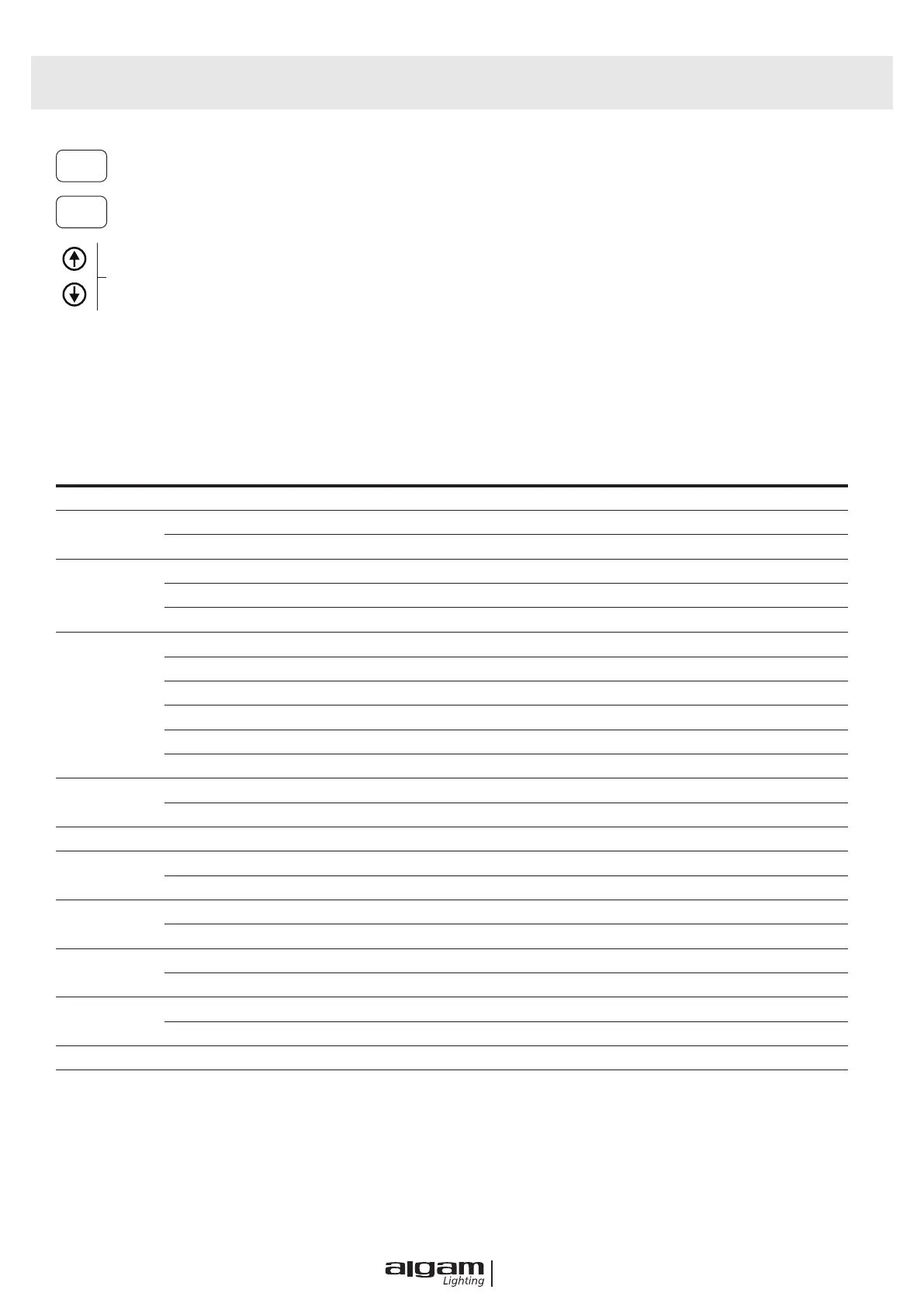
MENU OPERATING INSTRUCTION
MODE
ENTER
Mode Option, to choose the operating mode of laser.
Conrmation, to conrm the laser to show the present mode at the next operation.
UP/DOWN, to change operating mode, parameter or DMX address.
MENU
ADDR d001-d512 512 Address Set
CHND
11CH 11 Channel Set
13CH 13 Channel Set
SLND
Auto Auto mode
SL 1 DMX 512 Mode
SL 2 Slave Mode
SHND
SH 0 Show 0 : 180° Fast
SH 1 Show 1 : 360° Fast
SH 2 Show 2 : 360° Fast & no prism
SH 3 Show 3 : 360° Slow
SH 4 Show 4 : 180° Slow
SH 5 Show 5 : Club
SOUD
OFF Turn off the sound controle mode
ON Turn on the sound controle mode
SENS 0-99 Ajust the sensitivity of sound
LED
OFF Close the screen after 5 seconds
ON Screen open all the time
DISP
NO Display reverse
YES Display forward
RPAN
NO X motor forward
YES X motor reverse
RTIL
NO Y motor forward
YES Y motor reverse
FOC 0-255 Focusing motor positioning
REST YES System Reset



 To Next Page