8373 Zone Paging Adapter (FW 1.7)
Document 91-00071B Algo Communication Products Ltd (604) 454-3792
05/06/2020 4500 Beedie St Burnaby BC Canada V5J 5L2 support@algosolutions.com
Page 46 www.algosolutions.com
Reboot the Device
Reboots the device.
Method
Specify whether the firmware files will be downloaded from the local computer or a
remote URL.
Firmware Image
Point to the firmware image provided by Algo.
MD5 Checksum
Point to the checksum file provided by Algo
How to upgrade the 8373 Zone Paging Adapter Firmware
1. From the top menu, click on System, then Maintenance.
2. In the Upgrade section, click on Choose File and select the 8373 Zone Paging
Adapter firmware file to upload. Note that both the FW firmware and MD5
checksum files must be loaded.
3. Click Upgrade
4. After the upgrade is complete, confirm that the firmware version has changed
(refer to top right of Control Panel).
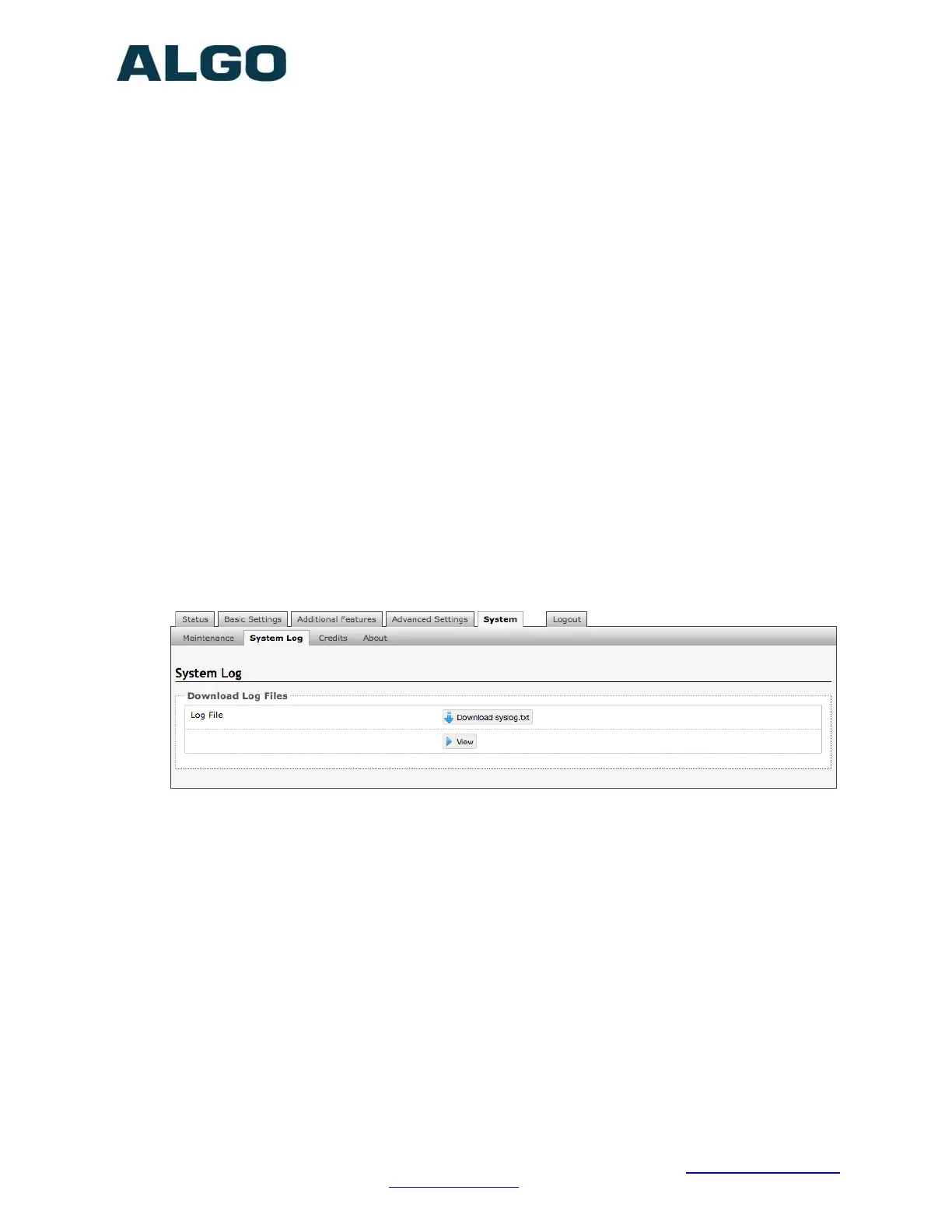
System Tab – System Log
System log files are automatically created and assist with troubleshooting in the event
the 8373 Zone Paging Adapter does not behave as expected.


 To Next Page