8373 Zone Paging Adapter (FW 1.7)
Document 91-00071B Algo Communication Products Ltd (604) 454-3792
05/06/2020 4500 Beedie St Burnaby BC Canada V5J 5L2 support@algosolutions.com
Page 9 www.algosolutions.com
Installation
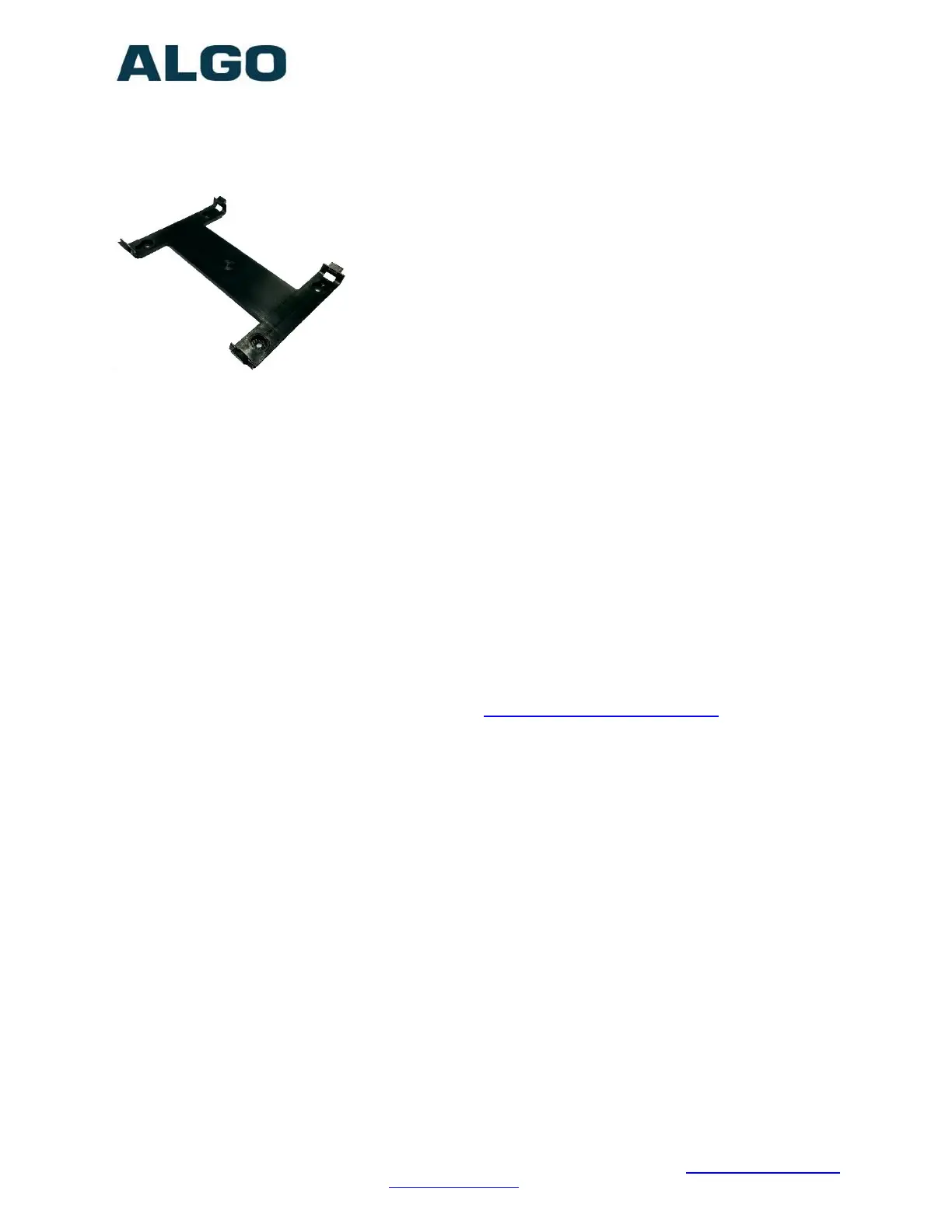
The 8373 is wall mountable in a horizontal orientation using the supplied bracket.
Example installation on ½” drywall:
Use appropriate drywall anchors for #8 screws, and pre-drill
per anchor manufacturer’s instructions. Insert 4 anchors into
the wall, and then attach bracket to wall anchors using #8
screws. Snap the 8373 into the bracket.
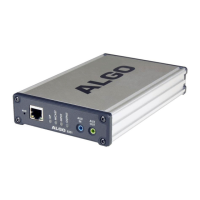
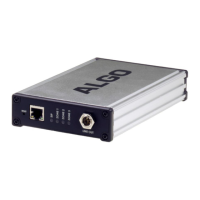
Connect the 8373 to a PoE network switch.
Connect the audio output of the 8373 to an amplifier input
using either the mini-XLR output (male pins) or pluggable
terminal block. The 8373 provides a dry audio output and dry contact closure.
An optional XLR output audio cable (Algo 2504) may be ordered for audio amplifiers
using standard XLR input connectors.
Programming and Configuration
The 8373 Zone Paging Adapter is configurable using the web interface or provisioning
features.
After boot up the blue lights on the front will turn off and the adapter will have obtained
an IP address. If there is no DHCP server the 8373 Zone Paging Adapter will default to
the static IP address 192.168.1.111.
The IP address can be heard over the Line Out port when the reset switch (RST) is
pressed. (Do not press this button during boot-up as it will cause the device to reset to
factory defaults). The IP address may be discovered by downloading the Algo locator
tool to find Algo devices on your network: www.algosolutions.com/locator
Enter the IP address (e.g. 192.168.1.111) into a browser such as Google Chrome,
Firefox, or Edge. The web interface should be visible and the default password will be
algo in lower case letters.


 To Next Page