8373 Zone Paging Adapter (FW 1.7)
Document 91-00071B Algo Communication Products Ltd (604) 454-3792
05/06/2020 4500 Beedie St Burnaby BC Canada V5J 5L2 support@algosolutions.com
Page 8 www.algosolutions.com
Setup and Installation
Getting Started - Quick Install & Test
1. Connect the 8373 Zone Paging Adapter to an IEEE 802.3af compliant PoE network
switch or PoE injector. The blue lights on the front will remain on until boot up is
completed – about 30 seconds.
2. After the blue lights turn off, press the reset switch (RST) to hear the IP address over
the Line Out port. The IP address may also be discovered by downloading the Algo
locator tool to find Algo devices on your network: www.algosolutions.com/locator
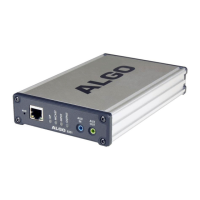
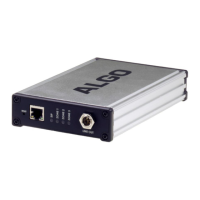
3. Connect the adapter Line Out to an input amplifier using the mini-XLR connector
(front) or pluggable terminal block (back).
4. Connect the output of the amplifier to the Amp In terminals.
5. Connect each speaker run to Channel 1, 2 or 3.
6. Access the 8373 Zone Paging Adapter web page by entering the IP address into a
browser (e.g. Chrome, Firefox or Edge) and login using the default password algo.
7. Enter the IP address or the name for the SIP server into the SIP Domain field under
the BASIC SETTINGS > SIP tab.
8. Enter the SIP Extension, Authentication ID, and Password.
Note: The Authentication ID may also be called Username for some SIP servers,
and in some cases may be the same as the SIP extension.
9. Verify the extension is properly registered with the SIP server in the Status tab.
Ensure the SIP Registration is “Successful”.
10. Make a call to the adapter by dialling its extension from a telephone. A prompt tone
will be heard when the 8373 answers – press “1” to call zone 1, which will activate
the relay for Channel 1 based on the default settings.


 To Next Page