57ALI-DVR3000H Series 960H DVR User Manual
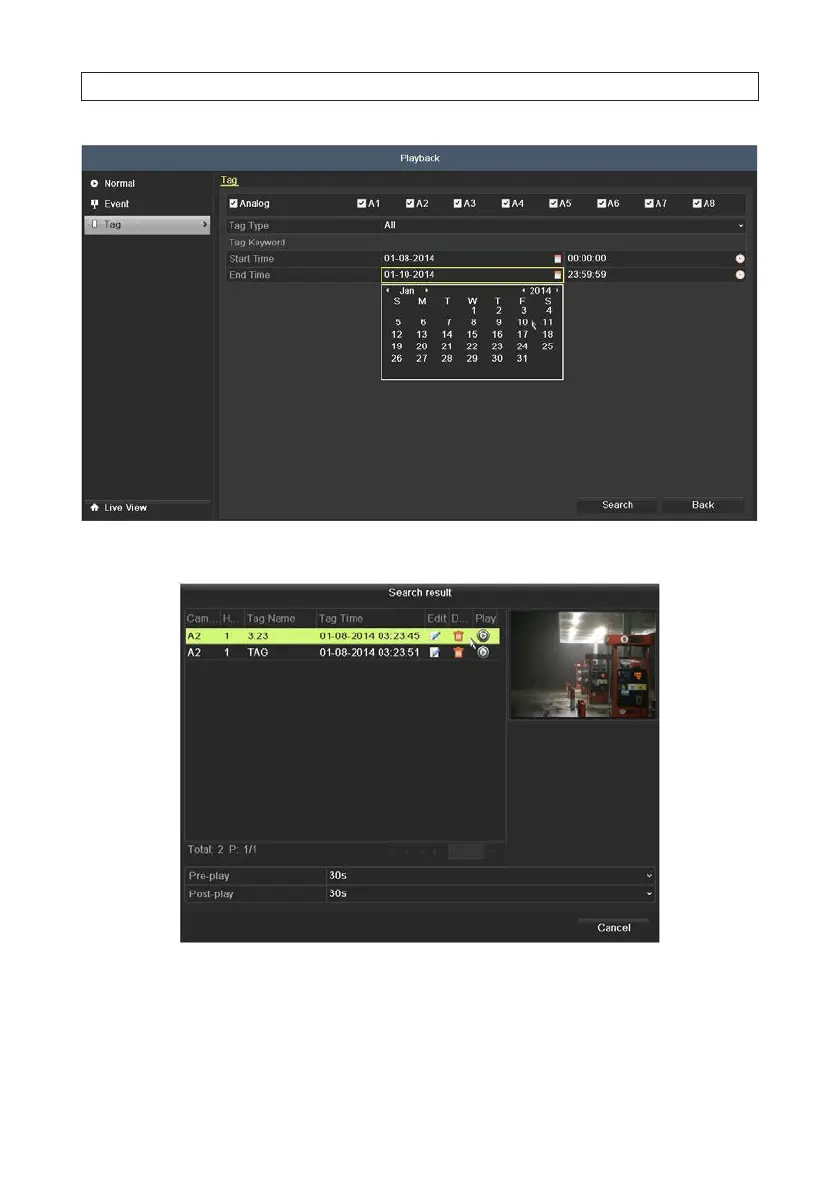
5. Click Search to generate a list of tagged video les.
6. Select the video clip from the list, then click the Play icon associated with it. The control panel at the bottom of the screen is
described earlier in this section. See “5.2.1 Playing back video by channel” on page 50.
7. To open the search result list during video playback, move the mouse cursor to the right edge of the screen.
SECTION 5: RECORD, PLAYBACK AND VIDEO BACKUP












 To Next Page