5 www.Observint.com
a. Check the select boxes for the cameras you want to add, then click the Add button.
10. On the next screen, you can congure all cameras to begin recording video either continuously, when motion is detected, or not record
(select no options). Select the option you prefer, and then click OK.
11. In the example above, Motion Detection was selected. When a conrmation window opens. Click Yes, and then click OK to save the
settings and close the Wizard. The NVR will present the Live View display. For more information about the Live View display, please
refer to the ALIBI Embedded Network Video Recorder Firmware V3.3.4 User Manual available for download from your vendor..
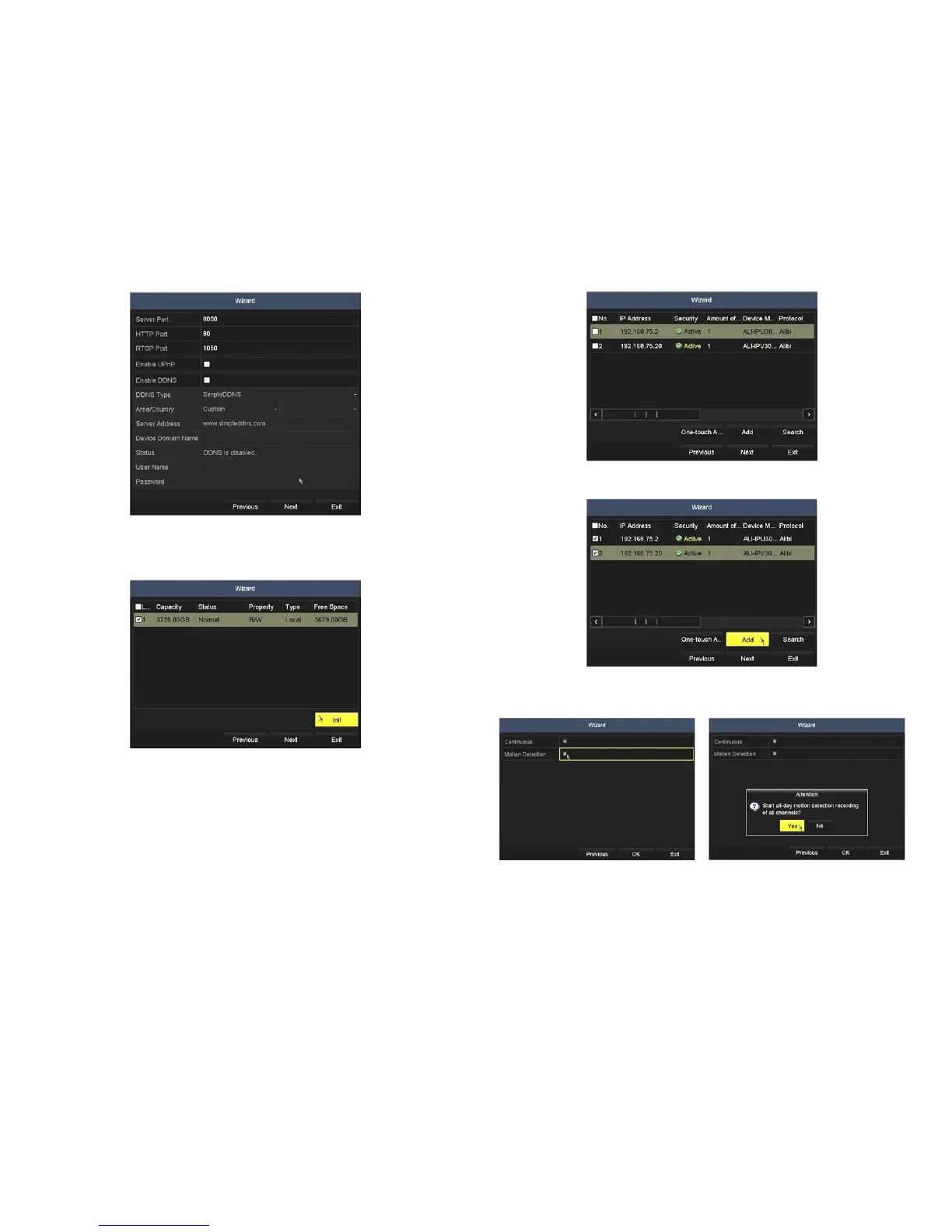
8. The HDD management Wizard window will open. If your NVR is a new NVR shipped with a pre-congured HDD, nothing needs to be
done in this window. If you installed an HDD or replaced the HDD om the NVR, you must initialize it before it can be use. CAUTION:
Initialization erases all information on the disk.
a. To initialize an HDD, select (check the box for) the HDD you want to initialize, and then click Init.
b. Wait until the initialization is complete, and then click Next to continue.
9. In the next window, click the Search button to discover compatible cameras on the LAN to add to the system.
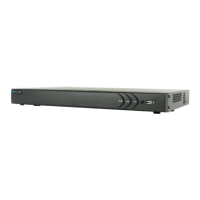
With the ALI-NVR3104P, you can monitor up to 4 IP cameras total (the sum of those attached to ports in the integrated 4-port
Ethernet switch plus those added from the LAN the NVR is attached to).
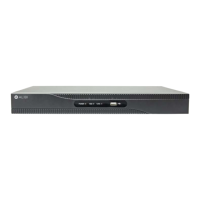
With the ALI-NVR3108P, you can monitor up to 8 IP cameras total (the sum of those attached to ports in the integrated 8-port
Ethernet switch plus those added from the LAN the NVR is attached to).
© 2014 Observint Technologies. All rights reserved.



 To Next Page