6 www.Observint.com
© 2015 Observint Technologies. All rights reserved.
Step 6. Access the Menu system
After the initial setup of your NVR using the Wizard, the Menus interface enables you to rene your conguration settings and expand the
functionality of the system. To use most menus, the user must log into the NVR system, either locally or remotely, with administrative
privileges.
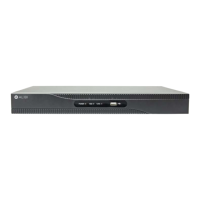
To open the Menu system from the Live View screen, right click anywhere in the screen, then select Menu.
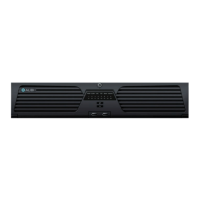
If ID Authentication is not disabled (see the Menu | Conguration | General settings), a login window will open. In the Login window,
select a User Name with administrative privileges, enter its password, then click OK. NOTE: A window of Menu icons will open. The default
user “admin” has the default password of “1111”.
For additional information on the extensive capabilities of your NVR, including detailed setup and conguration instructions, please refer to
the ALIBI Embedded Network Video Recorder Firmware V3.3.4 User Manual available for download from your vendor.
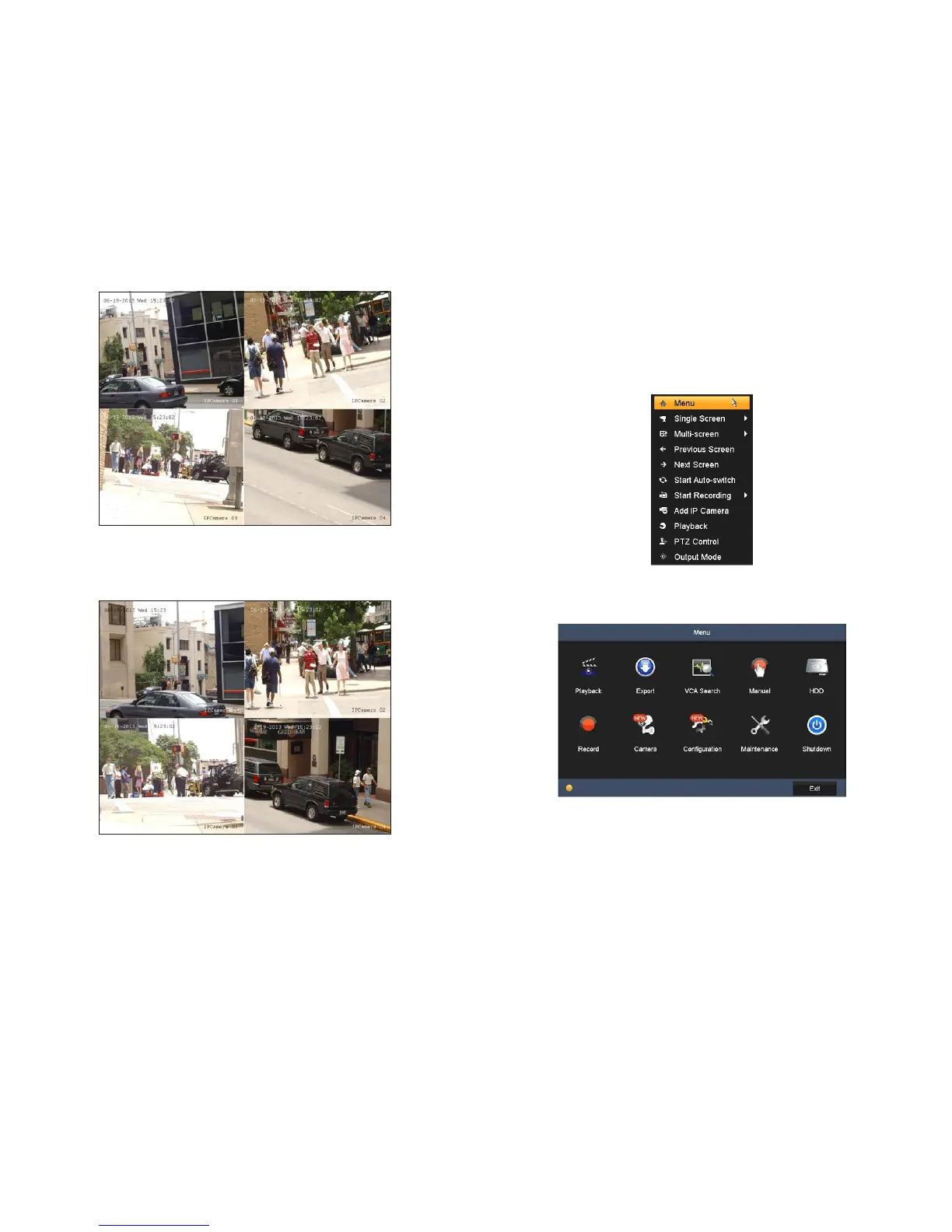
Live View display
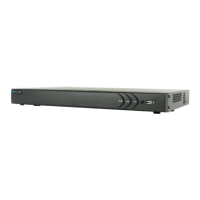
12. While viewing video from each cameras in the Live View display, adjust the direction of each camera to aim it at its surveillance
target. Follow the manufacturer’s recommended procedures for aiming the cameras.
Live View display after camera adjustments



 To Next Page