Ŷ chapter 4 upgrading your computer
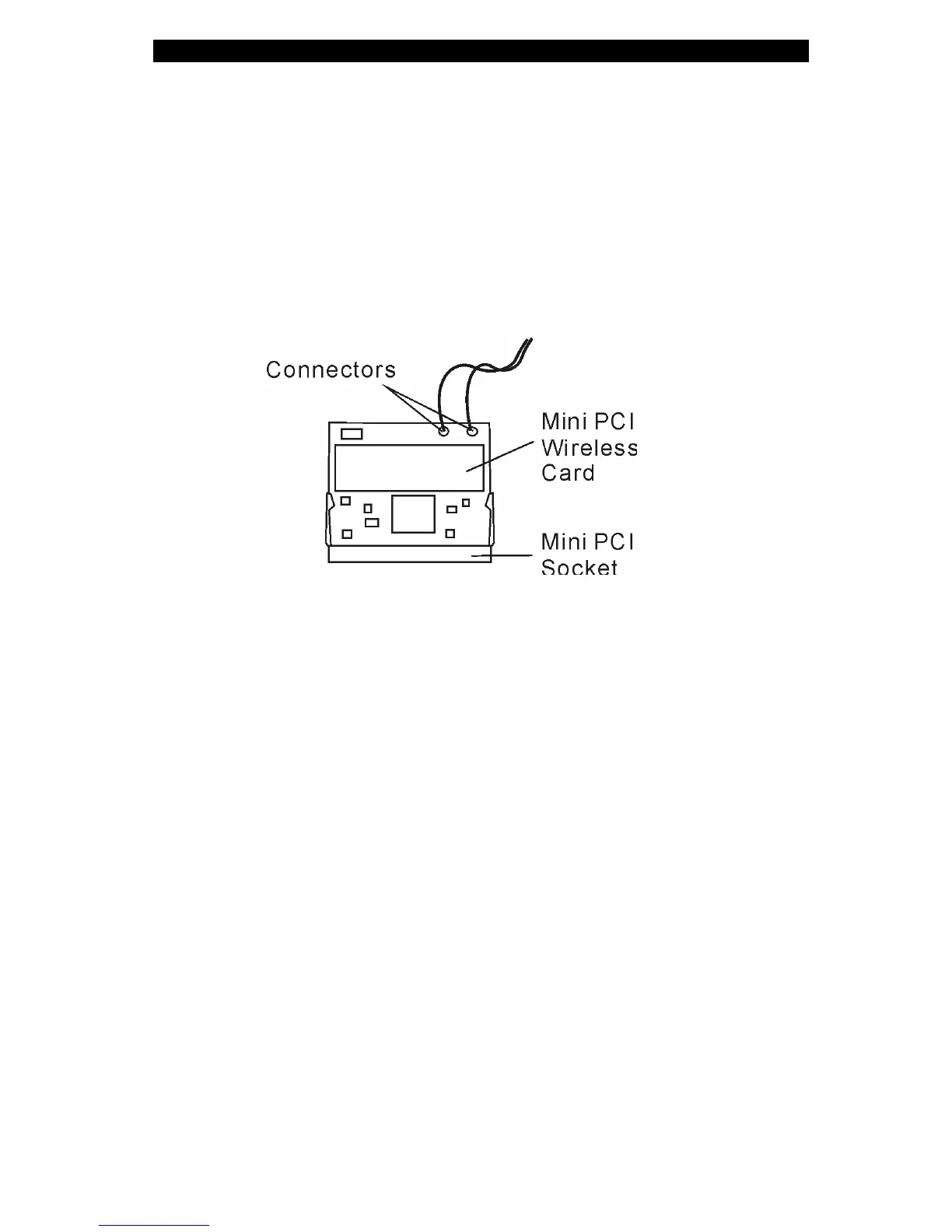
3. Locate the 2 antenna cables with connectors. Snap the cable
onto the golden connector on the mini PCI wireless LAN card. (Note:
The connectors are fairly small, so this may take some
maneuvering. You may want to connect the antenna cables before
inserting the wireless card into the socket. )
4. Put the system device cover back and tighten the 9 Screw C’s.
Congratulations! You have now completed the mini PCI card
installation. During the next time the system boots to Windows, the
system will prompt for driver location. Insert the factory CD-ROM
and point to the directory where the wireless LAN driver can be
found. In addition to installing the driver, you may also need to run a
Setup.exe program to install the card’s utility applications before it
is fully operational.
4-13















 To Next Page