Alienware Area-51 m9750 Technical Reference
15
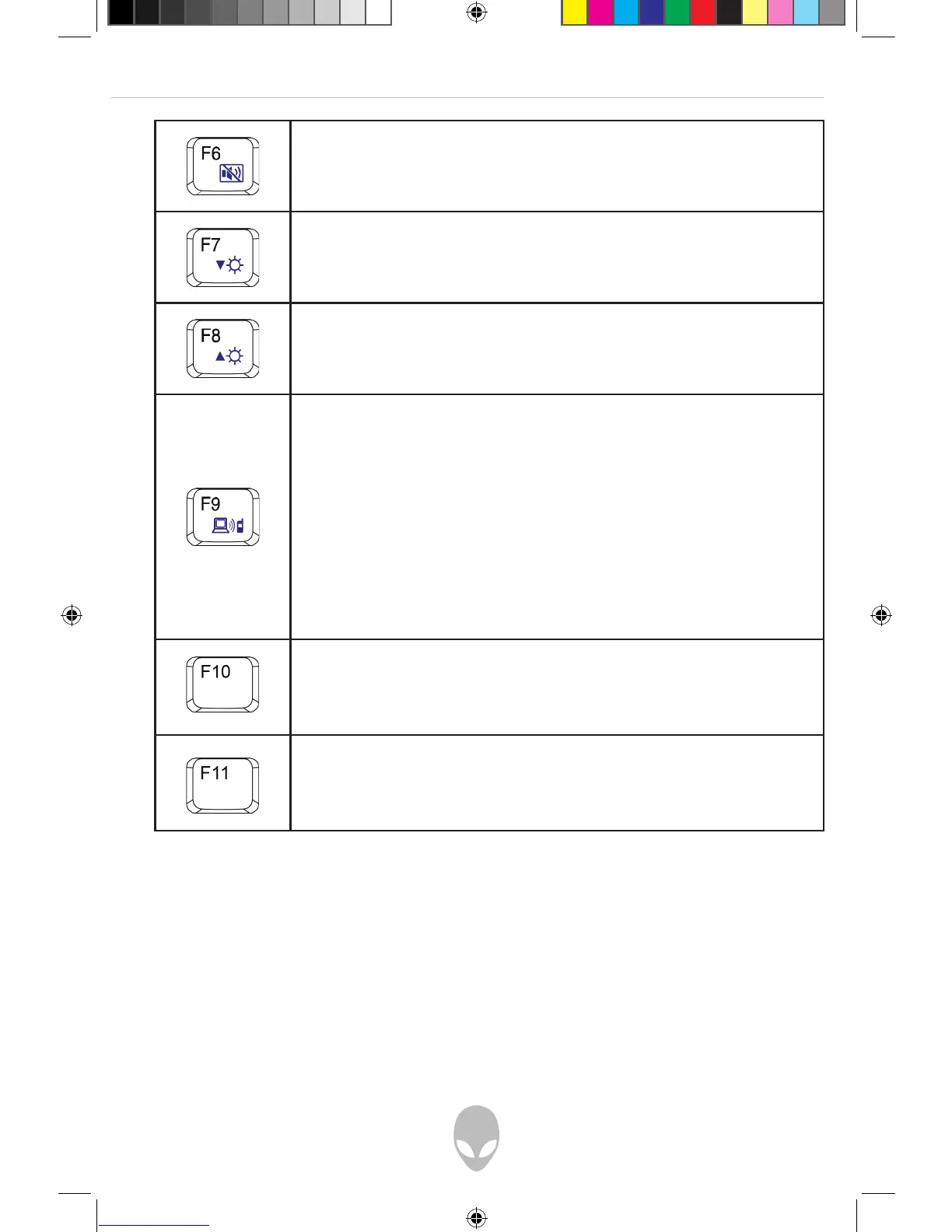
Mute/Un-mute Switch
Press this key combination (Fn+F6) to mute and to un-mute
audio volume.
Decreasing Brightness
Press this key combination (Fn+F7) to decrease the brightness of
the LCD display.
Increasing Brightness
Press this key combination (Fn+F8) to increase the brightness of
the LCD display.
Bluetooth Switch (Optional)
Press this key combination (Fn+F9) to power on and power
off the Bluetooth® module. Powering on the Bluetooth® by
pressing this key combination (Fn+F9) does not automatically
activate the Bluetooth® function. After powering on, you need
to activate the Bluetooth® function through Windows™. The
main purpose of this key combination (Fn+F9) is to provide
you with a quick way to turn off the power of Bluetooth® when
entering venues like airplanes, airports, and hospitals where the
usage of Bluetooth® is prohibited or not advisable.
Alien Head LED On/Off Switch
Press this key combination (FN+F10) to turn the Alien Head LED
on and off.
Touch Capacitance Disable Switch
Press this key combination (Fn+F11) to disable the touch
capacitive keys.
Note: The proper way to activate Wireless LAN and Bluetooth® is described below:
1) Press this key combination (Fn+F2) to power on Wireless LAN.
2) Press this key combination (Fn+F9) to power on Bluetooth®.
3) Activate the application programs in Windows™.
The effective range of the Bluetooth® system is 10 meters.
Note: Depending on the configuration of the notebook computer you have purchased,
some of the function keys may have no function.















 To Next Page