User's Guide Before You Begin
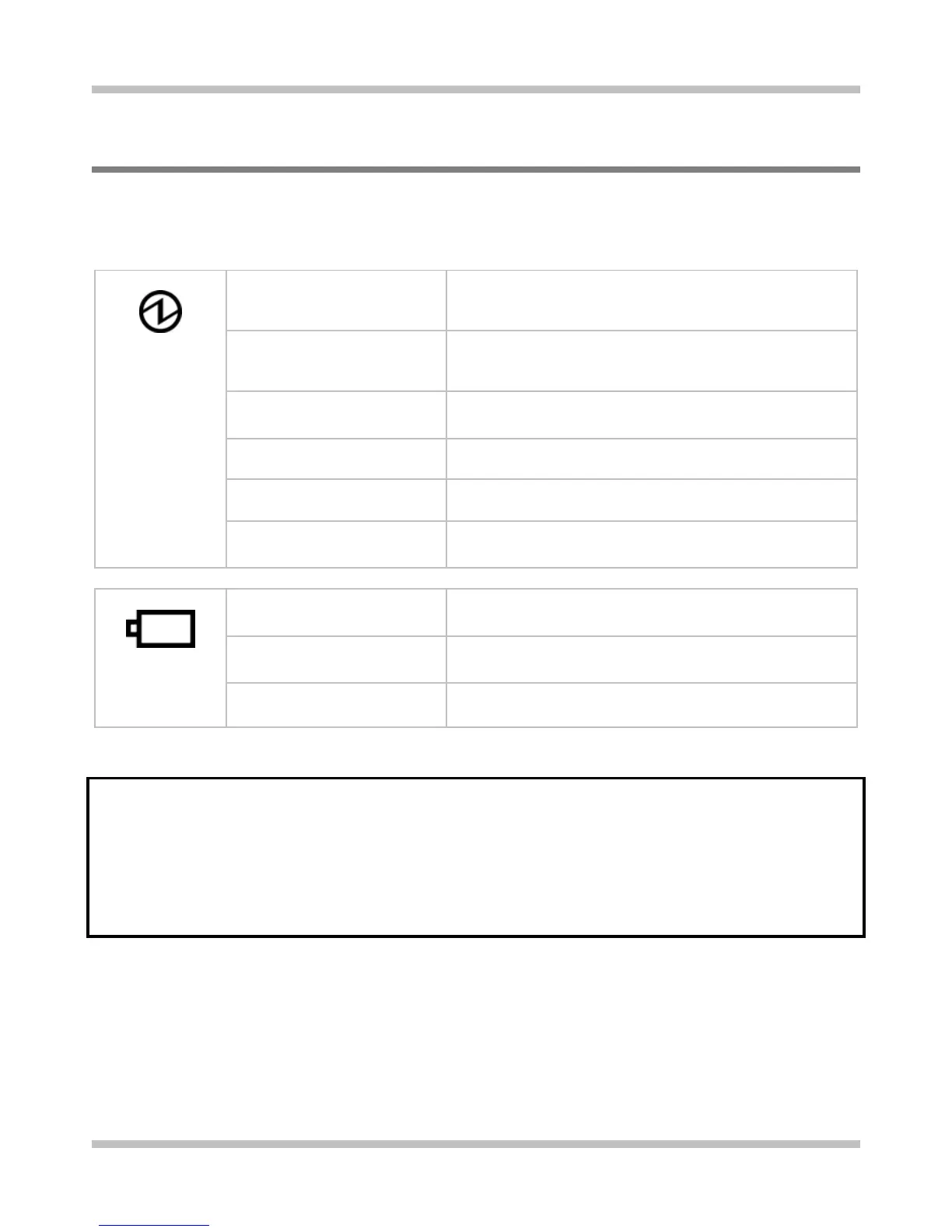
1.3 The Two System LEDs
The two System LEDs are closely knitted together to reflect the system and battery
recharge statuses as below.
Off • The system is off, or in hibernation mode, and
• The battery pack is fully charged, or battery pack is
not inserted.
Blue
• The system is in full operation mode, and
• The battery pack is fully charged, or battery pack is
not inserted.
Blue blinking once per 1.5
seconds
• The system is in standby mode.
Amber
• The battery pack is being recharged (fast-charge or
pre-charge).
Purple
• The system is in full operation mode, and
• The battery pack fails to be recharged.
Purple blinking once per
second
• The system is in standby mode, and
• The battery pack fails to be recharged.
Amber blinking once per 3
seconds
• The battery pack is under discharge, and
•
The battery power is more than 10% level.
Amber blinking once per
second
• The system is in full operation mode, and
•
The battery power is less than 10% level.
Amber blinking five times
per second
• The system is off, or in hibernation mode, and
•
The battery power is less than 5% level.
Note: The two System LEDs are located at the rear bottom side of the LCD display
screen.
For more details on Standby and Hibernate, please refer to Power Options in
the Control Panel of your Microsoft Windows operating system.
Page 1-7















 To Next Page