Before You Begin User's Guide
1.2 Examining Your Computer
Before you start using your computer, you need to get acquainted with your notebook's
main features and interfaces:
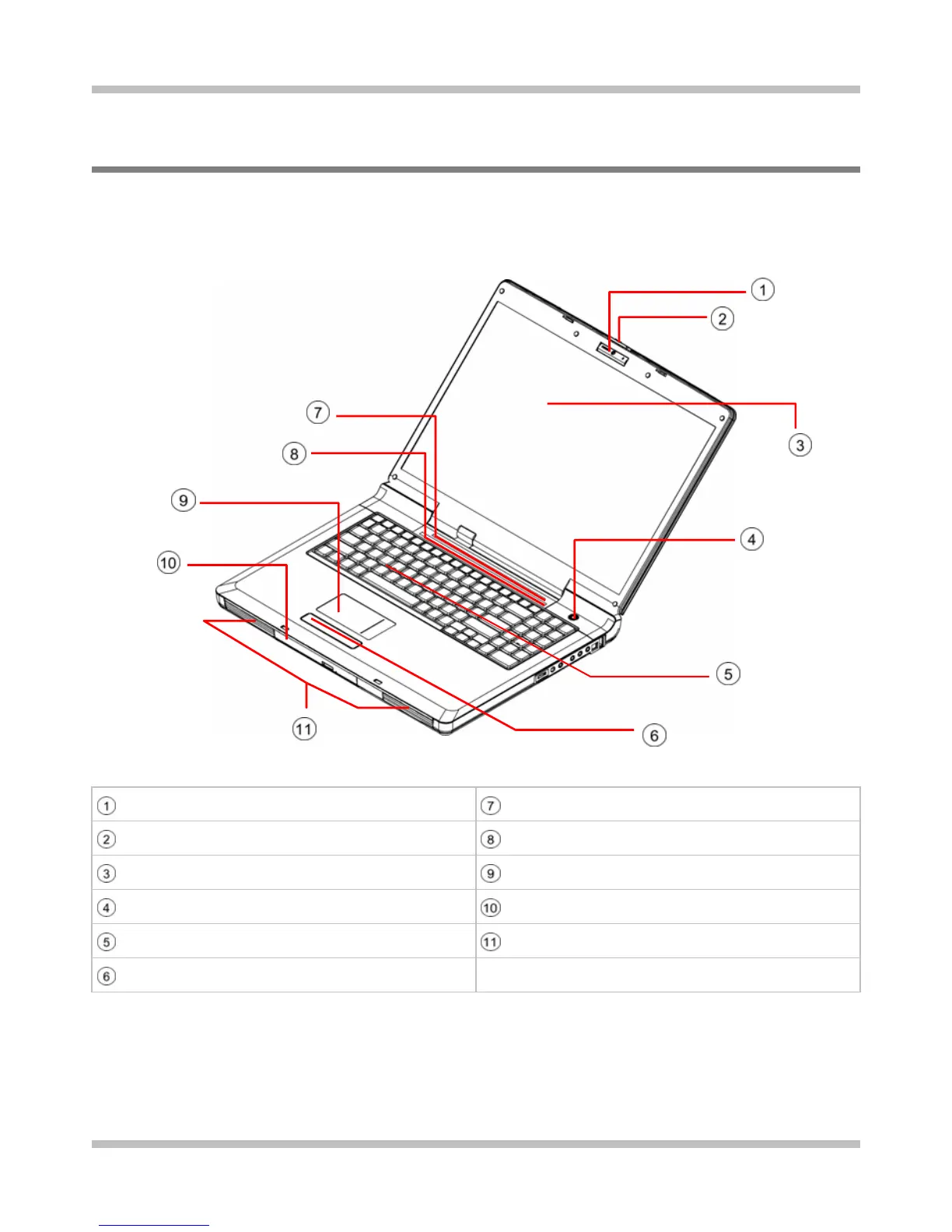
Panoramic View
Web Cam (Optional) Seven System LEDs
LCD Latch Nine Finger-Touch Buttons
LCD Screen Touch Pad
Power Button ODD Drive
Keyboard Two Speakers
Two Click Buttons
Page 1-2















 To Next Page