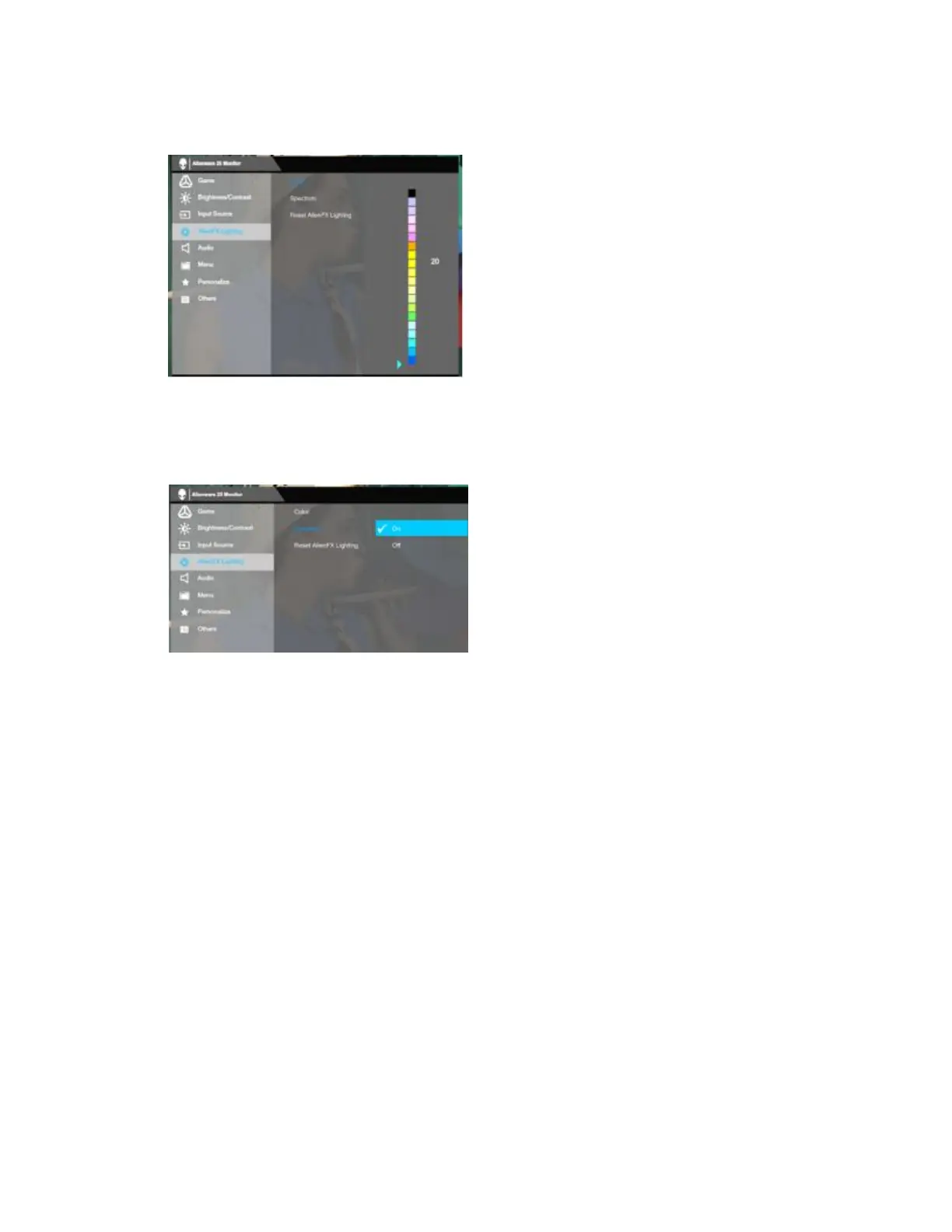
Go to the OSD menu- >AlienFX Lighting ->Color ->Color ->Select color from the list
of 20 available colors. (Figure 5.)
Figure 5. - Manual configuration of AlienFX Lighting
To automatically set up AlienFX Lighting:
Go to the OSD menu ->AlienFX Lighting ->Spectrum ->Select "On". (Figure 6.)
Figure 6. - Automatic configuration of AlienFX Lighting
The location of Alienware logo lighting and Triad lights. (Figure 7.)















 To Next Page