22 | About your monitor
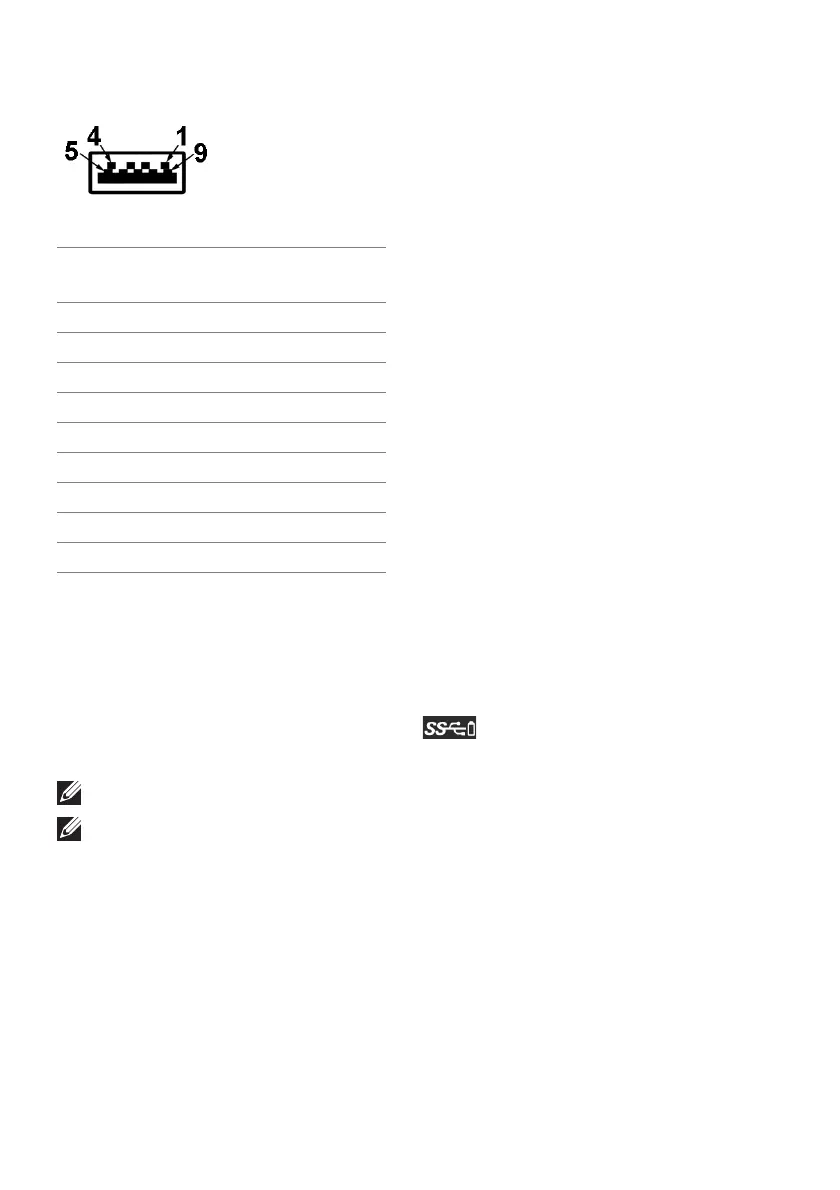
USB downstream connector
Pin number 9-pin side of the
connector
1 VCC
2 D-
3 D+
4 GND
5 SSRX-
6 SSRX+
7 GND
8 SSTX-
9 SSTX+
USB ports
• 1 x upstream - rear
• 2 x downstream - rear
• 2 x downstream - bottom
Power charging port - the port with icon; supports up to 2 A fast-
charg
ing capability if the device is BC1.2 compatible.
NOTE: USB 3.0 functionality requires a
USB 3.0-capable computer.
NOTE: The USB ports on the monitor work only when the monitor is
turned on or in Standby mode. If you turn off the monitor and then turn it
on, the attached peripherals may take a few seconds to resume normal
functionality.















 To Next Page