46 | Operating the monitor
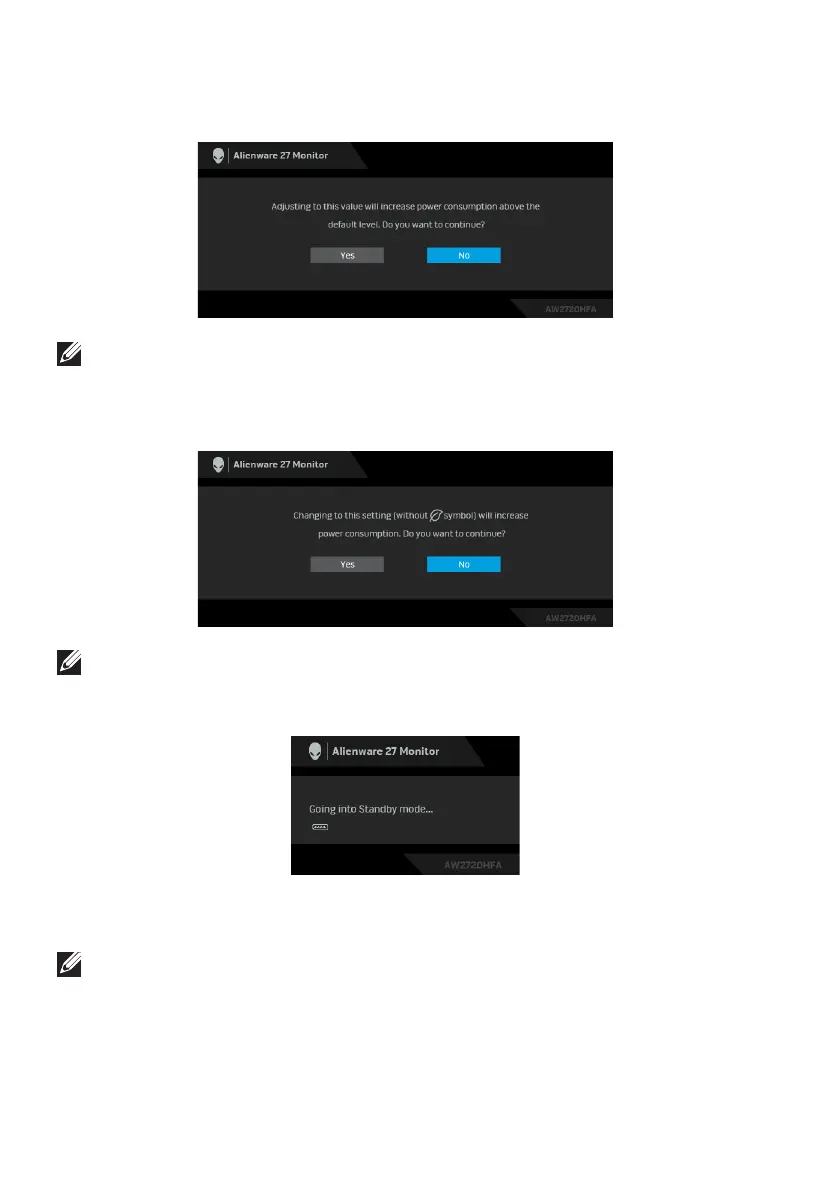
When you adjust the Brightness
level for the first time, the following message
appears:
NOTE: If you select Yes, the message will not appear next time when you
intend to change the Brightness setting.
When USB is
set to On in Standby Mode for the first time, the following
message appears:
NOTE: If you select Yes, the message will not appear next time when you
intend to change the USB setting.
When the monitor goes into Standby mode, the
following message appears:
Activate the computer and wake up the monitor to gain access to the Using the
On-Screen Display (OSD) menu.
NOTE: The message may be slightly different according to the connected
input signal.















 To Next Page